How to offer white-label WordPress maintenance under your own brand
A white label WordPress maintenance service is the cleanest recurring revenue an agency can add: the client pays your brand, your rate, for an outcome your back office produces. The catch has always been the back office itself — white-labeling only works if delivering the service costs you dramatically less than you charge for it.
This guide covers both halves: how to package maintenance under your own brand, and how to run the delivery on autopilot — jobs and playbooks doing the checklist, your team doing the approvals, and every deliverable carrying your name.
What a white label WordPress maintenance service includes
The offer is standard; the brand on it is what changes. A sellable package covers:
- The recurring checklist — update monitoring, broken-link crawls, security scans, database cleanup, on a schedule.
- Monthly passes — a safe update batch, an SEO health check, and a performance look at whatever tier you sell.
- The report — the deliverable the client actually reads, under your logo, in plain language.
- The paper trail — evidence behind every line of that report, in case anyone ever asks.
Walkthrough 1: Set up the back office
- Install NibWP on each client site you maintain — it runs on their WordPress, under your credentials, like any professional tool.
- Schedule the core jobs (link crawl, security scan, update check, cleanup) to match the tier each client bought.
- Connect your AI client over MCP for the monthly passes — one seat drives every site.
- Each site keeps its own approvals inbox and audit log — the boundary between clients stays hard.
Walkthrough 2: Encode your standards as playbooks
The service is only yours if the procedure is yours. Write your maintenance method — what gets checked, in what order, what must never happen — as a Workflow playbook, and NibWP injects it into every run as mandatory rules. Your standards execute even when you're not in the room; the full system is on the Workflows page.
Walkthrough 3: Brand the deliverable
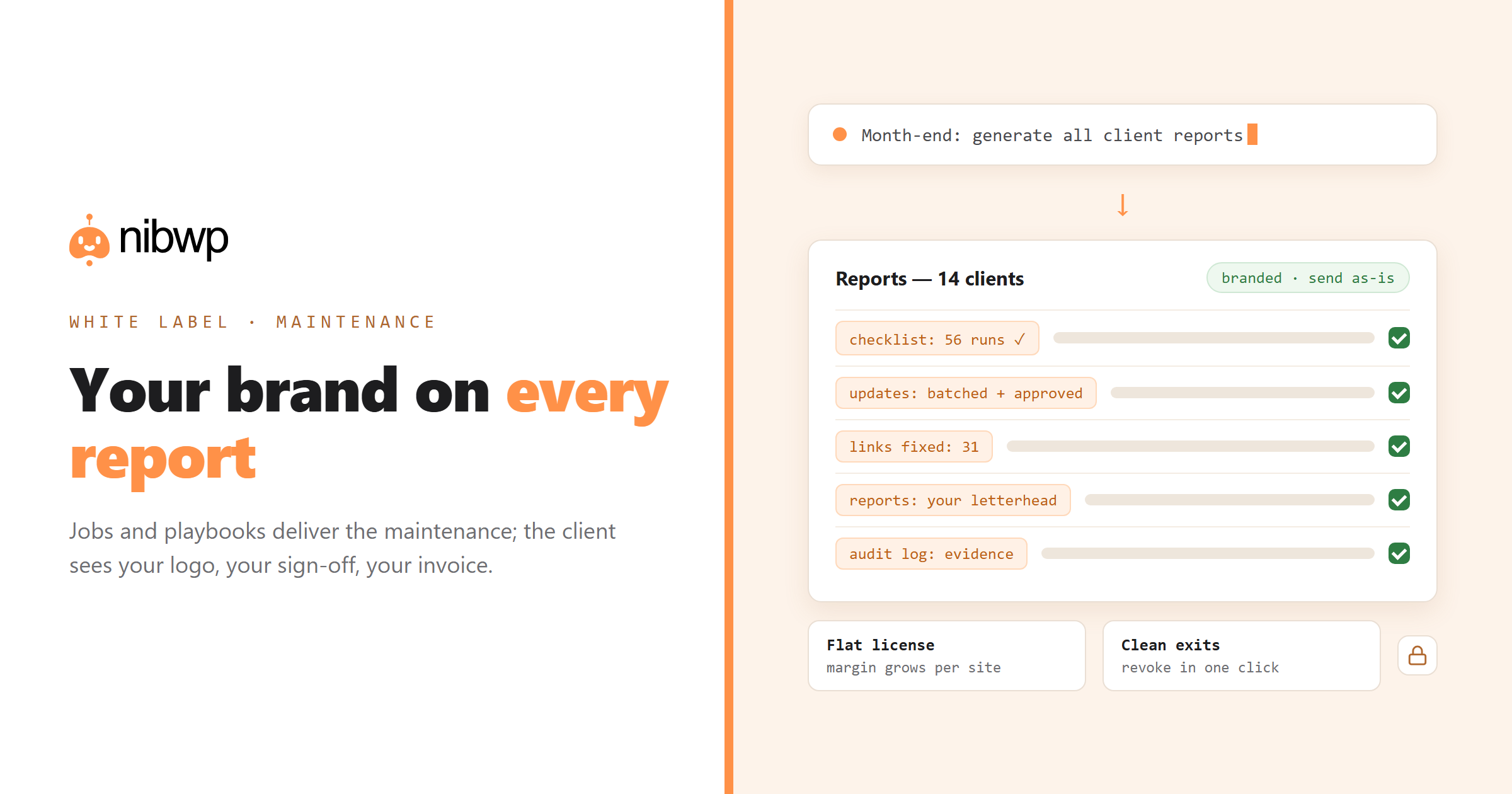
- Run the site-audit-report playbook at month end — it assembles what actually happened from the runs and the audit log.
- The report reads as your work product because it is: your procedure, your review, your sign-off.
- Deliver it under your letterhead — there's no vendor branding to explain away.
- Keep the audit log as your evidence layer — dated, attributable, exportable if a client ever audits the work.
Walkthrough 4: Price it like a product
- Essential — the scheduled jobs plus the monthly report. Near-zero marginal hours; price it as insurance.
- Standard — add the monthly update pass and SEO check. Cost is minutes of approval review per site.
- Premium — add quarterly performance and content work, and faster turnaround on approvals.
Anchor the price to what the client would pay a freelancer for the same checklist done by hand — not to what the tooling costs you. The margin is the point: your license is flat, the client's problem is recurring.
Walkthrough 5: Onboard a client site in fifteen minutes
- Install and connect NibWP, scope the credential, schedule the tier's jobs.
- Pin your maintenance playbook so every future run follows house rules.
- Run the first audit immediately — the “here's what we found on day one” report is the best onboarding document a care plan has.
Walkthrough 6: Offboard cleanly
When an engagement ends, revoke the site's scoped credential — one click, effective immediately. The client keeps their site and their history; your playbooks leave with you. Clean exits are part of what makes the service professional.
The bottom line
White-labeling is a margin question wearing a branding costume. Brand the report, encode your standards, and let jobs and playbooks produce the outcome — then the service scales with sites, not with headcount, and every client sees exactly one name on the work: yours.
The sell-side page for this offer is white-label AI WordPress services; the full delivery manual is maintenance plans on autopilot and the packaged version is AI-powered care plans. Licensing is flat — see pricing.