AI image alt text for WordPress: backfill the whole media library
Missing alt text is the most common accessibility failure on WordPress sites, and the most boring to fix. A media library with four thousand images represents days of typing that nobody has ever budgeted. It is also close to the perfect AI job: high volume, low ambiguity, easy to review, and genuinely valuable for both accessibility and image search.
Every write below goes through the same shape: the agent reads first, shows a plan, and nothing is written until you approve it — with the whole run in the audit log.
Why it stays undone
Nobody disputes that alt text matters — for screen reader users first, and for image SEO second. It stays undone because the work is per-image, the value per image is small, and the total is enormous. Classic backlog: important in aggregate, never urgent individually.
How an agent does it well
- The filename, which often carries the subject.
- The post the image appears in — its title, its headings, the paragraph around the image.
- The image's own caption or title field if set.
- Whether it is decorative, a product photo, a screenshot or a logo — each wants different treatment.
The prompt
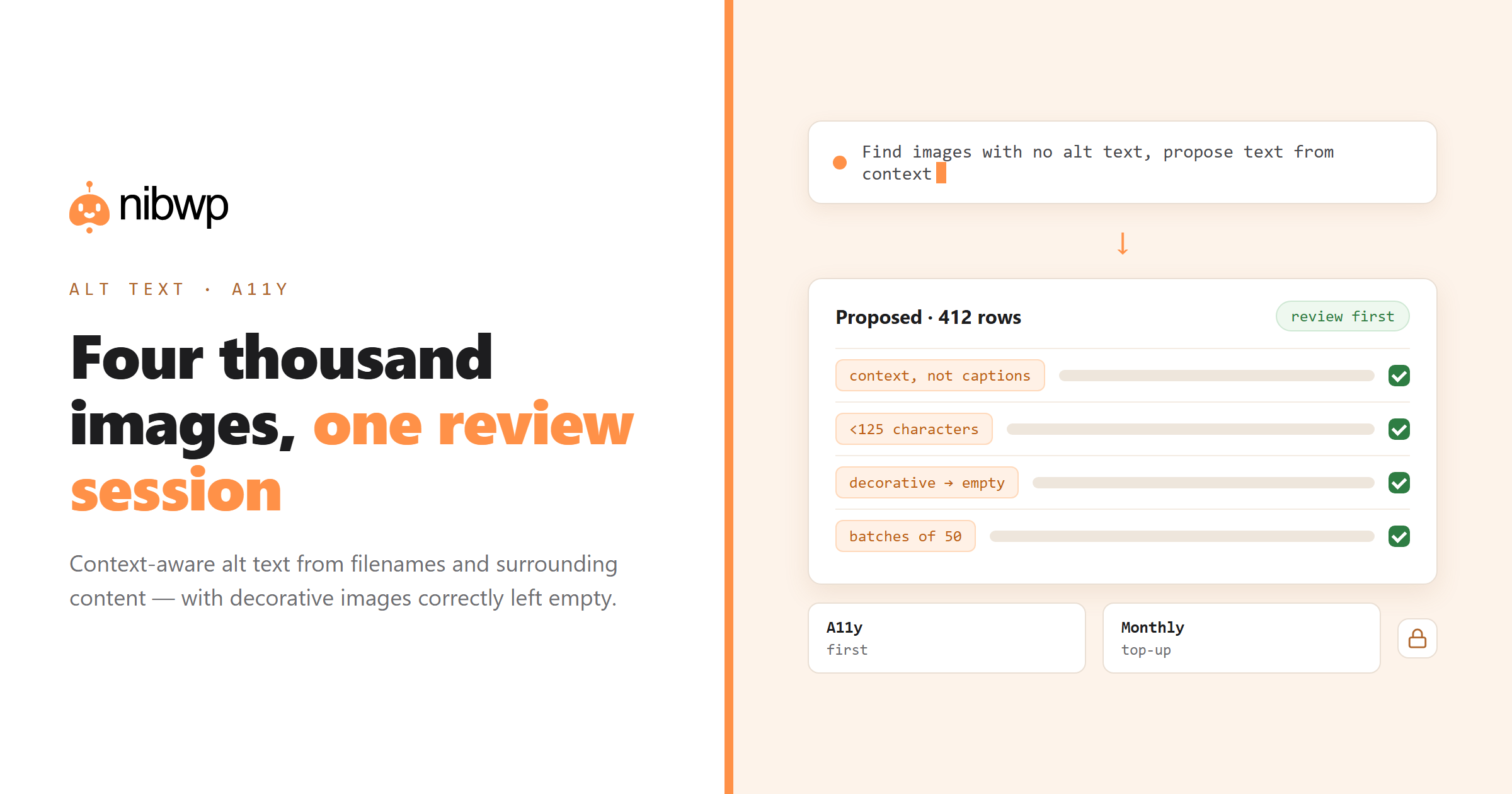
Find images in the media library with no alt text, attached to published posts.
For each: look at the filename, the post it appears in, and the surrounding text.

Write alt text that:
- describes what matters about the image in that context
- is under 125 characters
- does not start with "image of" or "picture of"
- includes a relevant keyword only where it is genuinely descriptive
- is empty (alt="") if the image is purely decorative — say so in the table

Show me a table: filename, post, proposed alt text. Write nothing yet.
Then apply in batches of fifty, checking the first batch carefully. The decorative-image line matters: marking a decorative image with empty alt is correct accessibility practice, not a gap.
Cases that need different handling
- Product images.
- Screenshots. Describe what the screenshot demonstrates, not the interface chrome.
- Charts and data. Alt text gives the takeaway; the detail belongs in a caption or nearby text.
- Logos.
- Decorative. Empty alt. A screen reader announcing a background texture is worse than silence.
Keeping it fixed
Backfilling once and drifting again is the usual pattern. Two habits prevent it:
- Run the same prompt monthly against images uploaded since the last run — a two-minute job once the backlog is gone.
- Add alt text to your content procedure so new posts ship with it, rather than relying on a later sweep.
It pairs naturally with the other accessibility and SEO sweeps in SEO at scale.
What separates good alt text from generated filler
The test is simple: read only the alt text of a page, in order, and ask whether you understand what the page is about. Generated filler fails this immediately because each description was written without knowing the others exist.
- Describe function, not appearance.
- Do not repeat the caption. If a caption already describes the image, alt text can be shorter or empty.
- Screen readers already announce that it is an image.
- Context over completeness. The same photo needs different alt text in a case study than on an about page.
Auditing what you already have
Existing alt text is often worse than none — keyword-stuffed from an old SEO push, or auto-generated from filenames like IMG_4471. Find it:
Audit existing alt text across the media library. Flag:
- alt text identical to the filename
- alt text starting with "image of" or "picture of"
- alt text over 150 characters
- the same alt text repeated on 3+ different images
- alt text that is a list of keywords rather than a sentence

Table with the image, the post it appears in, and why it's flagged.
Running it across a portfolio
For agencies, this is a per-client deliverable rather than a one-off chore. The same prompt runs on every site; the output is a report you can attach to a care-plan summary. Two practical notes at portfolio scale:
- Run it read-only first on every site and total the missing counts. That number is your case for the work.
- Do the write pass site by site, not portfolio-wide in one run. Review fatigue is real, and alt text is exactly the kind of output that gets rubber-stamped at row 300.
It fits naturally into the monthly sweep described in care plans on autopilot.
FAQ
Can AI write alt text for WordPress images?
Yes. An agent can find images with no alt text, read the filename and the surrounding post content for context, propose alt text for each, and write it after you approve the table.
Is AI-generated alt text good enough for accessibility?
When it uses context rather than captioning in isolation, and when a human reviews the batch, yes. The failure mode is generic description — which is why the prompt should require context and flag decorative images.
How long should alt text be?
Under about 125 characters, describing what matters in context. Decorative images should have empty alt so screen readers skip them.
Does alt text help SEO?
It helps image search and contributes to page context, but accessibility is the primary reason. Keyword stuffing alt text is both bad practice and easily detected.
Can it handle thousands of images?
Yes, in batches. Review the first batch carefully, then let it work through the rest with periodic checks — and re-run monthly for new uploads.