Bulk-create WooCommerce products from a spreadsheet, automatically
Bulk create WooCommerce products straight from a spreadsheet, supplier feed or folder of photos: NibWP turns rows into real products — titles, prices, images, categories, attributes — on a plan you approve before your store changes.
Nobody opened an agency to key in product data. Yet every store launch and every catalog refresh ends the same way: a spreadsheet on one screen, wp-admin on the other, and an afternoon of copy-paste. To bulk create WooCommerce products without the afternoon, hand the sheet to your AI and review what it plans to write.
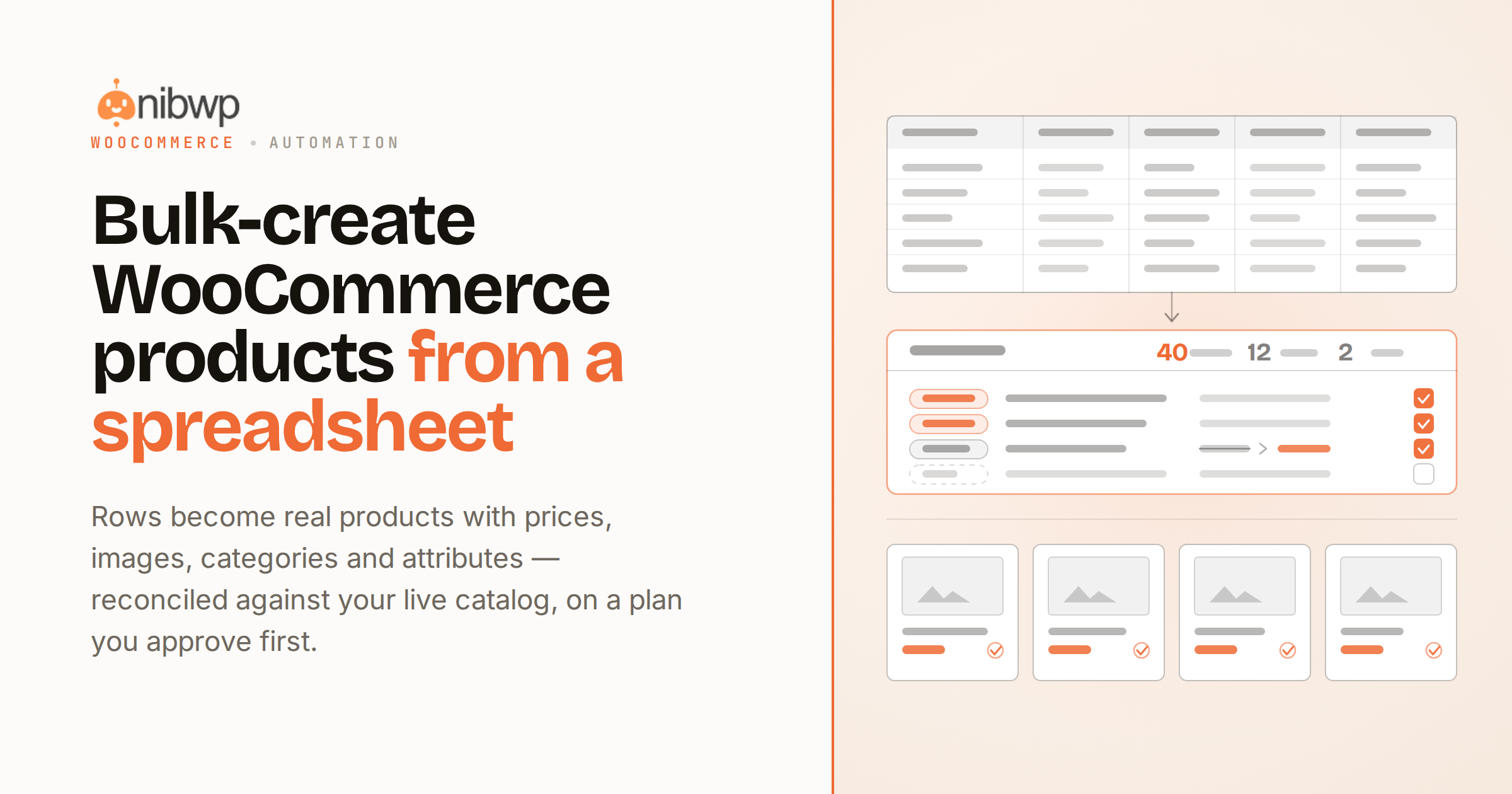
NibWP exposes WooCommerce to your AI client as typed tools. “Add these 40 products from this sheet” becomes a plan: each row mapped to a real product with its price, images, category and attributes — checked against what's already in the store so you get updates where they exist and creations where they don't.
Everything AI can do on a store — coupons, orders, catalog edits — is on the WooCommerce + MCP page. Product copy that needs writing gets drafted for review, never auto-published. Run several stores? One command center covers the portfolio. WooCommerce tools ship in the Bundle — get it here or compare pricing.
From rows to a live catalog
Spreadsheet in
CSV, sheet export or a pasted table — columns map to product fields, including variations and attributes.
Real products out
Native WooCommerce products with prices, SKUs, stock, categories and images — not imports that need cleanup after.
Photos become products
A folder of product photos plus a price list is enough — images matched, attached and set as galleries.
Updates, not duplicates
Existing SKUs are detected and updated in place; only genuinely new rows become new products.
Copy drafted on-brand
Missing titles and descriptions are drafted for your review — never auto-published to the storefront.
One plan, one approval
The whole batch arrives as a reviewable plan: 40 creations, 12 updates, 2 skips — approve once, done.
How to bulk create WooCommerce products from a sheet
A catalog session in four steps:
- Point your connected AI at the source — the spreadsheet, feed URL or image folder.
- NibWP maps rows to products against your store's live taxonomy and existing SKUs.
- Review the batch plan — what gets created, what gets updated, what gets skipped.
- Approve, and real WooCommerce data is written — with the run logged and reported.
Why not just a generic AI?
CSV importers move cells. This one understands stores.
A CSV importer
- Demands a perfectly formatted file and fails in bulk when it isn't
- Creates duplicates the moment a SKU column is off
- No plan, no preview of consequences — just an import log
NibWP + WooCommerce
- Takes messy real-world sheets and maps them to your actual schema
- Reconciles against live products before writing anything
- Shows the whole batch as a plan you approve first
Safe by default
Store data is money — it's treated that way:
- No write touches the store until the batch plan is approved.
- Runs on WooCommerce's own APIs; store data stays on your site.
- Orders and customers are read-only by default.
- Every batch is logged — what changed, when, on whose approval.
Questions, answered
Bulk product work, without the data entry.
What formats work as input?
Does it handle variable products?
What about existing products?
Can it write product descriptions too?
The next catalog takes an approval, not an afternoon.
Hand the spreadsheet to your store — WooCommerce tools ship in the Bundle.