WooCommerce + MCP: Let AI Run Your Store in WordPress
Connect WooCommerce to Claude, Cursor or ChatGPT through NibWP’s MCP server, and manage your whole catalog, orders and coupons by describing what you want — with a plan you approve before anything is written.
Running a WooCommerce store is a thousand small admin jobs: adding products, fixing prices, tagging categories, building coupons, checking which orders need attention. Each one is only a few clicks — but times hundreds of products, it is your whole afternoon.
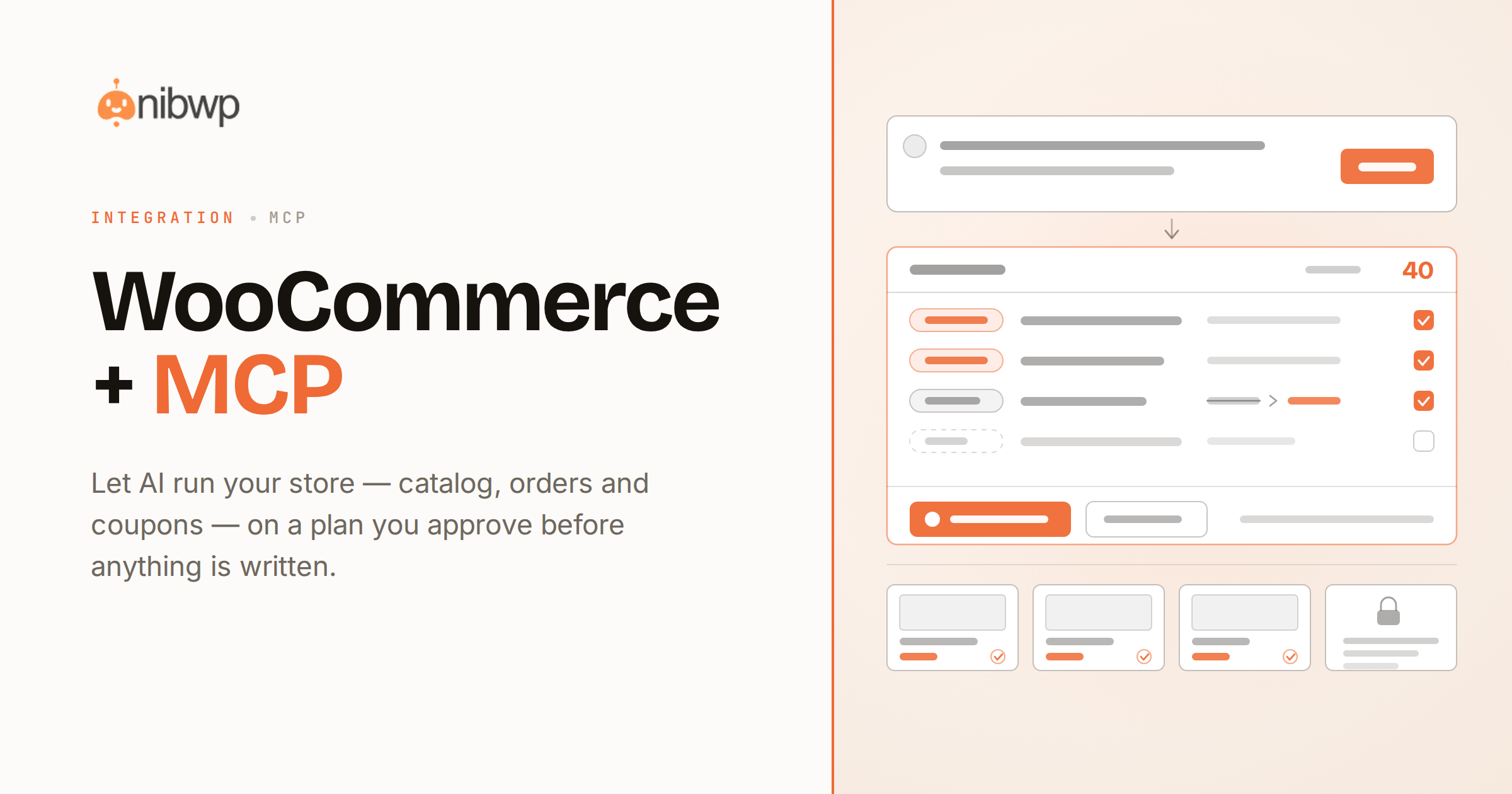
NibWP turns WooCommerce into something an AI agent can operate. It exposes your store as MCP tools, so you — or a client’s site — can say “add these 40 products from this spreadsheet” or “build a 15% coupon for returning customers,” review the plan, and let it do the work.
The biggest time-saver is catalog work — see how stores bulk-create WooCommerce products from a spreadsheet, automatically.
What AI can do on your store
Bulk-create products
A spreadsheet, a supplier feed, or a folder of photos becomes real WooCommerce products — titles, prices, images and categories.
Edit the catalog
Change prices, stock, tags and attributes across many products at once, by describing the change.
Build coupons
Fixed, percentage or conditional coupons from a plain-English brief.
Read & summarise orders
Ask for today’s sales, top products, or which orders need attention — read-only.
Categories & attributes
Reorganize the catalog: new categories, attribute terms, and their assignments.
Draft product copy
Titles and descriptions on brand, ready for your review — never auto-published.
How it works
There is no dashboard to learn. You describe an outcome, NibWP plans it, and you approve before anything changes:
- Connect — install NibWP and connect your AI client over MCP. WooCommerce shows up as tools automatically.
- Describe — tell it what you want in plain English, or point it at a sheet, a URL or a folder of images.
- Approve — NibWP shows you exactly what it will write. Nothing happens until you say yes.
- Done — it writes real WooCommerce data and reports back in plain English.
Why not just a generic AI?
A general-purpose assistant can write text about your store, but it cannot safely operate it. The difference is what actually gets written to WooCommerce.
A generic assistant
- Guesses your product structure and pastes results into a code block
- Has no idea what is installed, or what is already in stock
- Writes blindly — no plan you can review, and no way to undo
WooCommerce + NibWP
- Builds real WooCommerce products and meta, using your live store’s taxonomy
- Checks what already exists before it writes anything
- Shows a plan you approve, and logs every change it makes
Safe by default
NibWP is built for client sites, so control and traceability come first:
- Nothing is written without your approval — you see the plan first.
- Every action is recorded in a full audit trail.
- It runs on WooCommerce’s own APIs — your store data stays on your site.
- Orders and customers are read-only by default.
Questions, answered
Everything about running WooCommerce with NibWP.
Do I need WooCommerce installed?
Which AI clients work?
Will it overwrite my products?
Is WooCommerce support a paid add-on?
Run your store by describing it.
Get the Bundle and let NibWP operate WooCommerce for you — catalog, orders and coupons, safely on your own site.