WordPress + MCP: Every Ability an AI Agent Can Call
Turn any WordPress site into an MCP server. Connect Claude, Cursor or ChatGPT and let it work through real, typed abilities — with a plan you approve before anything is written.
What is a WordPress MCP server?
A WordPress MCP server lets AI clients such as Claude, ChatGPT and Cursor operate a WordPress site through the Model Context Protocol (MCP), the open standard for connecting AI agents to tools. Instead of scraping the admin or getting raw database access, the agent calls typed tools: create a post, update a product, set SEO meta, build a page.
NibWP adds that server to WordPress as a plugin: 190+ typed tools across 45+ integrations, a plan you approve before anything is written, and an audit log of every call.
MCP server vs REST API vs screen-scraping vs WP-CLI
| NibWP MCP server | WordPress REST API | Admin screen-scraping | WP-CLI | |
|---|---|---|---|---|
| Built for AI agents | Yes, tools describe themselves to the agent | No, the agent must already know the endpoints | No, the agent guesses from the screen | No, shell commands for a terminal |
| Plugin data (WooCommerce, ACF, SEO, builders) | Typed tools per plugin, 45+ integrations | Only what each plugin exposes | Breaks when the admin UI changes | Only plugins that ship CLI commands |
| Plan and approval before writes | Yes | No | No | No |
| Audit log of every action | Yes | Not by default | No | Shell history only |
| Access it needs | Application password on your site | Application password | An admin login | SSH access to the server |
| Works with Claude, ChatGPT, Cursor | Any MCP client | Custom integration per client | Browser agents only | Terminal agents only |
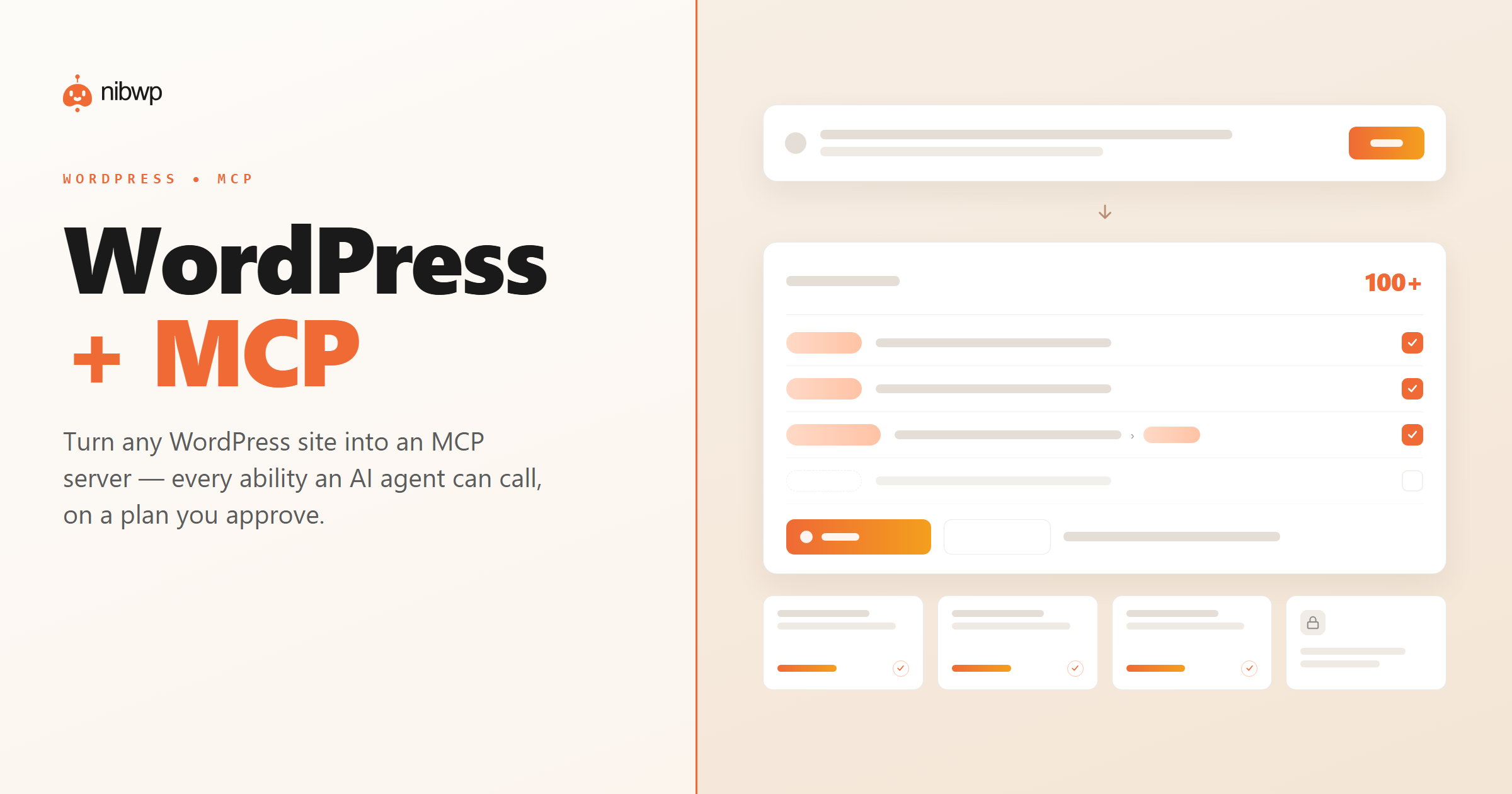
AI clients are great at writing, but they cannot safely operate a WordPress site. Screen-scraping the admin is brittle, and handing over raw database access is a non-starter for a client build.
NibWP turns WordPress into an MCP server. It exposes your site as real, typed tools an AI agent can call — read a page, draft a post, update a field, run an SEO pass — each one validated, logged, and gated behind your approval.
What you can do over MCP
Typed tools, not scraping
Agents work through real WordPress abilities with input validation — not brittle screen-scraping of the admin.
Content & fields
Draft, update and bulk-edit posts, pages and custom fields, just by describing the change.
Any MCP client
Claude Code, Claude Desktop, Cursor, Windsurf and ChatGPT — one endpoint, any client that speaks MCP.
Approve before write
Every write shows a plan first. Nothing changes on your site until you say yes.
Runs on WordPress core
No external service. Abilities run on your own site through WordPress and your plugins’ APIs.
Full audit log
Every action an agent takes is recorded and reviewable after the fact.
How it works
You connect once, then work in plain English:
- Install NibWP and create a WordPress application password — no code.
- Point your AI client at the MCP endpoint. Your site’s abilities appear as tools.
- Describe what you want. NibWP plans it and shows you exactly what it will do.
- Approve, and it writes to WordPress through typed, validated tools — then reports back.
The same endpoint works across every AI client you use.
Why typed tools beat scraping
A generic AI can click around the admin, but it breaks the moment the UI changes and can go off the rails. Typed MCP tools are different.
Screen-scraping an agent
- Breaks when the admin UI changes
- No validation — writes whatever it guesses
- Hard to see or undo what it did
WordPress + NibWP
- Real, versioned abilities with input validation
- Plans every change for your approval
- Logs every call for a full audit trail
Safe by default
Built for client sites, so control and traceability come first:
- Nothing is written without your approval.
- Every ability call is recorded in the audit log.
- Runs on WordPress core and your plugins’ own APIs — your content and site data stay on your server.
- Reads are read-only; writes are gated.
Questions, answered
Everything about running WordPress as an MCP server.
What is an MCP server?
Which AI clients can connect?
Do I need to write code?
Is it safe on a client site?
Turn your WordPress into an MCP server.
Install NibWP, connect your AI client, and start working through real abilities — safely, on your own site.