Gravity Forms + MCP: Build Forms With AI
Connect Gravity Forms to Claude, Cursor or ChatGPT through NibWP. Describe the form you need — fields, logic, notifications — and get a real Gravity Form, ready to embed.
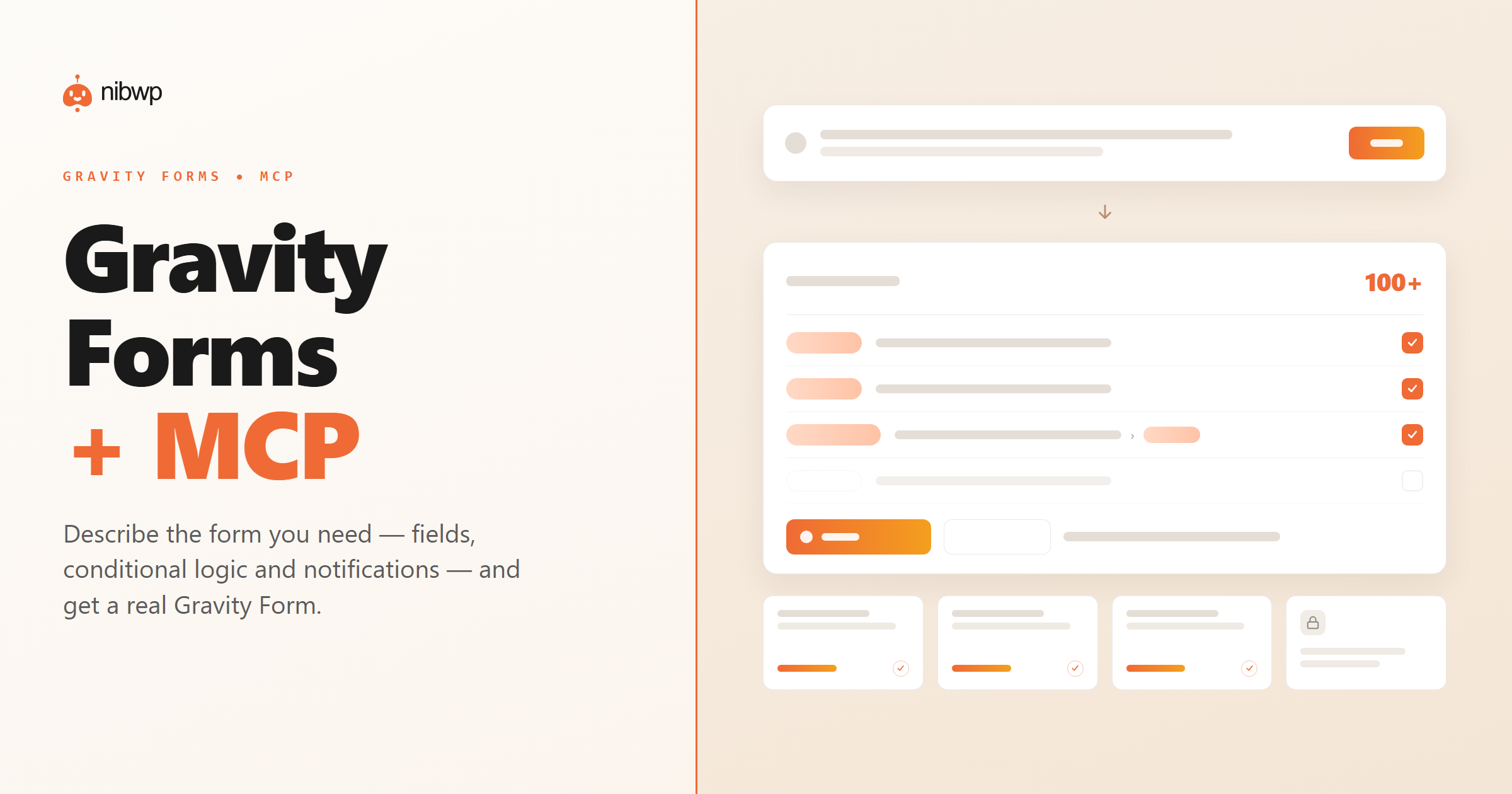
Gravity Forms can build almost anything, which is exactly why a complex form takes a while to assemble — fields, conditional logic, notifications, confirmations, all by hand. A generic AI can tell you how, but it can't build it on your site.
NibWP exposes Gravity Forms as MCP tools. Describe the form and it creates a real one — correct field types, conditional logic and notifications — then edits it on your approval.
What you can do over MCP
Forms from a description
Say what you're collecting and get a real Gravity Form — the right fields, in the right order.
Every field type
Text, email, dropdowns, checkboxes, file upload, date, multi-page — mapped to real Gravity field types.
Conditional logic
Show, hide and require fields based on answers — described in plain English, built correctly.
Notifications & confirmations
Set up admin and user notifications, plus confirmation messages or redirects.
Edit existing forms
Add fields, tweak logic or fix notifications on a form you already have.
Approve before write
Every form and change is shown as a plan first — nothing is saved until you confirm.
How it works
- Install NibWP and connect your AI client over MCP — Gravity Forms shows up as tools.
- Describe the form: “a quote request with contact fields, a budget dropdown and file upload.”
- NibWP builds the form with the right fields, logic and notifications, and shows you the plan.
- Approve, and the form is saved — ready to embed anywhere.
Why typed tools beat a generic AI
A generic assistant
- Explains the steps — you still build it
- Guesses field types and logic
- Can't set up notifications on your site
Gravity Forms + NibWP
- A real Gravity Form, built for you
- Correct field types and conditional logic
- Notifications and confirmations wired up
Safe by default
Built for client sites, so control and traceability come first:
- Nothing is written without your approval — you see the plan first.
- Every action is recorded in a full audit trail.
- It runs on WordPress core and your plugins’ own APIs — your content and site data stay on your server.
- Reads are read-only; writes are gated.
Questions, answered
Common questions about Gravity Forms over MCP.
Does it need Gravity Forms installed?
Can it edit forms I already have?
Will it touch my live forms?
Which AI clients work?
Put AI to work in Gravity Forms.
Install NibWP, connect your AI client, and work through real Gravity Forms abilities — safely, on your own site.