LearnDash + MCP: Build Courses With AI
Connect LearnDash to Claude, Cursor or ChatGPT through NibWP. Turn a brief, outline or transcript into a complete, structured LearnDash course — on a plan you approve.
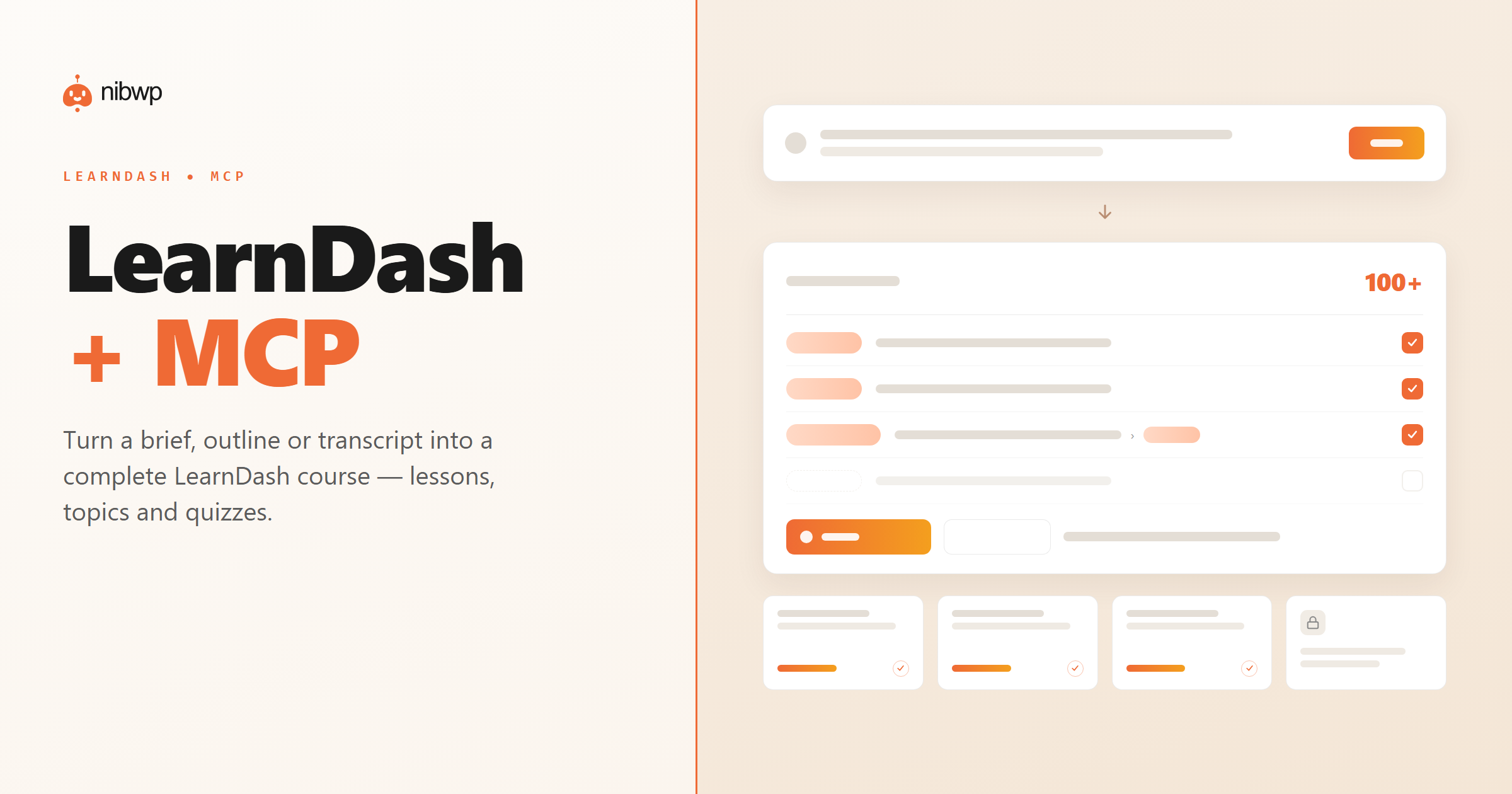
Building a course in LearnDash means creating the course, then every lesson, topic and quiz, then wiring up drip and prerequisites — a lot of clicking before you've written a word. A generic AI can outline a course, but it can't build it in LearnDash.
NibWP exposes LearnDash as MCP tools. Hand it a brief, an outline or a transcript and it scaffolds the whole course — lessons, topics, quizzes and settings — then drafts the content on your approval.
What you can do over MCP
Whole courses from a brief
An outline, brief or transcript becomes a structured LearnDash course — not a blank shell.
Lessons & topics
Content is broken into real lessons and topics in a sensible order, ready to refine.
Quizzes
Generate quizzes with questions and answers attached to the right lessons.
Drip & prerequisites
Set release schedules and prerequisites so learners move through in order.
Fill in the content
Draft lesson bodies on brand, ready for your review — never auto-published.
Approve before write
The course structure is shown as a plan first — nothing is created until you confirm.
How it works
- Install NibWP and connect your AI client over MCP — LearnDash shows up as tools.
- Give it a source: a brief, an outline, or a transcript of the material.
- NibWP builds the course structure — lessons, topics and quizzes — and shows you the plan.
- Approve, and the course is created, ready to review and publish.
Why typed tools beat a generic AI
A generic assistant
- Outlines a course — you still build it
- No real lessons, topics or quizzes
- Can't set drip or prerequisites
LearnDash + NibWP
- A real, structured LearnDash course
- Lessons, topics and quizzes in place
- Drip and prerequisites configured
Safe by default
Built for client sites, so control and traceability come first:
- Nothing is written without your approval — you see the plan first.
- Every action is recorded in a full audit trail.
- It runs on WordPress core and your plugins’ own APIs — your content and site data stay on your server.
- Reads are read-only; writes are gated.
Questions, answered
Common questions about LearnDash over MCP.
Does it need LearnDash installed?
Can it write the lesson content too?
Will it change existing courses?
Which AI clients work?
Put AI to work in LearnDash.
Install NibWP, connect your AI client, and work through real LearnDash abilities — safely, on your own site.