The safe way to put AI to work on client WordPress sites
Safe AI for client WordPress sites means one thing: the agent can never change a site behind your back. NibWP enforces it with approval gates before every write, typed tools instead of arbitrary code, scoped per-site credentials and a full audit log.
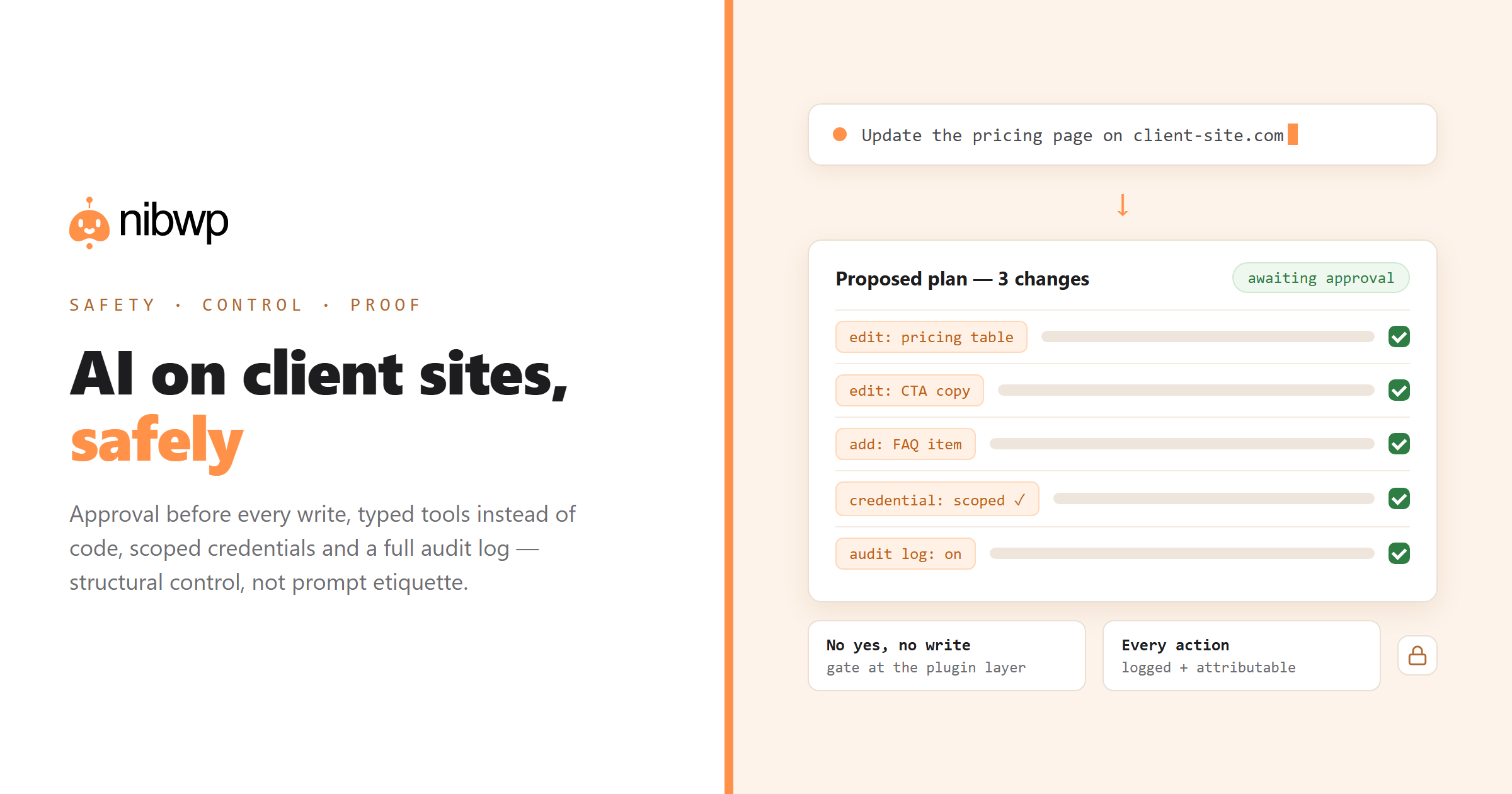
The reason most agencies haven't put AI on client sites isn't capability — it's liability. Safe AI for client WordPress sites can't mean “the model is usually right.” It has to mean structural control: the agent literally cannot write without a human yes, and every action it takes is recorded and attributable.
That's the architecture NibWP is built on. The agent works through 132 typed MCP tools — each one a specific, bounded operation through WordPress core and plugin APIs, not a code-execution channel. Reads are read-only. Writes queue for approval. Credentials are scoped and domain-locked per site. And the audit log turns “what did the AI do?” into a report, not a shrug.
The full technical argument — approval gates, typed tools, draft-only mode, what the credential can and cannot touch — is in is AI write access to WordPress safe? With the controls in place, the payoff is real work: maintenance that runs overnight, a whole portfolio from one seat and care plans with AI doing the work. See pricing when you're ready.
The five controls that make it safe
Approval before every write
Every change arrives as a plan. Until someone on your team says yes, the site is untouched — that's the gate, not a setting.
Typed tools, not code execution
The agent calls bounded operations — create this post, update that field — through core APIs. It cannot run arbitrary code on the site.
Scoped, domain-locked credentials
Each site's credential works on that site only, with the permissions you granted. Revoke it in one click.
A full audit trail
Every action, every site, every approval — dated, attributable, exportable. Your answer to any client question.
Draft-only when you want it
Force all content writes to drafts and nothing reaches the front end without an editorial pass on top of the approval.
On your server, not a proxy cloud
NibWP runs on the site itself. Content and client data don't route through a third-party platform.
Safe AI for client WordPress sites: how it works
Safety that doesn't slow the work down:
- Install NibWP on the client site and scope the credential — what it may read, what it may propose.
- Connect your AI client over MCP; it discovers the typed tools it's allowed to use.
- Work normally — reads are instant, writes become plans in the approval queue.
- Approve, and the change lands with its log entry; decline, and nothing happened.
Why not just a generic AI?
“Be careful with the prompt” is not a safety model. Structure is.
An agent with admin access
- Can execute anything an admin can, the moment it hallucinates
- No plan, no gate — you find out from the live site
- No record of what it did or why
An agent behind NibWP
- Can only call typed, bounded tools you've scoped
- Proposes; humans approve; then it acts
- Leaves a complete, attributable audit trail
Safe by default
Defaults a client's lawyer would approve of:
- Write access is opt-in and gated — read-only is the floor.
- Approvals are enforced at the plugin layer, not by prompt etiquette.
- Every credential is revocable instantly, per site.
- The audit log is append-only — the history can't be quietly edited.
Questions, answered
The questions every agency asks before switching this on.
Can the AI take down a live site?
What does the client see?
Who approved a given change?
Is client data sent to the AI provider?
Put AI to work — without giving up the wheel.
Approval gates, typed tools and audit logs on every client site. Control first; speed follows.