Is It Safe to Give an AI Agent Write Access to Your WordPress Site?
Short answer: raw, unrestricted write access isn’t safe — but that’s not how it has to work. It’s safe when the agent has to show you a plan and wait for approval, can only use typed tools instead of running arbitrary code, and logs every change. That’s how NibWP is built.
It’s the question every agency and freelancer asks before they let an AI near a client site: if the agent can write — edit pages, change prices, publish posts — what stops it breaking something a client is paying you to protect? It’s the right question, and the honest answer is that it depends entirely on the guardrails.
Unchecked write access — an agent that can run arbitrary code and push changes straight to a live site with no review — is genuinely dangerous, and you should be sceptical of any tool that hands over the keys that way. What makes write access safe is control: a plan you approve, tools that can’t run raw code, permissions you scope, drafts you review, and a record of everything. NibWP is built around exactly those controls.
Six things that go wrong — and the control for each
Approve before anything changes
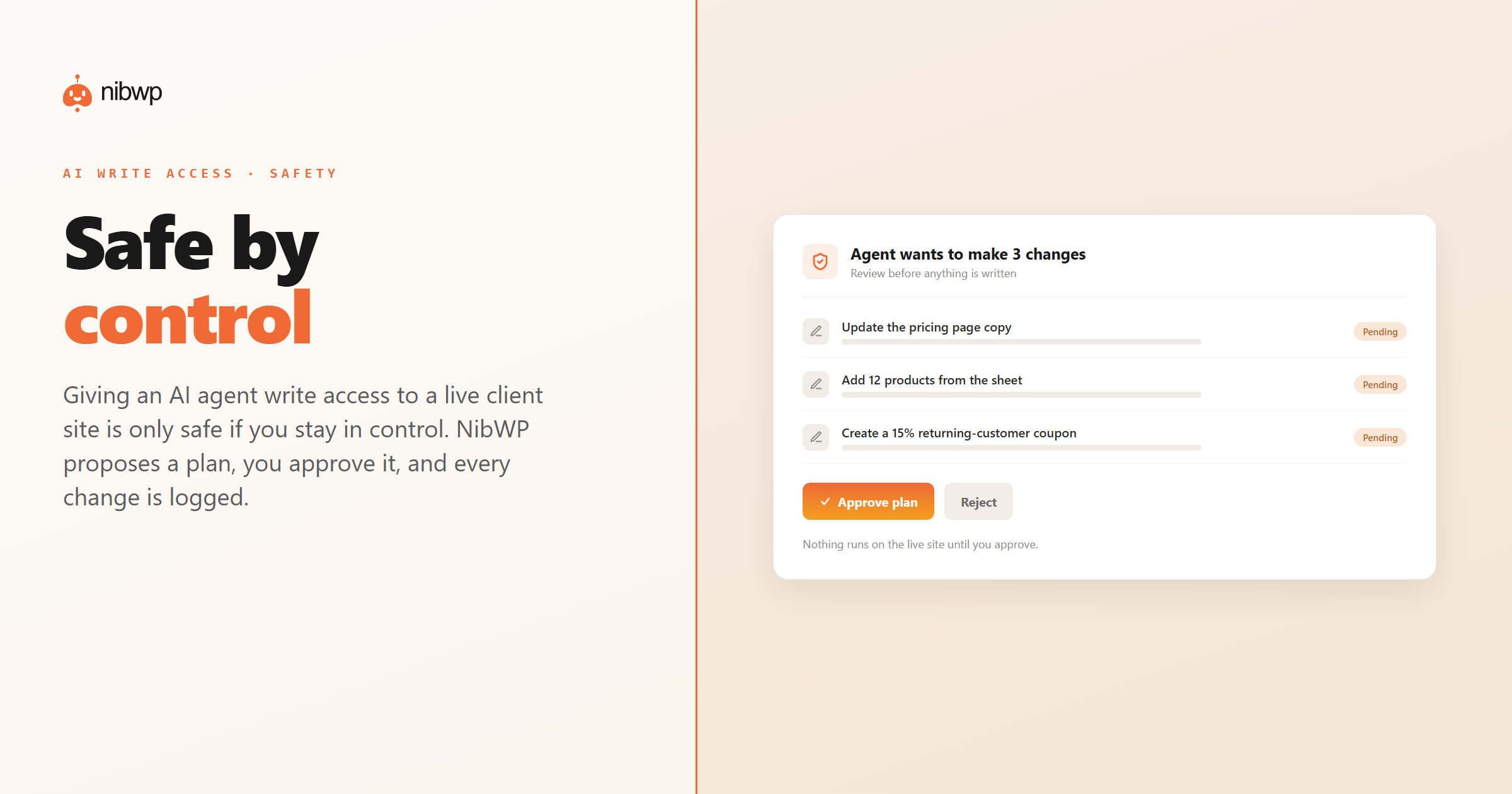
The control buyers ask for most: the agent proposes, you approve. NibWP’s AI Jobs are approval-gated — it drafts a plan and nothing is written to the site until you say yes.
Typed tools, not raw PHP
Arbitrary code execution is a categorically worse class of risk. NibWP exposes a fixed set of typed, validated tools — the agent picks from those; it can’t run free-form PHP or SQL against your database.
Scoped, revocable access
Not every agent should get admin. NibWP authenticates with WordPress Application Passwords and the site’s own capabilities — a dedicated credential you can scope and revoke, not your main admin login.
Force everything to draft
On a live client site you can require new and edited content to land as drafts for a human to publish, so an agent can prepare a whole batch of work without any of it going live on its own.
A full audit log
Every action the agent takes is recorded. The log doubles as a change report you can hand a client — who changed what, when — so nothing happens without a paper trail.
Runs on your own server
NibWP installs on the site itself. Your content and site data stay on the site; there’s no third-party cloud sitting permanently between the agent and your database.
So — is it safe?
Giving an AI agent write access to a live WordPress site is only as safe as the controls around it. With NibWP the agent works to a plan you approve, through typed tools that can’t execute arbitrary code, under a scoped credential, with the option to force everything to draft, and with every change logged. That’s enough control to put an agent to work on real client sites without giving up the wheel — which is the whole point.
Ready to see what that control buys you in practice? This is the system that lets agencies run WordPress maintenance plans on autopilot — approvals, jobs and client-ready reports included.
For the agency-side view of the same controls — what they let you actually sell — see the safe way to put AI to work on client WordPress sites.
AI write access, answered
Can an AI agent change my live site without my approval?
Can the agent run arbitrary PHP or SQL on my database?
How does it authenticate — do I share my admin password?
Is there a record of what the agent did?
Does my site content get sent to a third-party cloud?
Put an agent to work — without giving up the wheel
See how NibWP’s approval gates, typed tools and audit log make write access to live sites something you control.