The 1-click MCP config generator
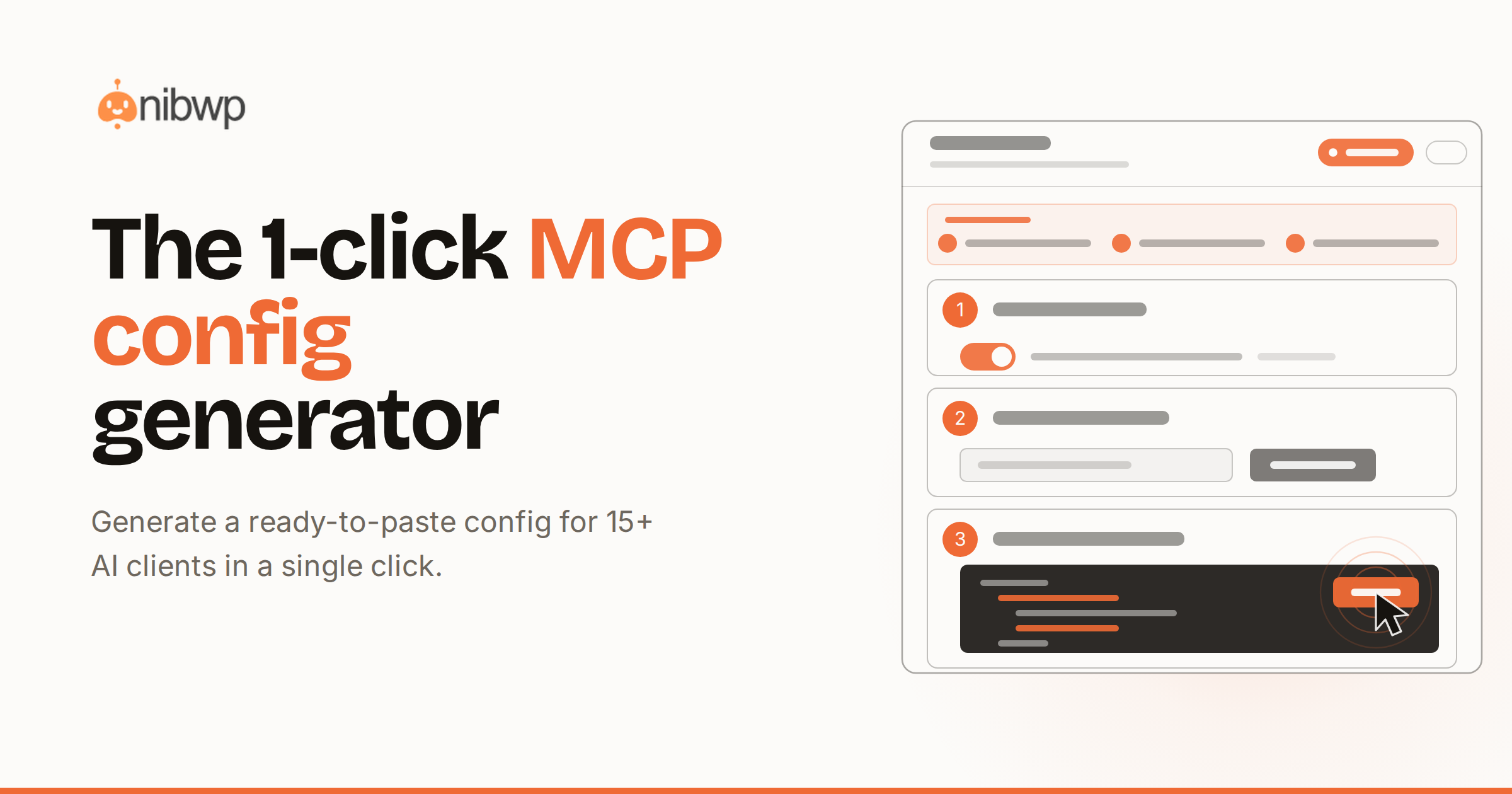
Connecting an AI client to your site should take a minute, not an afternoon of copy-pasting JSON. The NIBWP config generator produces a ready-to-paste snippet for whichever client you use, so you go from install to first query without reading a spec.
One endpoint, many clients
Every NIBWP install exposes a single MCP endpoint on your REST API. The generator wraps that endpoint, your authentication, and the right transport into the exact format each client expects — Claude Code, Cursor, VS Code, Windsurf, Gemini CLI, and more than ten others.
Pick your client, copy the snippet, paste it into the client config, and reload. The handshake runs, the tool list loads, and your agent can immediately see every ability your token allows.
What the snippet contains
- The endpoint URL for your site.
- The transport the client expects.
- A placeholder for your application password.
- Sensible defaults so nothing else needs editing.
Copy, paste, reload. The handshake does the rest.
Scoped from the start
The token you paste is the token you scoped. If you minted a read-only password, the client only ever sees read tools. If you enabled force-draft, every write lands as a draft regardless of what the agent requests. The generator never widens your permissions; it only formats them.
Verify in one prompt
Once connected, ask the agent to list your five most recent posts. NIBWP routes it to nibwp/wp-list-posts and returns structured JSON. If you see your posts, you are live. From there, head to the docs for permissions and memory, or book a demo.