WP-CLI vs MCP: scripting WordPress in the AI era
This is a comparison for people who already write shell scripts against WordPress: execution model, safety, ergonomics, and where the two genuinely combine.
Two different execution models
WP-CLI runs on the server, inside WordPress, as a PHP process with full privileges. You SSH in, you run a command, it executes. Nothing mediates it: what you type is what happens, immediately, with whatever consequences.
MCP runs as an HTTP service exposed by the site, called from anywhere, with per-connection scopes, schema validation on every call, an approval step for writes and an audit log. The caller is remote and untrusted by design.
That difference shapes everything else. WP-CLI assumes the operator is trusted and competent; MCP assumes the caller might be a language model having an off day.
Where WP-CLI wins
- Server-side operations. Core updates, database search-replace at scale, cron management, cache flushes, multisite operations. Things that want to run where the site lives.
- Deterministic scripting. A bash script that runs the same way on 40 sites in a deployment pipeline. No model, no variance, no approval prompt.
- Raw speed on bulk data. Nothing beats a direct database operation for a million-row change, and MCP is not trying to.
- Recovery. When the site is broken enough that HTTP endpoints do not respond, SSH plus WP-CLI is how you fix it.
Where MCP wins
- Remote, credentialed access. No SSH key distribution. A scoped credential per person or per agent, revocable individually.
- Least privilege. Read-only means read-only. WP-CLI access is effectively root for the site.
- Exploratory work.
- Plugin-aware writes. Integrations write through each plugin's API, so ACF fields, WooCommerce variations and SEO meta behave correctly — where a raw database update would corrupt them silently.
- Accountability.
The safety difference, stated plainly
WP-CLI has no undo, no plan step and no per-command permissions. That is not a criticism — it is a tool for people who know exactly what they are doing, and its directness is the point. But it means one mistyped search-replace is a restore-from-backup event.
Using both — the pattern that works
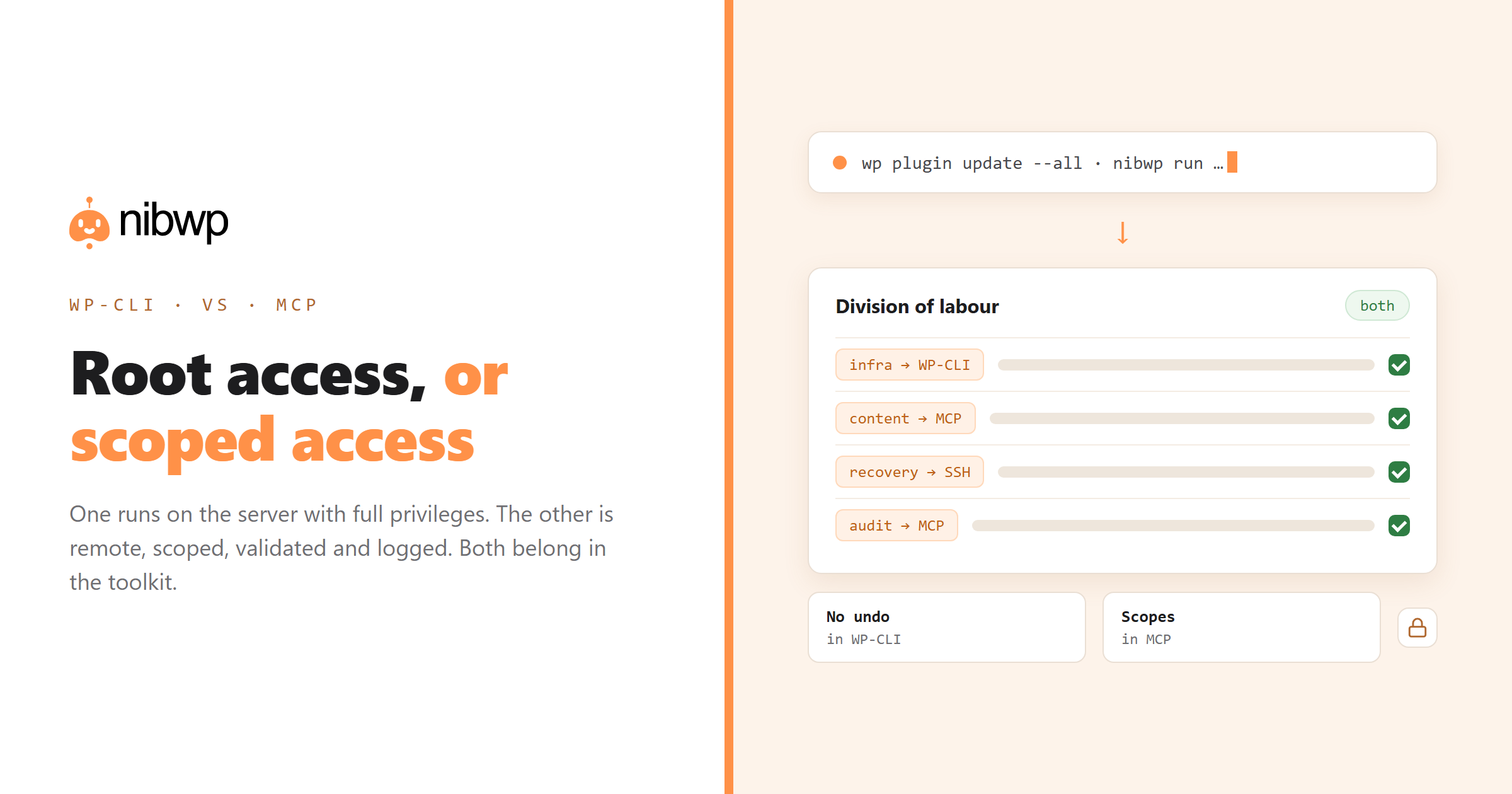
Most teams that adopt MCP keep WP-CLI, and the division settles like this:
- WP-CLI for infrastructure. Deployments, core and plugin updates, cache and cron, database maintenance, disaster recovery.
- MCP for content and configuration. Posts, products, fields, SEO meta, translations, menus, redirects — anything where plugin logic matters and judgement is involved.
- MCP CLI for scriptable agent work. If your MCP server ships its own command line, you get the terminal ergonomics with the permission model — the best of both for repeatable jobs.
# the same thinking, two tools
wp core update && wp plugin update --all          # infrastructure: WP-CLI
nibwp run nibwp/wp-list-posts --input '{...}'      # content: MCP, scoped + logged
nibwp snapshot create --post-type product -o pre.json
More on the terminal path: the NibWP CLI.
Should you move existing WP-CLI scripts?
Only where the script keeps needing judgement — the ones with growing case statements handling exceptions, or where somebody eyeballs the output before running the real thing. Deterministic scripts should stay deterministic. The rule that has held: if the script's logic is stable, keep it; if it keeps growing branches, the work wanted an agent.
Four scenarios, and which tool wins
Updating 40 sites' plugins on release day
WP-CLI, without hesitation. It is deterministic, scriptable across a host list, needs no supervision and does not benefit from judgement. An agent here would be slower and more expensive for zero gain.
MCP. Expressing that as a WP-CLI query means composing a search across post content, page-builder data and template files on each host. As a prompt it is one sentence, and the agent can look in all three places and report per site.
Renaming a product across 300 posts
Either, and the choice reveals the difference. WP-CLI's search-replace is faster and blunt: it will also change the term inside URLs, shortcode attributes and serialised data if you are not careful. An agent proposes the changes in context first, and you approve the ones that are genuinely the product name.
Site is down and wp-admin will not load
WP-CLI over SSH. When HTTP is the thing that is broken, an HTTP-based tool cannot help you. Keep SSH access and keep WP-CLI installed — the agent layer is an addition, not a replacement for your recovery path.
The permission gap in practice
For agencies that has an organisational consequence: work that previously required a senior with server access — audits, reporting, content inventory — can move to whoever is best placed to do it, because the credential enforces the boundary rather than trust.
FAQ
Does MCP replace WP-CLI?
No. WP-CLI stays the right tool for server-side infrastructure work: core updates, database maintenance, cron, deployments and recovery. MCP is better for content and configuration work where plugin logic and judgement matter.
Which is safer, WP-CLI or MCP?
MCP, by design: scoped credentials, schema validation, an approval step before writes and an audit log. WP-CLI is effectively root access with no plan step — powerful and unforgiving.
Can I use MCP from a terminal like WP-CLI?
Yes, if your MCP server ships a CLI. You get terminal ergonomics and scriptability with the permission model, approval gate and audit log intact.
Is WP-CLI faster than MCP?
For raw bulk database operations, yes. MCP adds discovery and validation layers, which is the right trade for content work but not for a million-row search-replace.
Do I need SSH access for MCP?
No — that is one of its advantages. It works over HTTPS with a scoped credential, so you can grant a contractor read access without a server account.
Should I convert my WP-CLI scripts to MCP?
Only the ones that keep growing exception branches or need a human to check the output first. Stable deterministic scripts should stay in WP-CLI.