Build a whole site in EtchWP with AI, from one brief
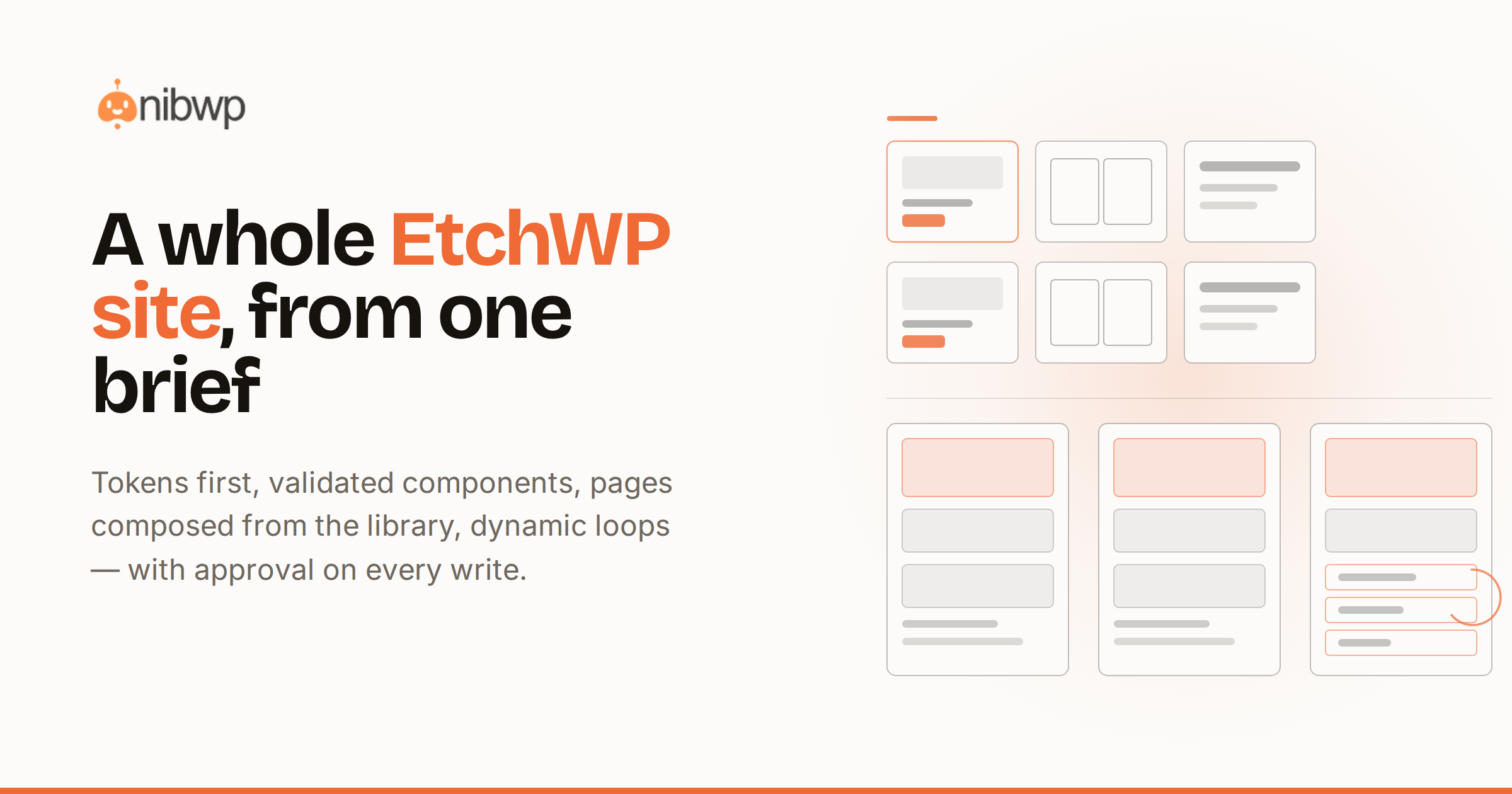
EtchWP is the builder developers picked for exactly the reasons AI likes it too: clean component model, real markup, styles as first-class data. Which makes it the best-case answer to a bigger question — what does it look like when an AI builds a whole site, not just a section?
Here's the full run: build a site with EtchWP and a connected AI, from one brief to launch — components, styles, pages, loops — with validation on every component and approval on every write.
The toolset
etchwp-pro-html-to-component / image-to-component / figma-to-component— any source becomes a validated Etch componentetchwp-pro-refine-component— plain-language tweaks that edit the component, not a stylesheet over itetchwp-manage-styles / blocks / assets / fields— the surrounding site: global styles, block library, assets
Building a whole site in EtchWP with AI
- Foundation. Global styles and tokens first — the assistant reads and writes Etch styles directly, so the system is real from day one.
- Components before pages. Hero, card, section, CTA — each built and validated as a reusable component, BEM-named, token-bound.
- Pages from components. Layouts compose the library; loops handle repeating content — posts, team, features — dynamically.
- Refine in place. “Tighten the hero on mobile, swap the card shadow for a border” — refine edits the component and every page follows.
- Launch pass. Content, SEO meta, redirects and the pre-launch checklist, same as any NibWP site.
Walkthrough: one brief, one site
- “Build a studio portfolio: home, work grid with case-study pages, about, contact. Dark, editorial, lots of whitespace.”
- Approve the token plan, then the component set, then each page — three small yeses instead of one big gamble.
- The work grid is a loop over a case-study post type; publishing a new case study updates the grid with zero edits.
- Open anything in Etch afterward: it's a normal Etch site, because that's what was actually built.
Why EtchWP is the best-case for AI builds
Validation has teeth here: component structure, style bindings and naming are all checkable data, so “did the AI build it right” is a scored answer, not a vibe. And because everything is a component, refinement compounds — fix it once, it's fixed everywhere.
Component thinking is what makes AI output reviewable
The reason EtchWP builds review so well: the unit of work is small and typed. A hero component is a bounded thing — markup shape, style bindings, naming — so its validation score means something, and your approval is an informed yes on one artifact rather than a shrug at 400 lines of page. Ten components reviewed carefully beat one monolith skimmed.
The compounding is real, too. When the card component gets a refinement — better focus states, tighter mobile spacing — every page composing it inherits the fix. You're not maintaining pages; you're maintaining a small library that pages are made of.
Styles as data: tokens, BEM and the audit trail
Etch stores styles as first-class data, which means the assistant reads your existing tokens before writing anything and its output lands in the same system — BEM-named classes bound to design tokens, following the same architecture standards a senior Etch developer enforces. Screenshots of your setup become configs the same way tokens flow in ACSS design systems from screenshots — the design system is data at both ends.
Loops, fields and the CMS layer
The work grid in the walkthrough isn't a layout trick — it's a loop over a case-study post type with custom fields, generated as part of the plan: post type, fields, loop and card template together. Publishing case study number eleven updates the grid, the archive and the related-work strips with zero edits. Ask for the structure in the brief and the whole content model arrives wired.
The reviewer's checklist
- Every component validates clean — structure, bindings, naming — before it's in the library.
- Pages compose library components; one-off snowflake sections need a reason.
- All colors and type reference tokens; a raw hex value in a component is a smell.
- Repeating content is a loop, not repetition.
- Every write went through a plan you can find in the audit log.
The bottom line
One brief in, a real Etch site out — components, tokens, loops and all. The component-level deep-dive is from screenshot to validated component; design files route through Figma to EtchWP. Why developers are moving: the switch, explained. Skill: EtchWP Pro · pricing.