Why developers are finally switching to EtchWP
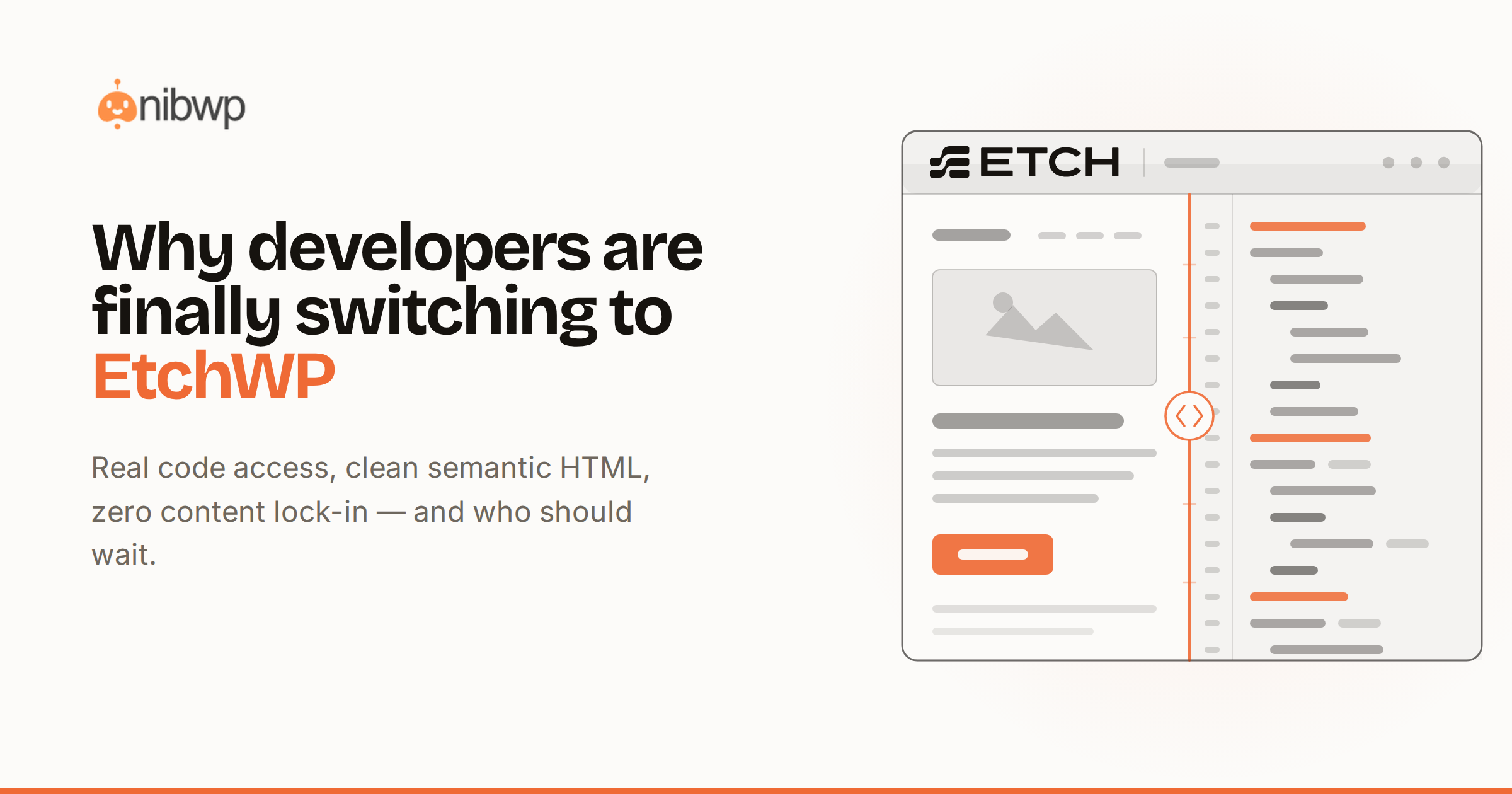
For the better part of a decade, “WordPress page builder” has been a compromise. You traded code quality for speed, control for convenience, and clean markup for whatever wrapper soup the tool decided to ship. That compromise is finally breaking — and the developers leading the exodus are the ones who were most skeptical of page builders in the first place.
Etch isn’t a page builder — it’s a unified visual development environment that manipulates real HTML, CSS, PHP and JavaScript. You get full code access, clean semantic output, native Gutenberg blocks (no lock-in), first-class components, and one environment instead of seven. It’s young and opinionated, so pilot it on a low-stakes build first. For developers who already know what they’re doing, the compromise era is over.
The problem EtchWP was built to solve
Walk through a normal professional WordPress build and count the interfaces you touch. You design layout in a page builder. You register custom post types somewhere else. Custom fields mean ACF or Meta Box. Media lives in another screen. Templating is its own system. When you need real logic or clean markup, you drop into your IDE entirely. By the end of a single project you’ve context-switched across six or seven tools to do work that should have lived in one place.
That fragmentation is the tax professionals have been paying. And the builders that promised to remove it mostly made it worse, because the “convenience” came bundled with three deeper costs:
Bloated output
Nested divs and proprietary wrappers you never asked for — dragging down Core Web Vitals and forcing aggressive caching just to hit green scores.
No code access
The builder generates markup you can’t see or edit. Want hand-written HTML? Bolt on a separate code block that lives outside the builder’s own structure.
Lock-in
Content trapped in shortcodes and proprietary formats. Migrate away and you inherit a cleanup project. Hand off to a client and they can’t safely touch anything.
Etch was designed from the opposite premise. Instead of asking how to make web development simpler for people who don’t want to learn it, it asks how to make professional development faster for people who already know what they’re doing.
What Etch actually is (and isn’t)
Etch is not a page builder in the traditional sense, and the team is deliberate about that distinction. It describes itself as a Unified Visual Development Environment: a visual interface that directly manipulates real HTML, CSS, PHP and JavaScript rather than abstracting them away behind a proprietary layer.
It treats WordPress as a development framework and builds on the core Gutenberg APIs rather than fighting them. It’s built on Svelte 5 for performance, ships on a weekly release cadence, and comes from Kevin Geary’s Digital Gravy team — the same people behind the ACSS framework and the Frames wireframe library — so it arrives with an established design philosophy and an existing professional audience.
The five reasons developers are switching
1. You can finally see and edit the code
This is the headline difference, and the one that converts skeptics. In Etch, every element is accessible through the GUI or directly in code. You can view the HTML the builder produces, edit it, and even paste HTML in from an external source and have Etch parse it cleanly into its own structure. No hidden wrappers, no mystery containers. It’s the difference between owning your output and renting it.
2. The markup is clean by default
Because Etch manipulates real elements instead of stacking proprietary layouts, it produces lean, semantic HTML with minimal wrapper elements. That feeds straight into Core Web Vitals — which Google still uses as a ranking signal in 2026 — and means green PageSpeed scores without the caching gymnastics bloated builders require to look fast. A site built on semantic markup ages well; a site built on nested wrapper divs becomes someone’s problem in two years.
3. Auto Block Authoring ends content lock-in
This quietly solves the biggest agency headache: client handoff. Etch authors everything you build to native core Gutenberg blocks — templates, patterns, components as synced patterns, loops and conditional logic. Your client edits content in the familiar native WordPress editor while your structure and styling stay intact. And if you ever move off Etch, the content already lives in standard WordPress blocks. That single property removes the migration anxiety that keeps developers loyal to tools they otherwise dislike.
4. Components are first-class citizens
Etch treats reusable components as a core architectural primitive rather than a bolt-on. Build a component once, use it across the site, change it once and watch it propagate everywhere. Combined with clear separation between templates, components and patterns, this is what lets Etch scale to large, systematic builds instead of degrading into copy-paste layouts that drift apart. If you’ve ever inherited a fifty-page site where every “card” was subtly different because someone duplicated and tweaked, you already understand why this matters.
5. One environment instead of seven
Etch folds the fragmented professional workflow back into a single interface. Custom post types, custom fields, media management, templating, dynamic data, loops and conditional logic are handled natively. Plugins like ACF and Meta Box become optional rather than mandatory. The context-switching tax that defined professional WordPress work largely disappears.
Etch versus Bricks, honestly
Bricks earned its reputation as the performance-first builder developers reach for, and it remains an excellent visual tool. The real distinction is philosophical.
| Bricks | Etch | |
|---|---|---|
| Code access | Can’t view or edit generated HTML; hand-written HTML lives in a separate block | Full view + edit — paste external HTML and it parses into blocks |
| Block authoring | No native Gutenberg conversion | Authors to core blocks — clients edit natively |
| Content portability | Data tied to the builder | Liberated into standard WordPress blocks |
| Mental model | A powerful visual builder | A dev environment that treats WordPress as a framework |
| Maturity | Proven — large active community, battle-tested in production | Reached v1.0 in Jan 2026; younger, smaller community |
Bricks sits comfortably between developer control and everyday usability — exactly why it’s the safe default for most projects. Etch trades some of that approachability for architectural depth. For developers who felt Bricks was almost giving them the control they wanted, Etch is the tool that goes the rest of the way.
The honest caveats
The learning curve is real. Etch assumes you understand the box model, that flex-direction: column means something to you, and that you’d rather learn proper fundamentals than adjust sliders. That’s empowering for the right person and overwhelming for the wrong one. This is not the tool you hand to a non-technical content editor and walk away.
It’s not for every project. For a small brochure site or a simple blog, Etch introduces complexity you don’t need. The payoff shows up on custom, systematic, larger builds — not a three-page local-business site you could ship in an afternoon with a block theme.
It’s young. v1.0 landed in January 2026 — a serious milestone and the point the team deemed it safe for client work, but “stable 1.0” is not “five years of production hardening.” The pragmatic move is to pilot: rebuild an internal site or run a low-consequence project first, evaluate stability and team comfort, then scale adoption on the weekly release schedule.
Who should switch now, and who should wait
Switch now
- You build custom, high-performance sites
- You care about clean markup and Core Web Vitals without caching hacks
- You’re comfortable with HTML and CSS
- You’re tired of the context-switching tax and content lock-in
You’re the audience Etch was built for. The productivity gains compound across every project.
Wait a quarter
- Your work is mostly small brochure sites
- Your team isn’t ready to invest in the learning curve
- Your pipeline can’t absorb a young product on high-stakes client work yet
Pilot it on something low-stakes and revisit in a quarter.
The bigger picture: Etch and the AI-native stack
There’s a forward-looking reason this shift matters beyond cleaner code. The properties that make Etch attractive to developers — semantic markup, liberated content in standard blocks, a component-driven structure with clear separation of concerns — are the exact same properties that make a site legible to AI. Bloated wrapper soup is hard for a human to maintain and nearly impossible for an agent to reason about. Clean, structured, standards-based output is readable by both.
That’s where tools like NibWP come in. NibWP turns a WordPress site into an MCP server that AI agents can actually read and operate against. The cleaner and more semantic the underlying build, the more reliably agents can work with it — which means a site built in Etch is already most of the way to being AI-ready by construction. Pair that with a token-native pattern library like Etchedy, built specifically for the Etch and ACSS workflow, and you have a stack where the design system, the markup and the AI layer all speak the same structured language.
Frequently asked questions
Is Etch ready for client work?
Is Etch better than Bricks?
Will my content be locked into Etch?
Is Etch good for beginners?
How does Etch relate to AI and MCP?
The bottom line
Developers are switching to Etch because it stopped asking them to compromise. Real code access, clean semantic output, content that isn’t held hostage, a component-first architecture, and one unified environment instead of seven — that combination is what professionals have wanted from a builder for years and never quite gotten.
It’s young, it’s opinionated, and it expects you to bring real skills to the table. But for the developers it’s built for, those aren’t drawbacks. They’re the whole point. Pilot it on your next low-stakes build, see how the workflow feels, and decide for yourself whether the compromise era is over.
Build on Etch. Make it AI-native by construction.
Want your site readable and operable by AI agents out of the box? That’s exactly what NibWP is for — it turns your clean, semantic WordPress build into an MCP server agents can actually work with.
Explore NIBWPRead the quickstart