The 15K website migration one person can now deliver
Migration is the project agencies love to quote and hate to deliver: a 60-page site on an aging builder, a decade of URLs Google still ranks, a client who wants everything moved and nothing broken. It's priced at 15K because it used to consume a team for a month. The team part has changed. Here's the full anatomy of a 15K website migration that one person can now run — content, design rebuild, redirects, verification — with the machinery that removes the fear from each stage.
The fear is the point to address first, because migration risk is asymmetric: nobody notices the 58 pages that moved perfectly; everybody notices the contact form that died and the rankings that slipped. A migration pipeline is therefore mostly a verification pipeline — every stage below ends in a check that proves the stage happened correctly, and every write along the way sits behind an approval.
What a 15K migration covers
- Full content transfer. Pages, posts, media, menus, forms — moved, not re-typed, with metadata intact.
- Design rebuild on a modern stack. The old builder's pages rebuilt as native elements in your standard builder — usually the actual reason the client is migrating.
- The URL map. Every old URL accounted for: moved, merged, or deliberately retired with a 410 — and 301s for everything that moved.
- SEO continuity. Meta carried over, internal links rewritten to final URLs, sitemap submitted, Search Console watched through the dip window.
- Verification at every stage — with reports the client can read.
Stage 1: inventory the old site (day 1)
- Crawl everything: pages, posts, media, menus, forms, and the full URL list — including the ugly ones with query strings that still get traffic.
- Pull the ranking picture: Search Console's top pages and queries become the protect-at-all-costs list.
- Classify each page: migrate as-is, rebuild (the money pages), merge, or retire. This classification is the project plan and the client sign-off document.
- Snapshot the old site's content — the restore point if anything needs comparing later.
Stage 2: move the content (days 2–3)
- Bulk-transfer content with the migration abilities — posts, pages, media, menus and options move through typed operations, not CSV acrobatics.
- URL rewrites in content: every internal link updated to the new structure at the source, so the site doesn't lean on its own redirects.
- Forms rebuilt and wired to the same notification flows; test submissions logged.
- Verification: counts match, spot-checks pass, media resolves — the stage report writes itself from the audit log.
Stage 3: rebuild the design (days 4–7)
The money pages get rebuilt natively: the old page (rendered) becomes the reference, and the URL-to-page pipeline rebuilds it as validated elements on the new stack, bound to the new design system. Templates and repeating sections become the new site's library — the same section-library economics as a template conversion, except the template is the client's own site. Long-tail pages ride the standard content templates. Approve page by page; polish by instruction.
Stage 4: the redirect map (day 8)
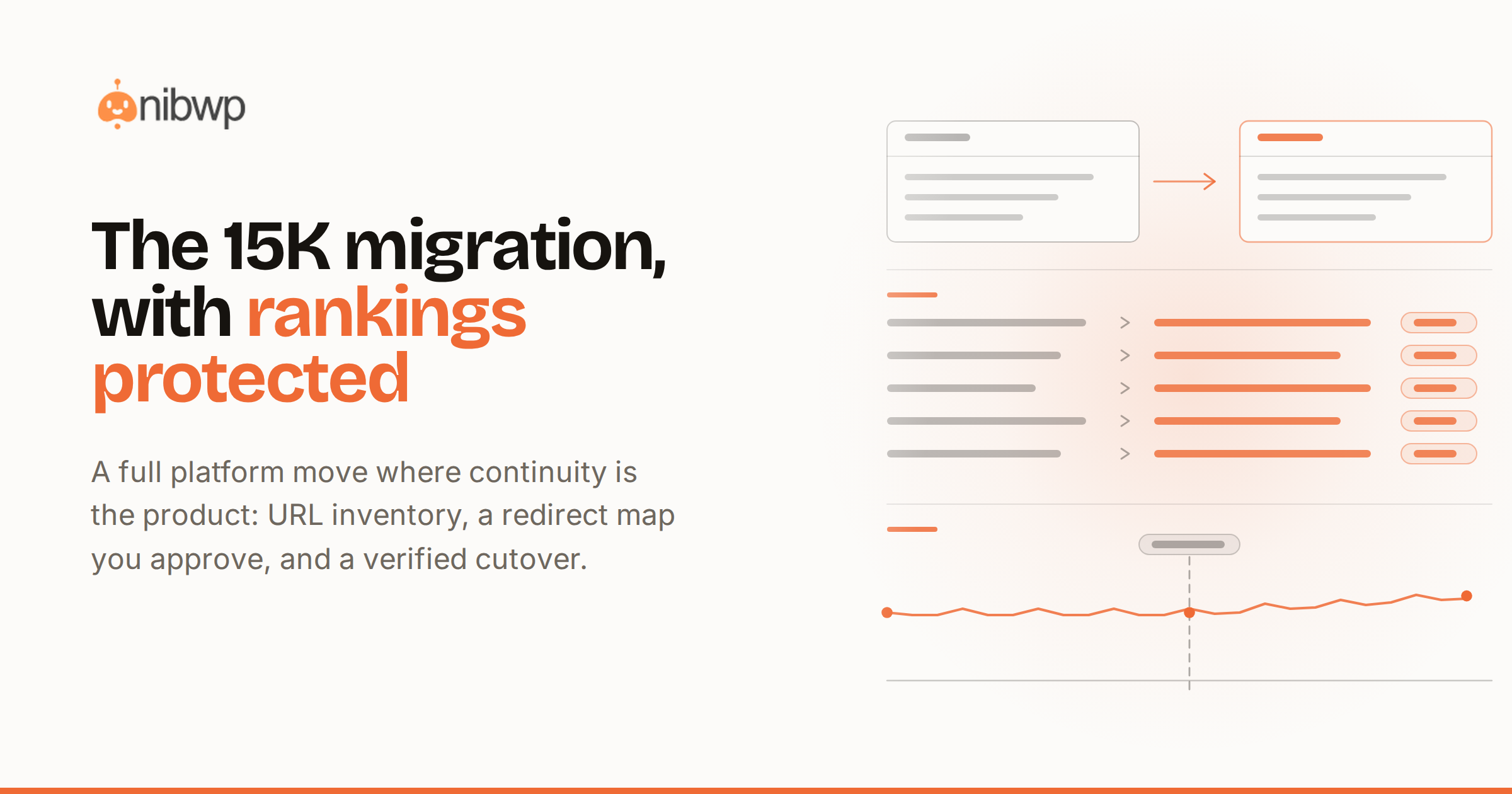
This is where migrations are won or lost, and it's fully mechanized: dead-URL crawl plus the old sitemap plus Search Console's list feed one mapping table; the agent proposes old→new for every row — moved, merged, or 410 — and the whole map lands as one approvable plan, written through the redirect manager. The complete method is in fixing 404s and redirects after a migration — in a 15K project it's a scheduled stage, not an emergency.
Stage 5: launch and the watch window (days 9–10 + 2 weeks)
- Pre-launch checklist on staging: forms, meta, headings, performance, zero 404s — written report.
- DNS cutover at low-traffic hours; immediate re-crawl of the live domain.
- Submit the sitemap; verify the redirect map against real traffic in the first 48 hours.
- Two-week watch: scheduled link crawl and Search Console checks; the small stuff that surfaces gets fixed through the same approval flow.
- Close-out: the full audit log, the redirect map, and before/after reports — the deliverable that justifies the invoice's last third.
The ledger: from team-month to person-fortnight
- Traditional 60-page migration: 100–140 team hours — inventory, moves, rebuilds, redirects, QA, and the coordination tax between the people doing each part.
- This pipeline, one person: 25–35 hours across ten working days — mostly review, approval and the design polish on money pages.
- The verification that used to be “as time allows”: now the cheapest part, because crawls and checklists run themselves and write reports.
At 15K with 30 hours inside it, migration goes from the project you staff reluctantly to the highest-leverage ticket on the board — and the two-week watch window converts naturally into the first month of a care plan.
Migration mistakes the pipeline prevents — and the ones it can't
- Prevented: the missed URL (three sources feed the map), the silent form death (test submissions are a stage gate), the redirect chain (map targets final URLs), the stale internal link (rewritten at source).
- Not prevented: migrating garbage — a migration is the best moment to retire dead content, and that's a human judgment; make the classification pass count.
- Not prevented: skipping the watch window — rankings wobble for days; the client relationship is protected by the report cadence, not by hoping.
The migration gate checklist, printable
- Full URL inventory built from crawl + sitemap + Search Console — three sources, one table.
- Protect list marked: every URL with traffic or backlinks flagged before anything moves.
- Classification signed by the client: migrate, rebuild, merge, retire — in writing.
- Content snapshot taken before the first move.
- Counts verified after each content batch; media resolving; forms test-submitted.
- Internal links rewritten to final URLs — the site doesn't lean on its own redirects.
- Money pages rebuilt and approved page by page on the new system.
- The redirect map covers every inventory row — mapped, merged, or deliberately 410 — as one approved plan.
- Pre-launch checklist green on staging before DNS moves.
- Live re-crawl within the hour; sitemap submitted; watch-window cadence scheduled and told to the client.
The performance dividend — and how to bank it
Migrations carry a hidden deliverable: the new stack is almost always dramatically faster than the site being left, and the difference is measurable in exactly the tools clients trust. Bank it deliberately: capture the old site's Core Web Vitals and a filmstrip on the three money pages during inventory week — before anything moves — and re-capture after launch. The delta belongs in the close-out pack next to the redirect map: mobile scores going from the orange 40s to the green 90s is the single most legible artifact a migration produces, and for the client who couldn't see the point of “rebuilding pages that already existed,” it retroactively justifies the rebuild stage. It also sets up the aftercare conversation honestly — performance is a maintained property, not a launch event, and the quarterly performance pass on the care plan is how the green numbers stay green when plugins and content keep accumulating.
FAQ
Will rankings survive the migration?
With a complete redirect map, carried-over metadata and rewritten internal links, the typical pattern is a small dip for one to three weeks, then recovery. The watch window exists to catch the exceptions while they're small.
Can this really be one person?
Yes — the pipeline serializes what used to need parallel specialists: crawls, moves, rebuilds and redirect maps are all directed work with approvals. The judgment calls stay yours; the typing doesn't.
What about sites on Divi or other legacy builders?
That's the classic case — content moves through core APIs regardless of builder, and money pages get rebuilt natively on the new stack from their rendered form.
Staging or straight cutover?
Staging, always, for a project this size: the rebuild and checklist happen there, and cutover is a DNS change after everything's verified — the least dramatic moment of the project.
The migration prompt set
Migration prompts are inventory-shaped: they name sources, destinations and the proof required. The working set:
- “Crawl [old site] and produce the full URL inventory with status, title and template type per URL. Include everything the sitemap has plus everything internal links reach.”
- “From Search Console's top-500 list, mark every URL in the inventory that carries traffic or backlinks — that's the protect list.”
- “Migrate content for these 40 URLs: preserve titles, slugs, meta, publish dates and media. Report counts and any item that didn't transfer cleanly.”
- “Rewrite internal links across migrated content to the new structure — list every replacement made.”
- “Rebuild [money page] natively from its rendered form on the new design system. Same content, same structure; flag sections that deserve an upgrade.”
- “Propose the redirect map for every inventory row not resolving on the new site: old → new, or 410 with a reason. One table, grouped by pattern.”
- “Re-crawl the live domain and diff against the inventory: anything 404ing, anything redirecting more than once.”
A worked example: the manufacturer off Divi
The typical 15K shape: a 70-page manufacturer site, nine years on Divi, moving to a modern stack because edits take twenty minutes each and the mobile scores are embarrassing. Inventory day finds 412 URLs (the 70 real pages plus a decade of tag archives, PDFs and campaign strays); Search Console marks 61 as carrying traffic — including, as always, three ancient blog posts nobody remembered that outrank the product pages.
The classification meeting with the client kills 200 archive URLs (410, with dignity), merges 30 thin posts into six strong ones, and marks 12 money pages for native rebuild. Content moves in two supervised days — the German-language PDFs that broke every previous migration attempt move as media with their URLs preserved, because the inventory caught them. Rebuild week turns the product pages native on the new tokens; the six merged posts get the redirect treatment from their thirty old addresses.
The redirect map lands as one 412-row approval — every row accounted for, 196 mapped, 30 merged into 6, 180 retired deliberately. Cutover on a Tuesday at 7:00; the first 48-hour watch catches one straggler (a query-string URL from a 2019 newsletter, mapped in five minutes). Rankings dip 8% for eleven days and recover to above baseline by week five — the three ancient posts never flinched. Total hands-on: 31 hours across ten working days, and the client's monthly edit round now takes them minutes, which is what they were actually buying.
Managing the client through the fear window
Migration clients are scared clients — often burned before. The management layer is scheduled proof:
- The classification sign-off: they approve what lives, merges and dies — before anything moves. This meeting converts anxiety into ownership.
- Stage reports as stages complete, not a big-bang reveal: counts moved, checks passed, next stage named. Silence is what breeds panicked emails.
- The rankings conversation before launch, not after the dip: 'expect a small dip for one to three weeks; here's the watch cadence' — a predicted dip is professionalism, a surprise dip is a crisis.
- The watch-window notes twice a week for two weeks: three lines each, evidence attached. By the second note, the client who was burned before is the client who refers you.
Pricing the tiers of migration
- The 15K core (this article): up to ~80 real pages, one language, standard integrations — the bulk of the market.
- Multilingual: plus 30–50% — every stage doubles per locale except inventory, and the redirect map grows accordingly.
- Commerce migrations: price the catalog separately at data rates — products are rows, and rows are the one thing that scales cost linearly.
- The rescue premium: sites mid-way through a failed migration by others carry unknown-state risk — audit first as a paid discovery, then quote. Never quote a rescue blind.
How do you price a migration before the inventory exists?
Range-quote from three numbers the client can give you in a call — rough page count, CMS/builder, and whether commerce is involved — then fix the price after the inventory day, which you charge as paid discovery. Fixed quotes before inventory are how migrations end up half-done at 60% budget.
What's the single highest-risk moment?
Not cutover — that's a DNS change after everything's verified. It's the redirect map approval: a row mismapped there is invisible until rankings tell you. Which is why the map is one reviewed table with every row accounted for, not redirects added ad hoc as 404s surface.
The bottom line
A 15K migration is five stages, each ending in proof: inventory, move, rebuild, redirect, watch. The machinery — migration abilities, URL rebuilds, redirect maps, scheduled crawls — turns the team-month into a person-fortnight without touching the deliverable's quality. Where this sits against smaller tickets: 1K vs 5K vs 25K websites. The aftercare it should roll into: maintenance on autopilot. Toolset: pricing.