How to fix 404s and redirects after a WordPress migration
Every WordPress migration ends the same way: the new site looks great, and Google is still sending traffic to fifty URLs that no longer exist. Fixing 404s after a WordPress migration is unglamorous, high-stakes work — every dead URL is a visitor bounced and link equity leaking — and it's almost entirely mechanical, which makes it perfect work to hand to an assistant.
Why migrations mint 404s
- Permalink structure changed — /blog/post-name/ became /post-name/, and every old link 404s.
- Content was culled — pages that didn't make the cut still have inbound links and index entries.
- Slugs were “improved” — renamed during rebuild, unnoticed until the traffic graph dips.
- The domain or protocol moved — and internal links still point at the old absolute URLs.
How to fix 404s and redirects after a WordPress migration
The bundled Fix-404s-and-redirects playbook runs the whole sequence on rails; here it is step by step:
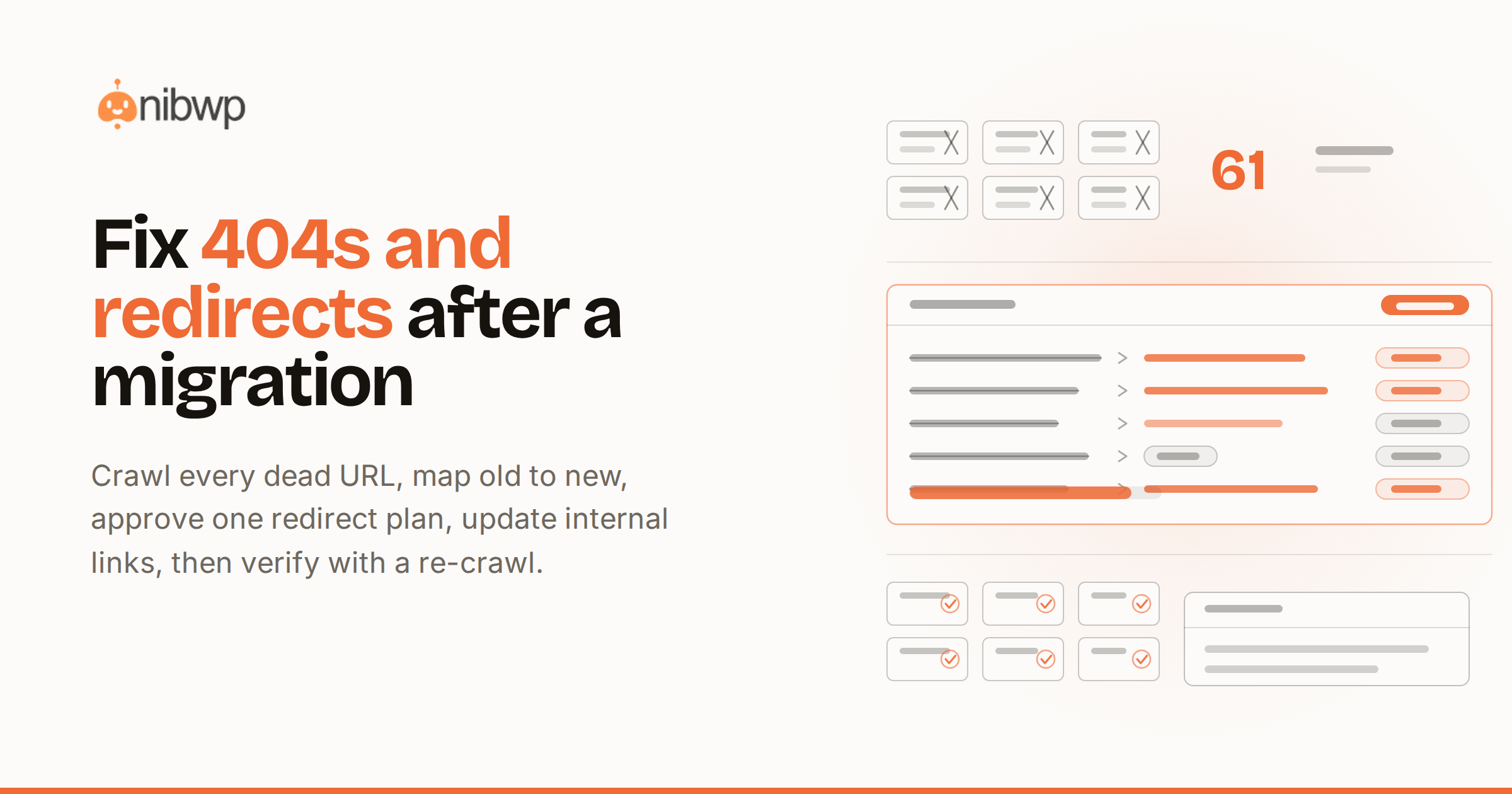
- Find every 404. The broken-link crawl walks the site's own content for dead internal links; old-sitemap and search-console URLs cover what the outside world still expects to find.
- Map old to new. Each dead URL gets a proposed target — the moved page, the closest equivalent, or a deliberate gone-for-good.
- Review the redirect plan. The full mapping arrives as one approvable plan: what redirects where, what returns 410, what gets left alone.
- Write the redirects. On approval, redirects land via the redirect manager — 301s for moved content — and internal links are updated at the source, so the site stops depending on its own redirects.
- Verify. A re-crawl confirms every mapped URL resolves, and the run ends with a report you can file with the migration.
Don't stop at redirects: fix the internal links
Redirects rescue external traffic, but internal links pointing through redirects waste crawl budget forever. The same pass rewrites internal links to their final targets — and if you run client sites, the portfolio-wide broken-link check keeps it from regressing after launch.
Walkthrough: post-migration cleanup in one session
- “We migrated example.com to a new theme and permalink structure last week — find and fix the 404s.”
- Review the findings: 61 dead URLs — 48 mapped to moved pages, 9 to category equivalents, 4 marked gone.
- Approve the plan; redirects write, internal links update, and the verification crawl comes back clean.
- File the report; watch search console recover over the next two weeks.
Redirect hygiene rules worth keeping
- 301, not 302. Moved-permanently is what transfers link equity; temporary redirects hedge and lose.
- One hop. Chains (old → older → new) waste crawl budget and shed equity per hop — the mapping pass targets final URLs directly.
- Redirect to equivalents, not the homepage. Blanket homepage redirects read as soft-404s to search engines and as bait-and-switch to humans.
- Let true ghosts die. Content that's genuinely gone should return 410 — a clear signal beats a misleading redirect.
Working the Search Console side
Your own crawl finds what the site links to; Search Console finds what the world still expects. Export the coverage report's 404s and the top linked-to dead URLs and feed them into the same mapping pass — they're the URLs with actual traffic and actual backlinks, which makes them the highest-stakes rows in the plan. Recheck at two weeks and six weeks; recovered impressions are the metric that tells you the mapping held.
Preventing the next round
404s aren't a migration-only disease — every culled page and renamed slug mints them continuously. The prevention is the same crawl on a schedule: the broken-link job runs weekly on care-plan sites and queues fixes as they appear, which is how the maintenance autopilot keeps a migrated site from quietly rotting back.
The bottom line
A migration isn't done when the new site launches — it's done when the old URLs land somewhere sensible. Crawl, map, approve, write, verify: on rails it's one session, not a lost week. This pass is part of the maintenance autopilot, and the playbook ships with Workflows — pricing.