How to build Elementor pages with AI — real widgets, not HTML dumps
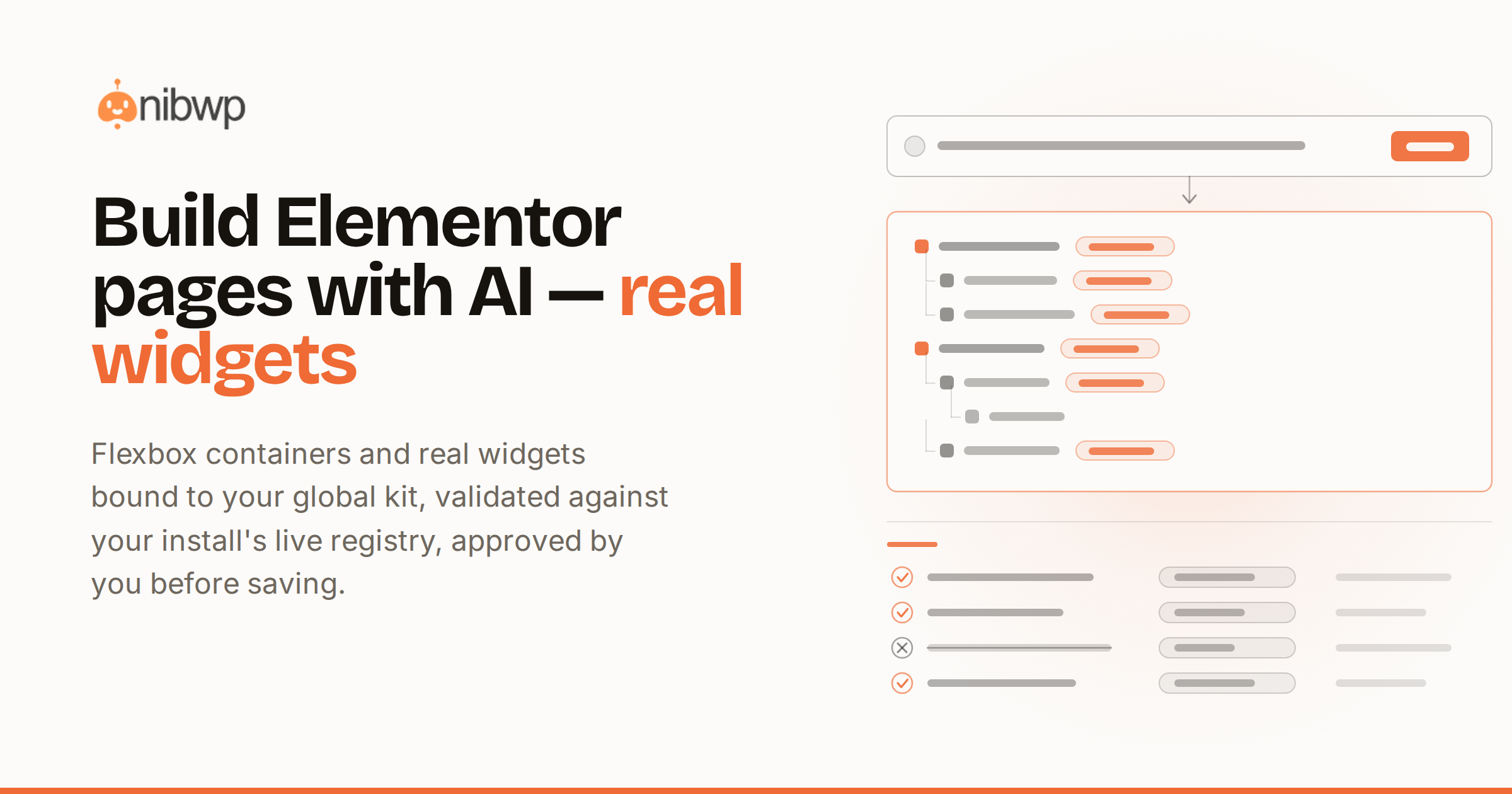
Elementor made page building visual; AI makes it conversational. But most attempts to build Elementor pages with AI end the same way — a wall of generated HTML pasted into an HTML widget, editable by nobody, styled by nothing. The page exists; the Elementor part of it doesn't.
Done right, the AI builds what an Elementor developer would build: flexbox containers, real widgets, global-kit colors and fonts — a page your team keeps editing in the editor they already know. That's what this guide covers, from a one-line brief to a shipped page.
What you need
- A WordPress site with Elementor and the NibWP plugin — connected to your AI client (Claude, Cursor or ChatGPT, five minutes)
- The Elementor Pro skill, standalone or in the Bundle — it's what maps designs to real widgets (skill details)
- A brief, a screenshot, a Figma frame, a URL or raw HTML — any of the five works as the source
How to build Elementor pages with AI
The pipeline is the same regardless of source, and it never writes without you:
- Describe or drop the source. “Build a pricing page with three tiers and an FAQ” works; so does a mockup image or a reference URL.
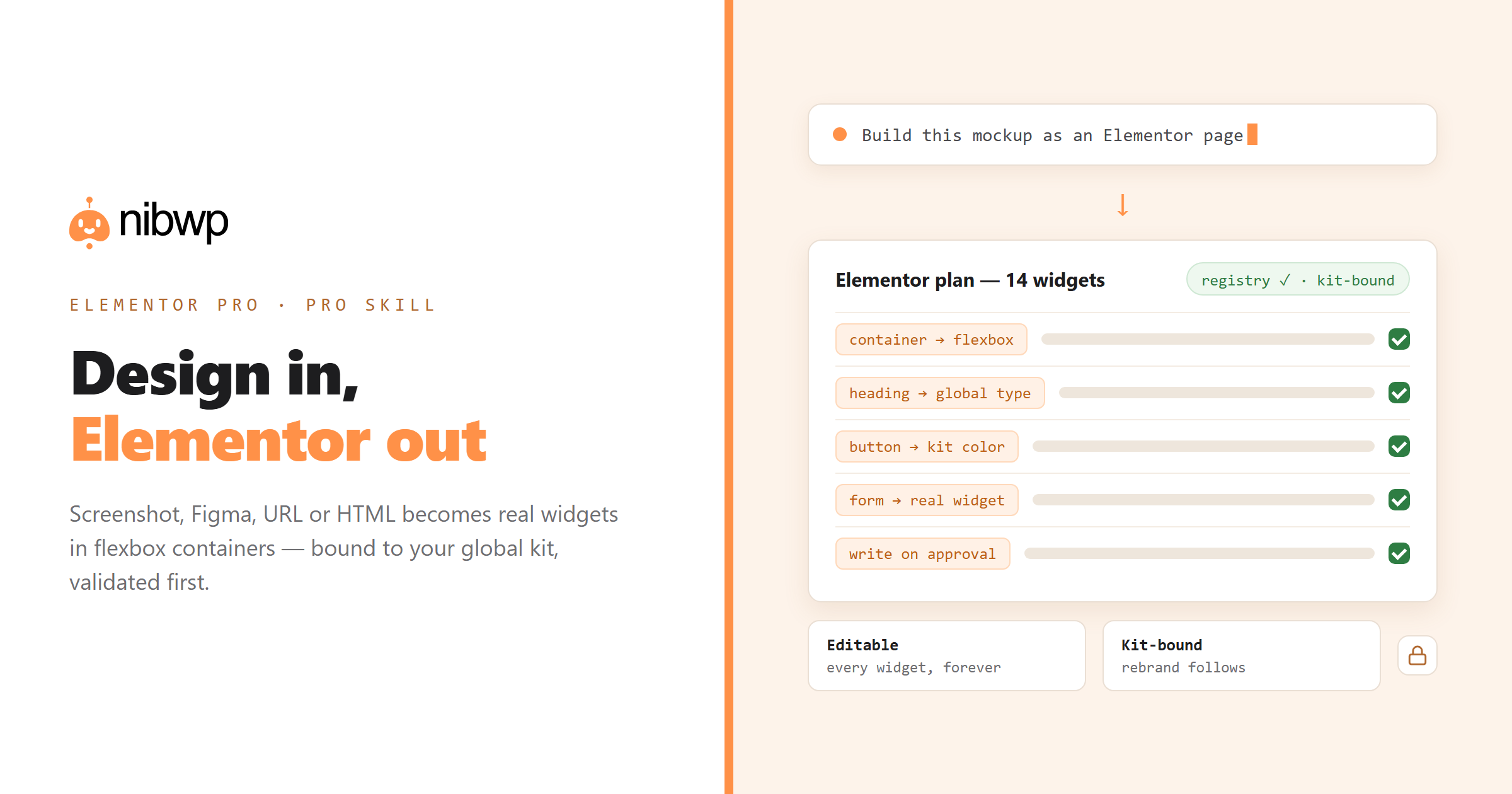
- Mapping. The layout becomes flexbox containers and real Elementor widgets — headings, buttons, forms, images — with colors and typography bound to your global kit, not inline hex values.
- Validation. The widget tree is checked against your install's live widget registry — only widgets that actually exist on your site, structured the way Elementor saves them.
- Approval. You see the plan — containers, widgets, kit bindings — and say yes. The page is written as a draft and renders immediately.
- Refine by instruction. “Full-height hero, tighter mobile padding, outline buttons” — edits land in widget controls, so the editor stays truthful.
Walkthrough: a landing page from one brief
- Ask: “Build a landing page for a local gym: hero with signup CTA, three membership cards, a coach section, FAQ.”
- Review the proposed container tree — hero, cards row, coach grid, FAQ — and the kit bindings.
- Approve. Open the draft in Elementor: every section selectable, every control populated.
- Iterate in plain language, or hand it to a junior — it's a normal Elementor page now.
Beyond pages: the rest of the site
Page building is one skill among 132 typed abilities: the same connected assistant writes content, fixes SEO meta, runs the maintenance checklist and manages WooCommerce on the same Elementor site — everything gated by approvals and logged. The full Elementor surface is on Elementor + MCP.
The global kit is the whole ballgame
Ask an Elementor veteran what separates a maintainable site from a haunted one and they'll say the same thing: discipline about the global kit. Hand-built pages drift from it under deadline pressure; generated pages usually ignore it entirely. Here the binding is structural — the mapper resolves every color and font against the kit before the plan is even shown, so drift can't creep in at generation time.
That discipline pays off twice. First at handoff: a page whose values all reference globals is a page a junior can restyle without breaking. Second at rebrand: change the kit and every generated page follows, because none of them ever held a hard-coded hex value in the first place.
Brief, screenshot, Figma, URL or HTML — which source when?
- A brief is fastest when the design can be invented — internal pages, campaign one-offs, anything where “good and on-brand” beats “exact.”
- A screenshot nails layout and hierarchy from any reference; colors and spacing are estimated from pixels, then corrected in one refine pass.
- A Figma frame is the precision option — real tokens travel with the design, so the palette and type ramp arrive exact, not inferred.
- A URL beats a screenshot of the same page: computed styles and real assets, with images sideloaded into your library.
- Raw HTML suits prototypes and legacy pages — markup in, widgets out, nothing pasted into an HTML widget.
Common failures (and how the pipeline blocks them)
- The invented widget. Generic AI happily emits widgets your install doesn't have; registry validation rejects the tree before it ever reaches the site.
- The half-saved page. Elementor pages written the wrong way render blank until re-saved by hand; persistence is part of the skill, so drafts render on first load.
- The styling fork. Values duplicated per-element instead of bound to the kit — blocked by mapping every style through globals first.
- The silent overwrite. Nothing writes to an existing page without the plan naming exactly which page it targets — and your approval on it.
The bottom line
Elementor with AI is only worth it if the output is Elementor — real widgets, kit bindings, a registry-validated tree, and a human yes before anything is saved. That's the difference between a demo and a page you bill for.
Converting an existing design instead of building from a brief? See converting a design into an editable Elementor page and Figma to Elementor. Agencies: the whole system is built for client work — pricing here.