Elementor + MCP: Build Editable Pages With AI
Connect Elementor to Claude, Cursor or ChatGPT through NibWP. Turn a design, URL or screenshot into a native, editable Elementor page — real widgets, your controls, on a plan you approve.
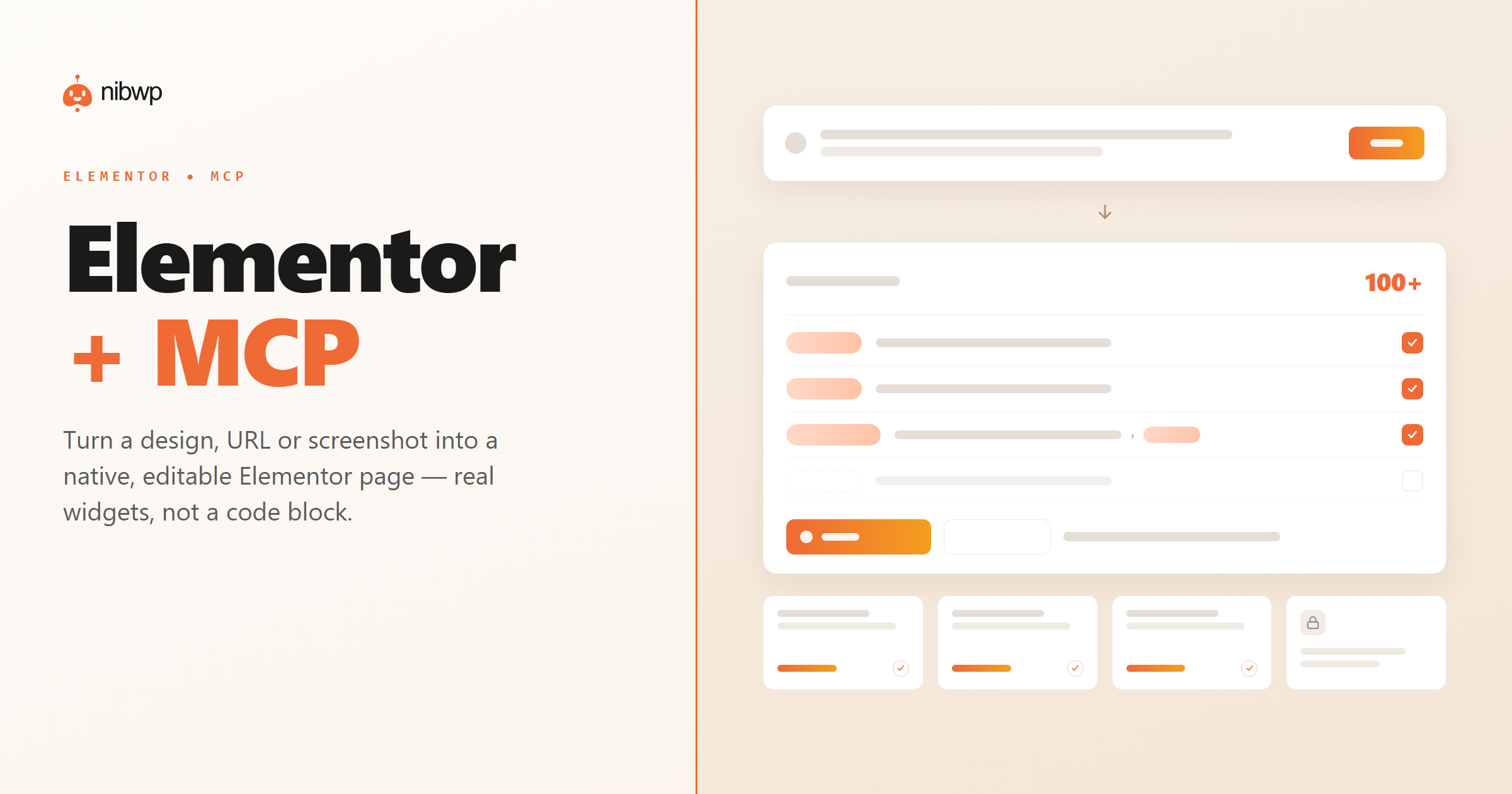
Elementor is fast to edit by hand, but rebuilding a design, a client's old page or a competitor's layout inside it is still hours of dragging widgets. And a generic AI can only paste an HTML blob into a code widget — frozen, unresponsive, and impossible to edit.
NibWP exposes Elementor as MCP tools. Hand it a design, a URL, a screenshot or a Figma frame and it builds a real, editable Elementor page — native widgets mapped to your controls, checked against what your site actually has installed.
What you can do over MCP
Native Elementor pages
HTML, a URL, an image or a Figma frame becomes flexbox containers and real widgets — not a frozen HTML block.
Real widgets
Heading, text, image, button, icon box, tabs, accordion and more — plus any Pro or add-on widgets you already have.
Checked against your site
Every widget type and control ID is verified against the live Elementor registry, so nothing is invented.
Styling in the panel
Design maps to Elementor's own controls, not a pile of custom CSS, so you can keep editing normally.
Validate & score
Preview and grade a page before you commit — and repair a page that renders blank from corrupted data.
Approve before write
Every build lands as a draft you review. Nothing is published until you say yes.
How it works
- Install NibWP and connect your AI client over MCP — Elementor shows up as tools automatically.
- Point it at a source: HTML, a live URL, a screenshot, or a Figma frame.
- NibWP builds native containers and widgets, validates them, and shows you a scored preview.
- Approve, and it saves a real Elementor page you can keep editing in the panel.
Why typed tools beat a generic AI
A generic assistant
- Pastes an HTML blob into a code widget
- No responsive controls, no global colors
- Invents widget names your site doesn't have
Elementor + NibWP
- Real, editable Elementor widgets
- Styling mapped to Elementor's own controls
- Verified against your live widget registry
Safe by default
Built for client sites, so control and traceability come first:
- Nothing is written without your approval — you see the plan first.
- Every action is recorded in a full audit trail.
- It runs on WordPress core and your plugins’ own APIs — your content and site data stay on your server.
- Reads are read-only; writes are gated.
Questions, answered
Common questions about Elementor over MCP.
Do I need Elementor Pro?
Will it overwrite my page?
What can it build from?
Which AI clients work?
Put AI to work in Elementor.
Install NibWP, connect your AI client, and work through real Elementor abilities — safely, on your own site.