AI for WordPress in 2026: what actually works (and what's hype)
Every WordPress conference, plugin changelog and marketing email in 2026 has the word AI in it, and almost none of them mean the same thing. Some of it genuinely changes how sites get built; some of it is a text box wired to an API with a subscription attached. This is an honest survey of what actually works right now, what does not, and how to tell the difference before you pay for it.
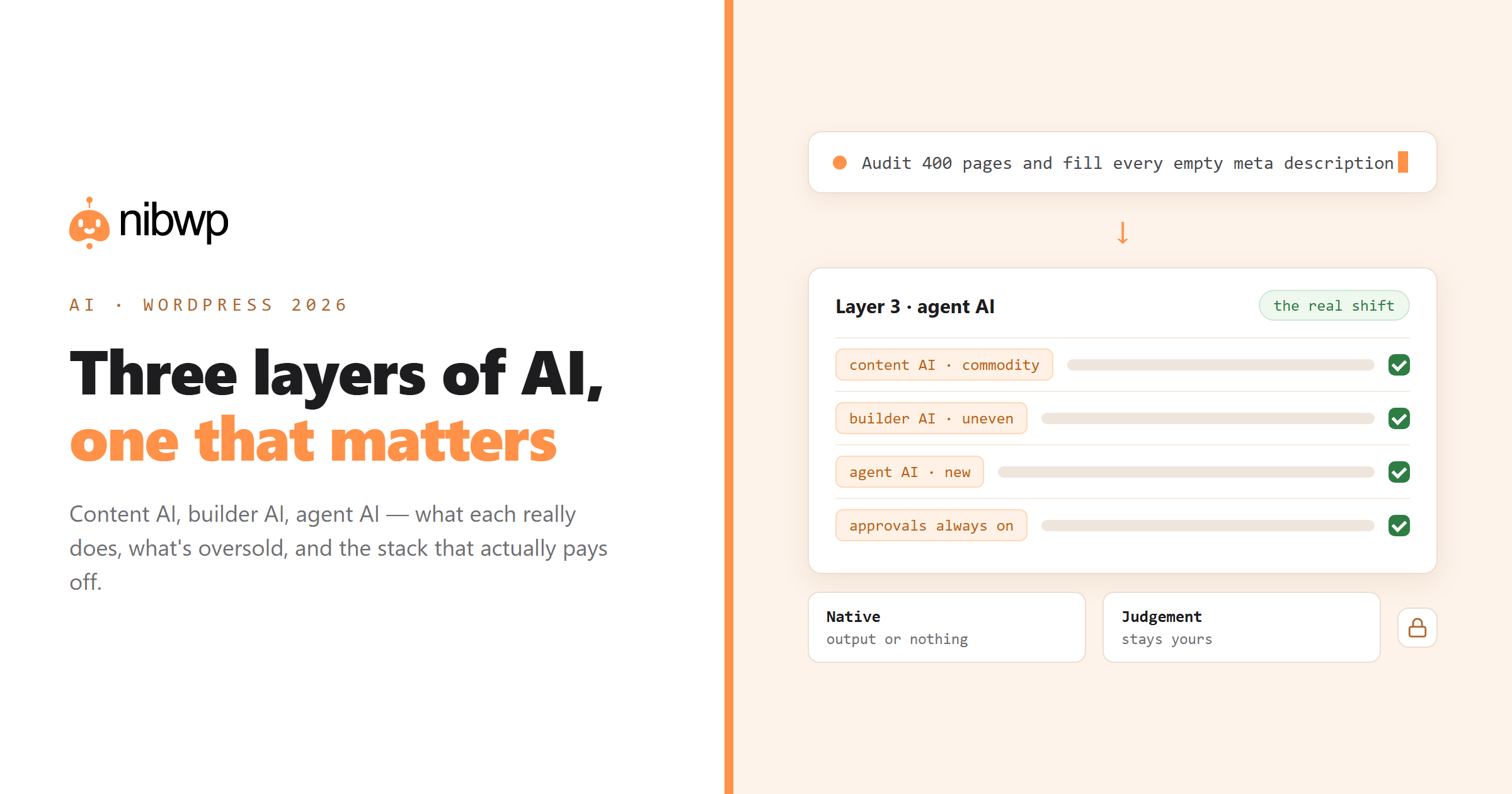
The organising idea: AI for WordPress splits into three layers, and they are not competing — they stack. Understanding which layer a product sits in tells you what it can and cannot do for you.
Layer 1: content AI (mature, commoditised)
This is the layer everyone met first. A model writes or rewrites text: post drafts, product descriptions, meta descriptions, alt text. It lives inside the editor as a button, or outside it in a chat window you copy from.
What works: drafting from a brief, rewriting for tone, summarising, translating, generating alt text at volume. What does not: knowing your site. A content AI does not know which posts you already published, which internal links exist, or what your house style is unless you paste it in every time. That limitation is the whole reason the other two layers exist.
Verdict: useful, cheap, and nearly a commodity. Do not pay a premium for it alone.
Layer 2: builder AI (uneven, improving fast)
Page builders added AI that generates sections or whole layouts. The quality gap here is enormous, and it comes down to one question: does the output arrive as native builder elements, or as a blob?
- Native output. Real Bricks elements, real Etch components, real Kadence blocks — with your global classes and design tokens. Your team edits it in the builder afterwards like anything else.
- Blob output. An HTML block or a code widget containing generated markup. It looks right on the front end and is dead in the editor. Every future change is a developer task.
Test any builder AI with one question: after it generates a section, can a non-technical colleague change the heading in the builder? If not, you bought a screenshot. This is why NibWP's builder skills validate output server-side before it persists — element whitelists, BEM grammar, token mapping — described in the Skills v2 design.
Verdict: genuinely transformative when the output is native; a cleanup liability when it is not.
Layer 3: agent AI (new, the actual shift)
The third layer is the one that changed in the last eighteen months. Instead of AI features inside WordPress, your whole site becomes a set of typed tools that an external AI client can call — read, plan, write, verify — with your approval on each write. That is what MCP enables, and it is a different category from the first two.
The practical difference: layers one and two answer “generate something for me”. Layer three answers “do this job on my site”. A job spans reading the current state, deciding what to change, changing it in the right places, and reporting back. Examples that are impossible at layer one or two:
- Audit 400 pages for empty meta and fill them from each page's own content.
- Import 500 products from a supplier sheet, checking existing SKUs to avoid duplicates.
- Find every page still using a deprecated builder element and list them by template.
- Run the same monthly maintenance audit across forty client sites and produce forty reports.
The catch is that layer three needs a permission model worth trusting, which is why the interesting engineering is in approvals, scopes and audit logs rather than in the model. How the WordPress MCP server works covers the mechanics.
Verdict: the real shift of 2026 — and the layer where the time savings are measured in days, not minutes.
What is hype (or at least oversold)
- “AI website builder — a full site in one click.” You get a template with generated filler. Fine as a starting point, useless as a deliverable. The work was never the layout; it was the content, the data and the client's opinions.
- “AI SEO” that only writes meta. Writing a meta description is the easy part. Finding the 340 pages that lack one, and knowing which of them matter, is the job.
- Chatbots as the product. A support chatbot on your site is a feature, not a strategy, and it does not make your WordPress workflow faster.
- “Fully autonomous” anything. Nobody should want an agent publishing to a client site unsupervised. Approval gates are a feature, not a limitation — and vendors who market their absence are telling you something.
The stack that actually works in 2026
If you build or maintain WordPress sites for a living, the combination that pays off today looks like this:
- An MCP server on each site, so your AI client can read and write through typed tools with approvals and an audit log.
- A builder skill for whatever builder you standardise on, so design-to-page output is native and validated.
- Written procedures for the jobs you repeat — audits, imports, content pipelines — so the same work happens the same way on every site.
- A read-only connection for anything you would let a junior run, and write scope only where it is needed.
That is not a product pitch so much as a shape; several tools can fill each slot. What matters is that all four exist. The solutions library shows the shape end to end with the prompts written out.
Where to start if you are starting today
Do not begin with the most impressive demo. Begin with the job you repeat most and hate most — usually meta backfills, product imports or the monthly maintenance sweep. Connect one site, run that job read-only first, look at what the agent proposes, then let it write. You will know within an afternoon whether this layer is worth your time, and you will not have bet a client site on it.
FAQ
What is the best AI for WordPress in 2026?
There is no single answer because the three layers do different jobs. For drafting, any capable model works. For building pages, pick a tool whose output is native to your builder. For operating a site, you want an MCP server with typed tools, approvals and an audit log.
Can AI build a whole WordPress site by itself?
It can build a plausible-looking one. It cannot make the decisions — offer, structure, real content, brand — that make a site work commercially. In practice AI removes the typing and clicking, not the judgement.
Is AI going to replace WordPress developers?
It replaces the parts of the job that were mechanical: repetitive builds, bulk edits, boilerplate. Developers who move up to defining procedures, validating output and owning the architecture end up doing more work per hour, not less.
Does AI for WordPress require sending my data to a third party?
It depends on the layer. Content AI sends your prompt to a model provider. An MCP server runs inside your site, so the model only receives what it asked for and you approved — no bulk copy of your database leaves your server.
What is the difference between an AI plugin and an MCP server?
An AI plugin adds fixed features inside wp-admin. An MCP server turns your site into a toolset that any AI client can drive, so the capability set is far broader and you work from your own chat window or terminal.
How much does AI WordPress tooling cost in 2026?
Content AI is effectively bundled or a few euros a month. Builder AI and agent tooling are typically per-site or per-agency subscriptions in the tens of euros. The honest comparison is against the hours the job takes today.