Claude + WordPress: the complete setup (desktop, claude.ai and Claude Code)
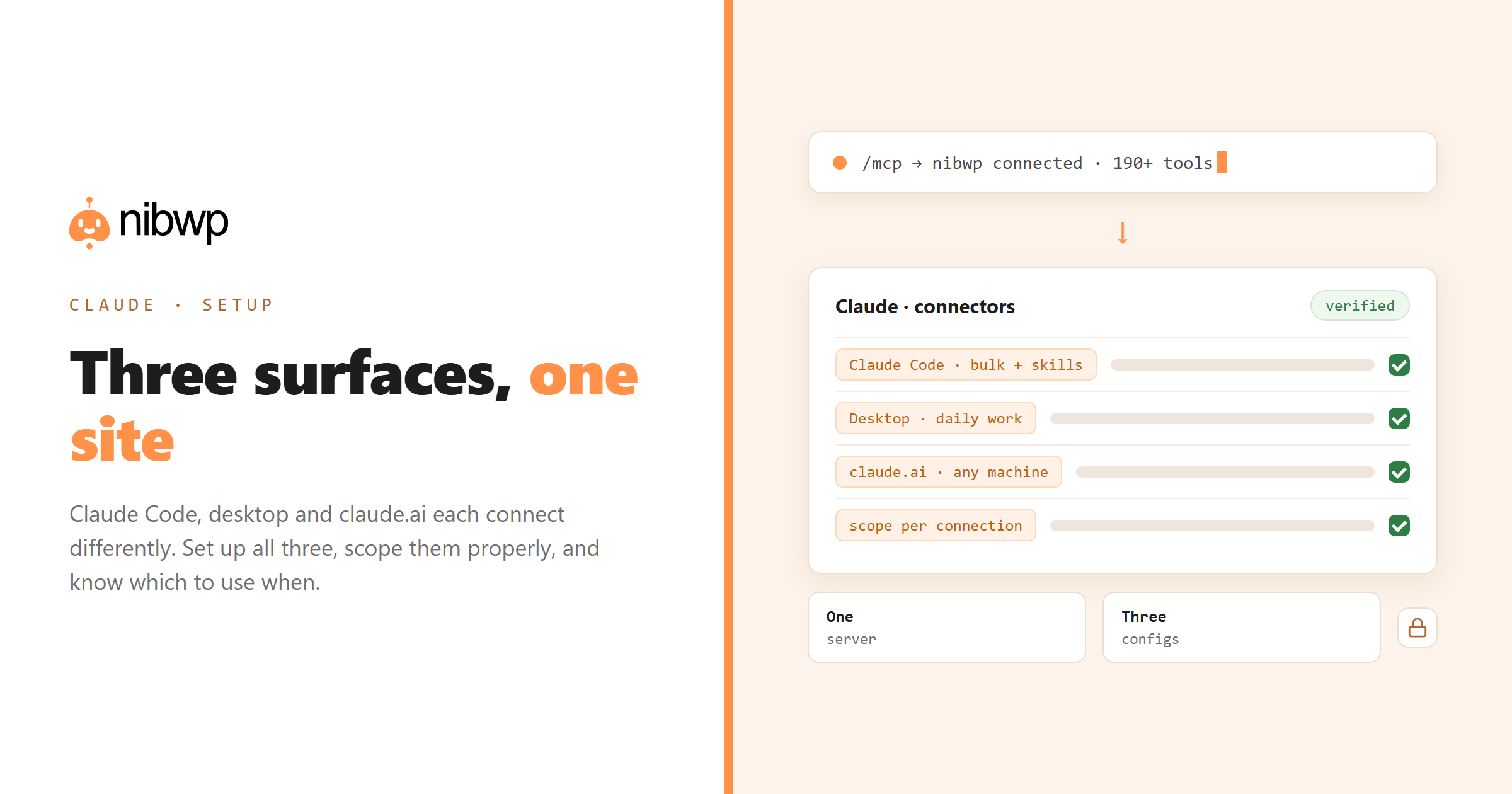
Claude connects to WordPress in three different places — the desktop app, claude.ai in a browser, and Claude Code in a terminal — and they are configured differently. People usually set up one, assume it covers the others, and get confused when their site is missing on a different device. This guide covers all three, plus when to use which.
Every client below connects to the same thing: your site's MCP endpoint plus a scoped credential. The client differs; the server does not. That means you can set up one client today and add another in two minutes later, without touching the site again.
1. Claude Code (terminal) — the power option
Claude Code is the best fit for real work: it can run bulk jobs, keep going through long tasks, read local files alongside your site, and it supports Skills for encoding your procedures. Two ways to connect:
# option A — let the CLI write the config
nibwp auth login https://yoursite.com --scope read
nibwp agent add claude-code

# option B — Claude Code's own command
claude mcp add --transport http nibwp https://yoursite.com/wp-json/mcp/nibwp
Then verify inside a session:
/mcp
# you should see the server listed with its tools
> list the last five pages on the site
Because Claude Code supports Skills, this is also where you encode repeatable procedures — the monthly audit, the import, the page build — so they run the same way every time. See what Claude Skills are and how they work with WordPress and the SKILL.md tutorial.
2. Claude desktop app — the everyday option
The desktop app is the right choice for conversational work: audits, content, questions about a site, quick fixes. Connect it once per site:
- Open Settings → Connectors → Add custom connector.
- Paste your site's MCP endpoint URL and the credential the plugin issued.
- Name it after the site — you will collect several.
- Open a new chat and confirm the connector is active for it.
- Ask a read-only question to verify the chain end to end.
The desktop app keeps connectors across conversations, so this is a one-time setup per site. If you manage a portfolio, name them consistently (client-domain) so you never point a prompt at the wrong site.
3. claude.ai in a browser
Browser Claude uses the same connector mechanism as the desktop app, configured in your account settings rather than per device — which means it follows you to any machine you log in from. That is convenient and also a reason to be deliberate about scopes: a browser session on a shared machine has whatever access the connector has.
Note that Skills on claude.ai are uploaded as zip files and are per-user; they do not sync to Claude Code, which reads folders on disk. Keep the source of truth in git and deploy to each surface.
Which one should you use?
- Bulk jobs, migrations, repeatable procedures → Claude Code. It handles long loops, retries and file work, and Skills make procedures reusable.
- Daily site questions, content, quick edits → desktop app. Lower friction, connectors persist, good enough for most single-site work.
- Working from someone else's machine → claude.ai. Nothing to install; your connectors follow the account.
There is no penalty for connecting all three to the same site. The server does not care how many clients call it, and each connection can carry its own scope — read-only in the browser, write in the terminal, for example.
Verifying the connection properly
A connection that looks fine but silently is not used is the most common failure, in every client. Ask for something the model cannot know without a real call:
What is the exact slug and last-modified date of the most recently
updated page on the site? Use the WordPress tools, don't guess.
Real data means real connection. A confident-sounding answer with invented slugs means the tools were not called — check that the connector is enabled for the conversation, and that your credential has at least read scope.
Scopes and safety across the three
The practical setup most teams settle on:
- Read-only connector on the browser and any shared machine.
- Read + write in Claude Code, where approval prompts are part of the flow and snapshots are one command away.
- Manage/files/code scopes only when a specific job needs them, then revoked.
- A separate credential per client site, so revoking one never affects another.
Deeper on the model: is AI write access safe · the audit log.
FAQ
Can Claude edit my WordPress site?
Yes. Connect your site as an MCP server and Claude can call typed tools to create and update content, products, fields and settings — with writes gated behind your approval and recorded in an audit log.
What's the difference between Claude Code, the desktop app and claude.ai for WordPress?
Claude Code is best for bulk jobs and repeatable procedures (it supports Skills); the desktop app is best for daily conversational work; claude.ai follows your account to any machine. All three connect to the same server.
Do connectors sync between Claude desktop and Claude Code?
No. Claude Code reads its own config (or a project .mcp.json), while desktop and claude.ai use account/app connectors. Set each surface up once — it takes about two minutes each.
Do I need Claude Code to use Skills with WordPress?
Skills exist on multiple surfaces but are configured differently: Claude Code reads folders on disk, claude.ai takes zip uploads per user, and the API takes uploads per workspace. Claude Code is the most convenient for site work.
Can I connect several client sites to one Claude account?
Yes. Add one connector per site and name them after the domain. Give each its own credential and scope so revoking one never affects the others.
Why does Claude say it doesn't have access to my site?
Usually the connector isn't enabled for that conversation, or the credential lacks the scope for what you asked. Check the connector toggle first, then the scope in your plugin settings.