Is it safe to let AI edit a client's WordPress site? Audit logs + approvals
“Is it safe to let AI edit WordPress?” is the question behind every stalled agency AI rollout — usually asked by a client, about their live site, with their revenue on it. It deserves a better answer than “the model is pretty good now.” The honest answer is: it's safe exactly when the agent structurally cannot act alone — and provably reckless when it can.
This post is the answer we give, in the order clients ask it: what could actually go wrong, the controls that prevent it, the paper trail that proves it, and the cases where the answer should still be no.
What could actually go wrong
Skip the sci-fi — the realiztic failure modes are mundane:
- A confident wrong edit — the agent misreads intent and rewrites the wrong page, correctly formatted.
- Scope creep — asked to fix a typo, it also “improves” three headings nobody asked about.
- An unattributable change — something's different, nobody knows when or why, and trust dies on the spot.
- Too much access — a credential that can do everything, held by software that occasionally hallucinates.
Notice what they share: none are prevented by a smarter model. All are prevented by structure.
The structure that makes it safe
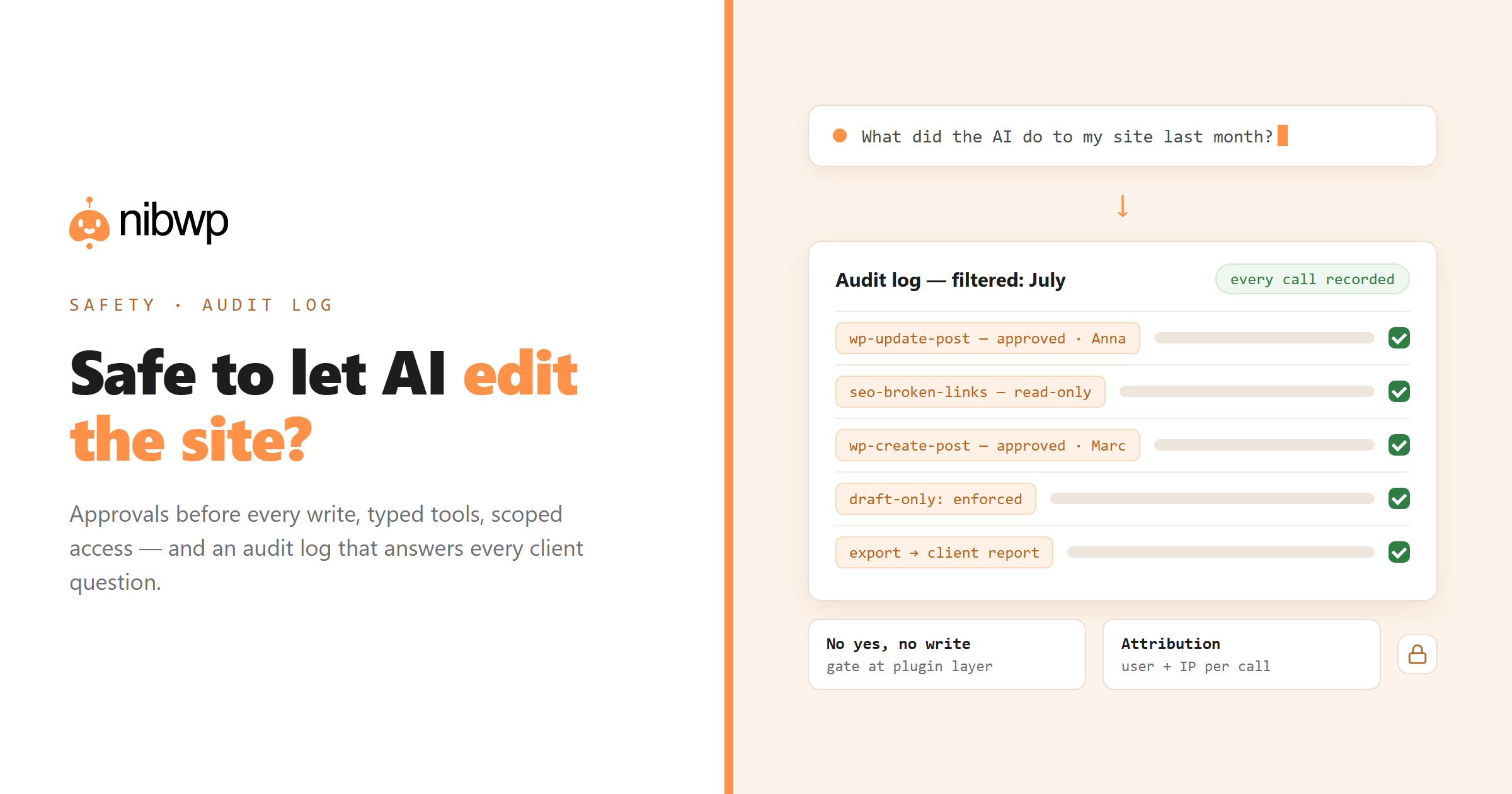
- Approval before every write. With NibWP, an edit arrives as a plan — what will change, where. Until a human says yes, the site is untouched. The wrong-edit failure mode becomes a plan you decline.
- Typed tools, not code execution. The agent calls bounded operations — update this post, add this term — through WordPress core APIs. There is no “run arbitrary code” channel to misuse.
- Scoped access, per person and per site. User Access controls which administrators can use AI at all — off for everyone but you by default — and every credential is domain-locked and revocable in one click.
- Draft-only when the stakes are high. Force all content writes to drafts and nothing reaches the front end without an editorial pass on top of the approval.
- The audit log. Every MCP call is recorded — tool name, status, latency, the calling user, the originating IP. Reads and writes alike, so the timeline is complete, not just the incriminating parts.
The paper trail is the product
When something looks off, you don't guess — you open the log, filter to the window, and see the precise sequence of calls, including the one that failed and the retry that followed. Debugging becomes reading. And when a client asks what exactly the AI did to their site last month, the answer is a filtered export, not a reassurance: every action, dated, attributed to the person who approved it.
That last part changes the sales conversation. Agencies don't win the AI-maintenance argument by claiming the model never errs — they win it by showing the client a record no human-only workflow has ever produced.
The questions clients actually ask
“Can it break my site?”
Not without a human approving the change that broke it — at which point you have an instant answer to what changed and a one-click path to revert it. No unapproved write, no arbitrary code, no silent failure mode.
“Who at the agency can use this?”
Exactly the people we've enabled, and nobody else. User Access is deny-by-default, and every action is attributed to a named person's approval.
“Does my data go to the AI company?”
The plugin runs on the site's own server — no NibWP cloud between the agent and the database. The assistant sees what it needs for the task you asked, through the scoped tools you allowed, and nothing routes through a third-party platform.
“Can I see what it did?”
Yes — that's the audit log, and the month-end report is generated from it. Runs that happened, changes that landed, approvals that authorized them.
When the answer should still be no
- No approval workflow in place — gates nobody reviews are theater.
- A shared everything-credential — scope it first, then connect.
- Sites where a bad publish is catastrophic and unrevertible — use draft-only mode, or keep AI read-only there.
- Anything the client hasn't consented to — the paper trail protects you both; use it from day one.
The bottom line
Letting an agent write to a client's WordPress install without a paper trail is reckless — that was true when we built the audit log and it's true now. But the inverse also holds: with approval gates, typed tools, scoped access and a complete log, AI editing isn't a leap of faith — it's the most accountable editing workflow a site has ever had. Safety here isn't a property of the model. It's a property of the system around it.
The technical deep-dive on these controls is is AI write access to WordPress safe? — and the agency-facing version is the safe way to put AI to work on client sites. See what the controls unlock in maintenance plans on autopilot, or start with the five-minute setup · pricing.