Free vs paid WordPress MCP: what you get at each level
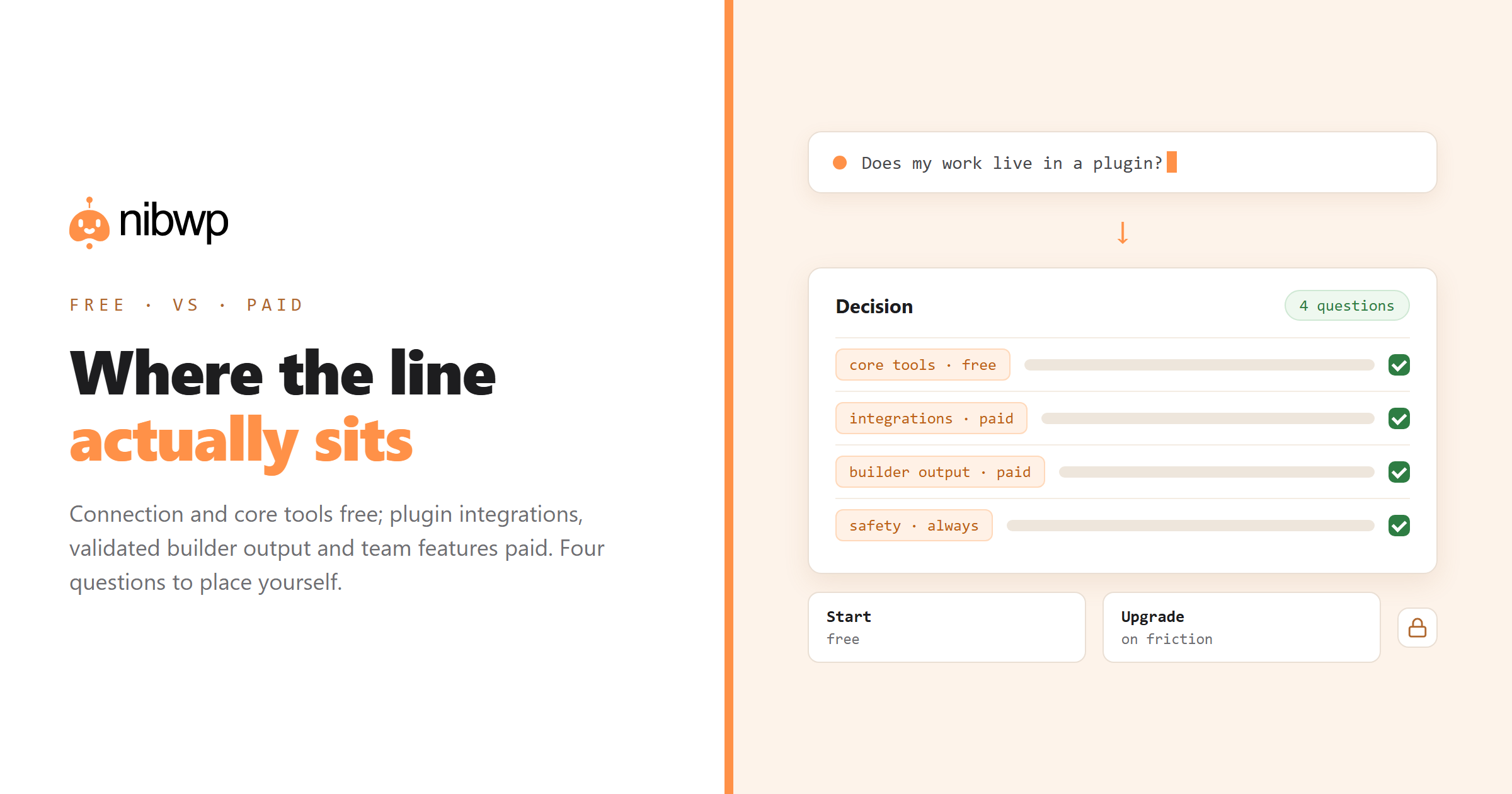
WordPress MCP tooling has settled into a familiar shape: a free tier that connects your site and covers core WordPress, and paid tiers that add plugin integrations, validated builder output and team features. This post explains what actually falls on each side of that line, so you can tell whether the free tier is genuinely enough for you — for many people it is.
What you generally get free
- The connection itself. Your site becomes an MCP server; any client can connect. This is the part that changes how you work, and it is not usually the paywall.
- Core WordPress tools. Posts, pages, media, taxonomies, users, menus, options — read and write.
- The safety model. Scoped credentials, the approval gate and the audit log should not be premium features. If a vendor charges for the audit log, weigh that carefully.
- One or two sites. Enough to learn the workflow properly and decide whether it earns a subscription.
For a single site owner who writes content, keeps meta tidy and occasionally bulk-edits, the free tier is often the whole answer. Do not buy the tier you might need in a year.
What paid tiers typically add
- Plugin integrations. WooCommerce, ACF, the SEO plugins, forms, LMS, multilingual — writing through each plugin's own API. This is usually the real reason to upgrade, because it is where most sites' actual work lives.
- Builder-native output. Validated Bricks, Etch, Elementor, Kadence or Breakdance output rather than pasted markup — the difference between an editable page and a maintenance debt.
- Site count. Agencies feel this first; it is the most honest scaling metric in the category.
- Team features. Multiple credentials, per-user audit trails, role-aware scopes.
- Support and update cadence. Less glamorous, more important than it looks when a plugin update changes an API you depend on.
How to tell which you need
Four questions, in order. Any yes points to paid:
- Does your work live in a plugin? If the answer is WooCommerce, ACF, a form plugin or an LMS, core-only tooling will get you halfway and stop.
- Do you build pages? If yes, validated builder output is the difference between shipping and cleaning up.
- How many sites? Past two or three, site limits decide it for you.
- Is anyone else touching it? Teams need separate credentials and per-user logs; one shared credential is a bad idea in every direction.
The maths that matters
Compare against the work, not against other plugins. A tier that costs the equivalent of an hour or two of your rate per month needs to save an hour or two per month to break even — and the jobs it targets are usually measured in half-days: a meta backfill across 400 pages, a 500-SKU import, a migration's redirect map, the monthly audit across a portfolio.
If you run care plans, do the sum per site rather than in total. The gathering phase of a maintenance month is one to two hours per site; automating most of it across even ten sites dwarfs any subscription in this category.
Full breakdown with numbers: how much AI WordPress automation costs. Our own tiers: pricing.
Traps to avoid on either side
- Buying for tool count. Coverage of the plugins you use beats a headline number every time.
- Paying for the connection. The basic MCP connection is table stakes; value should sit in integrations, validation and team features.
- Assuming free means unsafe. Scopes, approvals and logging should exist at every tier. If they do not, that is an architecture signal, not a pricing one.
- Upgrading before you have run one real job. Connect free, run an audit and a backfill, then decide. You will know within a week.
Four profiles, and what each actually needs
The single-site owner
You write content, keep meta tidy, occasionally fix a batch of images. Free tier, read plus write on core, one AI subscription you already pay for. Upgrade trigger: the day you start managing products or custom fields at volume.
The freelancer with five to ten client sites
Site count decides it before features do. You also want per-site credentials so revoking one client's access is trivial. Paid, at the lowest tier that covers your site count, and the plugin integrations for whatever your clients run.
The agency building pages
Builder-native validated output is the line item that matters; everything else is secondary. If generated sections cannot be edited in the builder afterwards, the tooling costs you time rather than saving it. This is the profile where the difference between tiers is most visible in delivery.
The store owner
Product, variation and order tooling is the whole point, so a core-only tier does almost nothing for you. Check specifically that writes go through WooCommerce's own API rather than into tables — the difference shows up as a broken catalog three weeks later.
How to trial properly in a week
- Day 1: connect free with a read-only credential. Run an audit. Note anything it surfaced that you did not know.
- Day 2: run the same audit on a second site. Confirm the workflow transfers without reconfiguration.
- Day 3: grant write scope on your least critical site. Run one small backfill with the approval gate on.
- Day 4: try the job you actually hate most. This is the real test.
- Day 5: check the audit log and count the hours the week would have taken manually.
If day four failed because a plugin you rely on was not covered, you have your answer about which tier — and if it failed because the output was not native to your builder, you have a different answer about which tool.
FAQ
Is there a free WordPress MCP plugin?
Yes — free tiers typically cover the MCP connection itself plus core WordPress tools (posts, pages, media, taxonomies, users), along with the safety model: scoped credentials, approval gate and audit log.
What do you actually pay for?
Mostly plugin integrations (WooCommerce, ACF, SEO plugins, forms, LMS, multilingual), validated builder output, higher site counts, and team features like per-user credentials and audit trails.
Is the free tier enough for a single site?
Often yes. If your work is content, media and SEO meta on one site, core tools plus the connection cover it. Upgrade when your work moves into a plugin or a second site.
Should the audit log be a paid feature?
No. Scopes, approvals and logging are the safety model, not premium extras. A vendor gating them is telling you something about their architecture.
How do I justify the cost?
Compare against the jobs, not other plugins. A meta backfill, a bulk import or a monthly portfolio audit each take half-days by hand; a tier costing an hour or two of your rate needs to save that much per month to break even.
Can I start free and upgrade later?
That is the recommended path. Connect free, run one audit and one backfill, and let the friction tell you which paid feature you actually need.