How to build a Voxel directory site with AI
Directory sites are the most structural sites in WordPress — listings, fields, filters, memberships, maps — and Voxel is the theme that made them buildable without a stack of plugins. As of NibWP 1.2.0, they're also buildable with AI: the assistant works with what actually makes a Voxel site a Voxel site.
What the AI can work with on Voxel
- Listings and their fields — create and manage the directory's core content, field by field
- Categories and taxonomies — the structure browsers filter by
- Orders and memberships — the monetization layer, readable and manageable
- Reviews and messages — the community layer
- The search itself — filters, results and their wiring
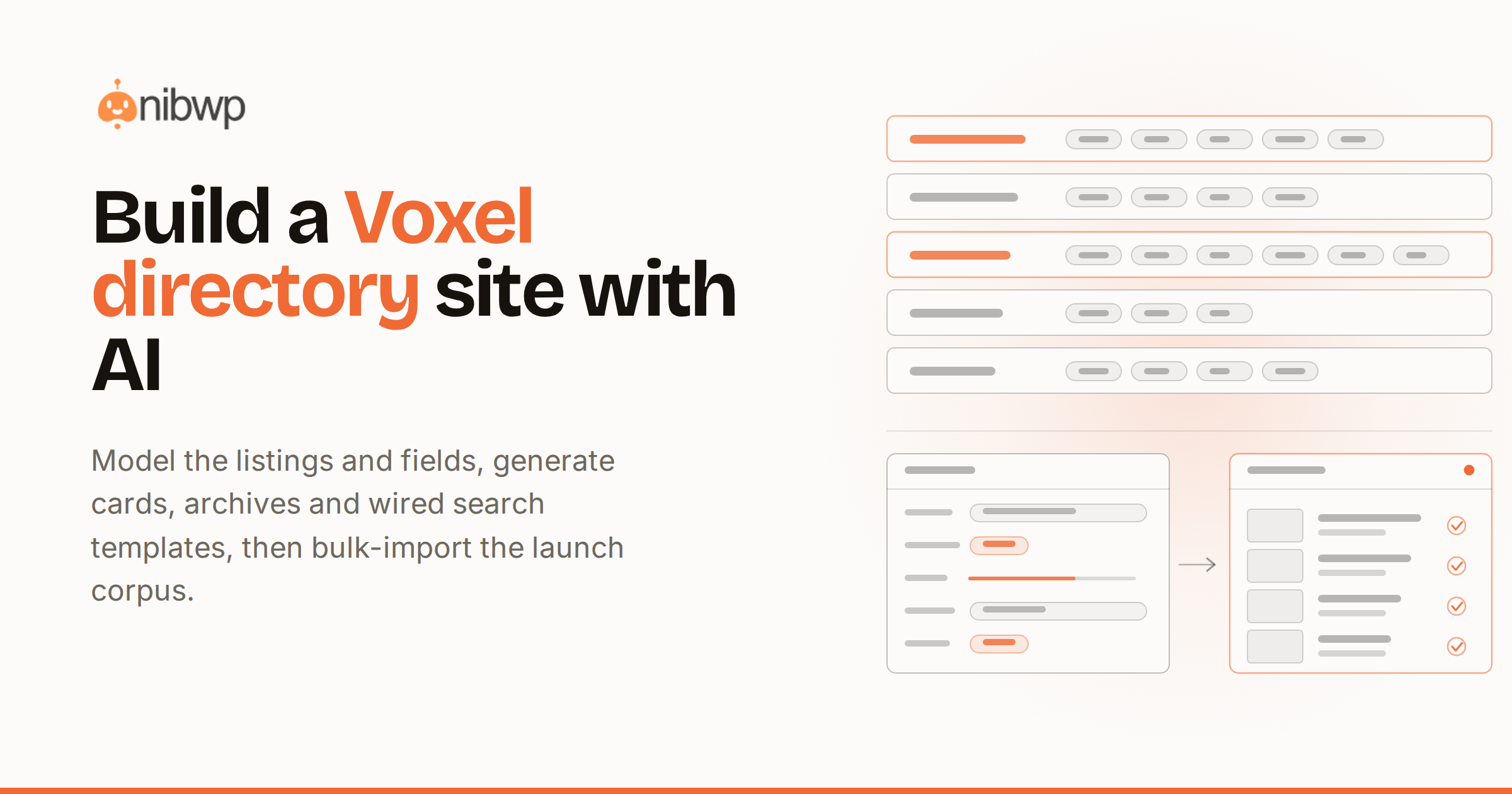
On top of that sits Voxel Pro, the skill that builds the templates a Voxel site is made of: preview cards, listing pages, archives, headers, and search pages whose filters, results and map are wired together properly.
How to build a Voxel directory site with AI
- Connect. NibWP on the Voxel site, AI client over MCP — standard setup. Voxel abilities appear automatically.
- Model the directory. “Restaurants: cuisine, price range, neighborhood, hours, gallery” — listing structure and fields, planned and approved.
- Build the templates. Voxel Pro generates the preview card, the listing page, the archive, and a search page with working filters and map — the part that eats days by hand.
- Seed the content. Bulk-import listings from a spreadsheet the same way products import — mapped, deduplicated, approved as a batch.
- Wire monetization. Membership tiers and paid listings — reviewed before anything goes live.
Walkthrough: a city restaurant directory
- Brief: “Restaurant directory for Rotterdam: searchable by cuisine and neighborhood, map view, owner claims, free + featured tiers.”
- Approve the listing model, then the template set — card, page, archive, search — each validated before writing.
- Import the first 200 restaurants from a sheet; the batch plan shows creates, updates and skips before you approve.
- Launch with the standard content, SEO and pre-launch passes.
Why directory sites used to take a quarter
A directory is really five systems wearing one skin: a content model (listings and their fields), a search engine (filters, results, map), a template layer (cards, pages, archives), a monetization layer (tiers, orders, claims), and a community layer (reviews, messages). Voxel collapsed the plugin stack; the time sink that remained was wiring — especially search pages where filters, results and map must agree about every field. That wiring is exactly what Voxel Pro generates correctly the first time.
Getting the listing model right
The model decides everything downstream — what's filterable, what shows on cards, what owners can edit. Describe the business reality and let the plan translate it: “cuisine (multi-select), price range (1–4), neighborhood (taxonomy), hours (weekly schedule), gallery, claimed-by (owner)” becomes typed fields of the right kinds, reviewable before creation. Changing a field type after 200 listings exist is the expensive mistake the approval step exists to catch.
Seeding and maintaining content at scale
Directories live or die on liveness. The import path handles the launch corpus — a spreadsheet of 200 restaurants becomes a reviewed batch with creates, updates and skips — and the same mechanics handle the drip afterward: new submissions, owner claims, seasonal updates. Pair it with the scheduled jobs and the broken-link crawl covers outbound listing URLs, which rot faster on directories than anywhere else.
Monetization patterns that map cleanly
- Free + featured. The classic: free listings seed liveness, featured placements pay for it. Tiers and placement rules are part of the plan.
- Owner claims. Claim-your-listing flows convert the seeded corpus into paying owners over time.
- Membership gating. Reviews, messaging or extended profiles behind membership — the Voxel membership layer is fully in the assistant's reach.
The bottom line
Directory sites used to be the hardest thing to build in WordPress; with Voxel's structure and an assistant that respects it, they're a week's work with approvals — not a quarter's project. The tool surface is on Voxel + MCP; get the skill via pricing.