Voxel + MCP: Run Your Directory With AI
Connect Voxel to Claude, Cursor or ChatGPT through NibWP. Listings, fields, taxonomies, orders, memberships and the search index become typed tools — with every write validated exactly as the front-end form would validate it.
Voxel keeps a directory in places ordinary tools cannot reach: post types defined in a JSON option, field values spread across typed meta and several custom tables, and no REST API of its own. A generic assistant on a Voxel site can touch everything except what makes it a Voxel site.
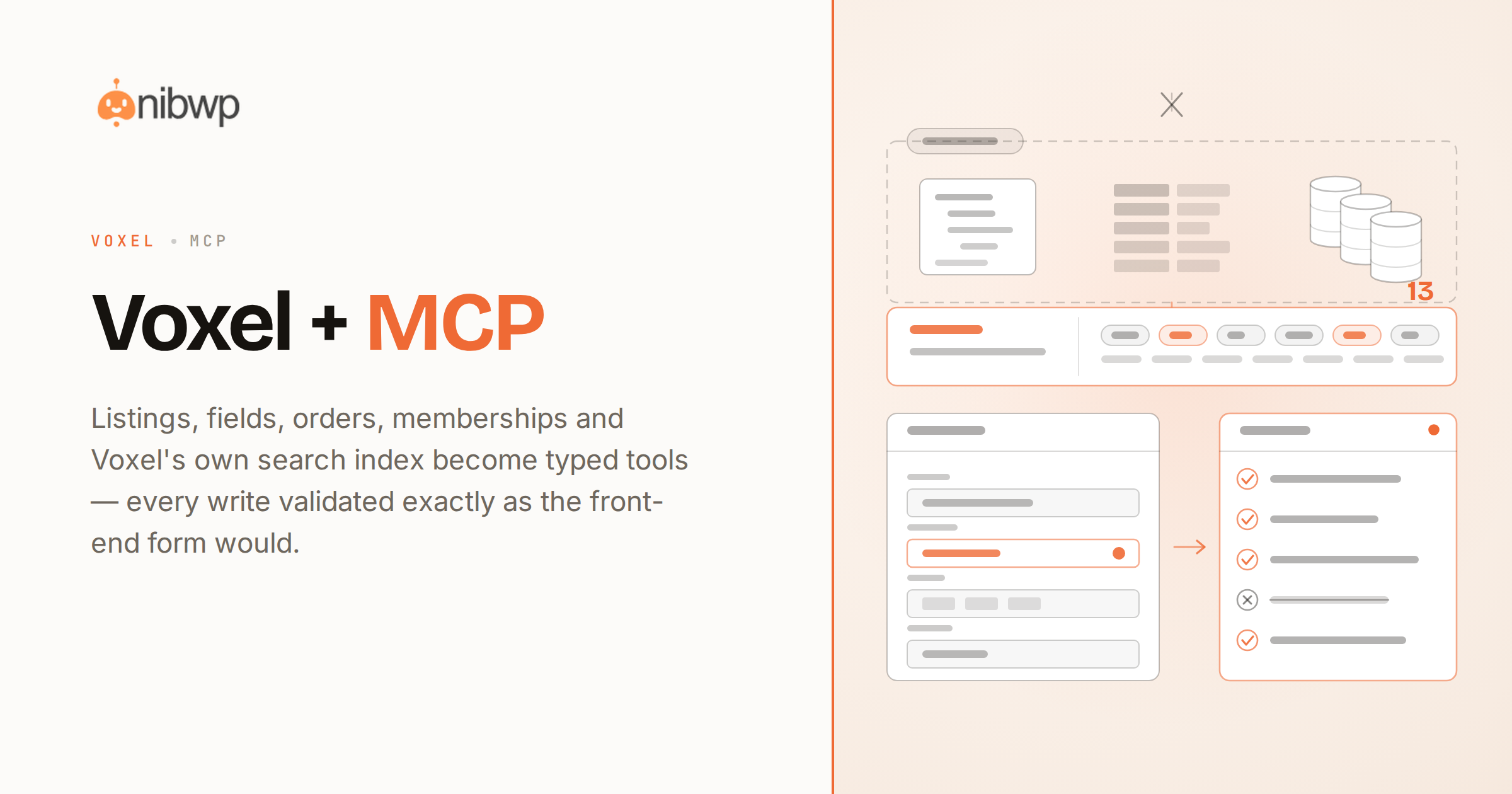
NibWP exposes Voxel as 13 typed MCP tools that run through Voxel’s own models. Listings, fields, taxonomies, orders, memberships, reviews and the geographic search index are all addressable — and every write goes through the same validation as the front-end submission form.
What you can do over MCP
Listings, properly validated
Create and edit listings the way the front-end form does — location, gallery, work hours and relations all checked before they save.
Your real field vocabulary
Field keys, types and taxonomies are read from your install, never guessed. The agent works with the schema you actually built.
Voxel’s own search index
Query the index that understands radius, price and availability — the questions a plain WP_Query cannot answer.
Orders and memberships
Read orders and change their status, and manage membership plans and paid-listing packages.
Reviews, timeline and messages
Timeline posts, replies and direct messages, with the privacy caveats stated plainly up front.
Deletes kept apart
Every destructive action sits behind a separate permission a normal connection never gets.
How it works
- Install NibWP and connect your AI client over MCP — Voxel shows up as typed tools.
- Ask in plain language: seed listings, backfill a field across a category, audit stale hours, move an order.
- NibWP reads your real post types and fields, then shows you the plan before anything is written.
- Approve, and it writes through Voxel’s own models — validated exactly like the front-end form.
Why typed tools beat a generic AI
A generic assistant
- Guesses field names that do not exist in your install
- Cannot reach orders, memberships or the search index
- Writes straight to postmeta and leaves the index stale
Voxel + NibWP
- Typed tools built on Voxel’s own models
- Search that knows radius, price and availability
- Writes validated exactly like the front-end form
Safe by default
Built for client sites, so control and traceability come first:
- Nothing is written without your approval — you see the plan first.
- Every action is recorded in a full audit trail.
- It runs on WordPress core and your plugins’ own APIs — your content and site data stay on your server.
- Reads are read-only; writes are gated.
Questions, answered
Common questions about Voxel over MCP.
Does this work when Voxel has no REST API?
Are writes validated, or does it just set postmeta?
Can it delete listings or change my post types?
Which AI clients work?
Put AI to work in Voxel.
Install NibWP, connect your AI client, and work through 13 real Voxel abilities — safely, on your own site.