EtchWP Pro: from screenshot to validated component
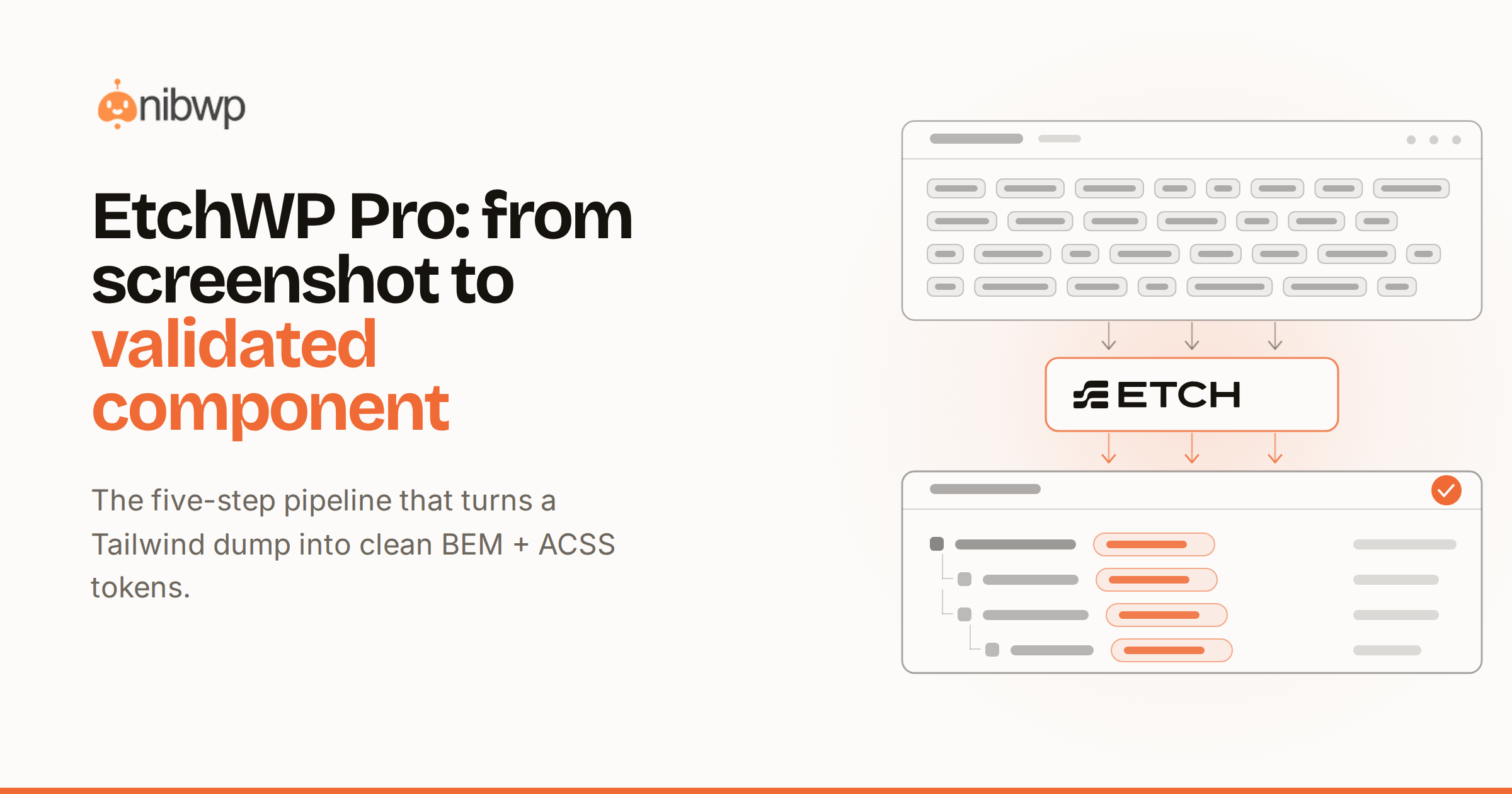
A screenshot is not a website. EtchWP Pro is the five-step pipeline that turns a design — an image, a URL, or a Figma frame — into a validated, responsive EtchWP component, mapped to your tokens and structured with BEM.
Step one: read the design
The skill studies the source and identifies structure, hierarchy, and repeating patterns. Repeating cards become candidates for a loop; sections become semantic landmarks rather than nested div soup.
Step two: synthesize the component
It produces native Etch elements with a reusable component system. Props let one component serve many pages, and conditional rendering hides parts whose data is absent.
Step three: map to tokens
Colors, type, and spacing map to your ACSS tokens with safe fallbacks. There are no orphan hex values and no broken scales — just variables that follow your system.
- Pixel-faithful recreation of the original.
- Production-grade BEM, reusable across pages.
- Container-query responsive, never clamp() hacks.
- Smart props and conditional rendering built in.
The validator rejected my first three drafts with copy-paste fixes. The fourth was production-ready.
Step four: validate
BEM grammar, token taxonomy, and the no-clamp rule are enforced on the server. A failing payload comes back with exact fixes, so each pass gets closer.
Step five: approve and persist
Nothing is written until you review the diff. Explore EtchWP Pro or request a demo.