ACPT + MCP: let AI extend your Advanced Custom Post Types model
Connect ACPT to Claude, Cursor or ChatGPT through NibWP's MCP server. The AI reads what ACPT already registers — post types, taxonomies, meta groups and their fields — and extends the model from a brief, so new types appear in the ACPT screens exactly as if you had clicked them in.
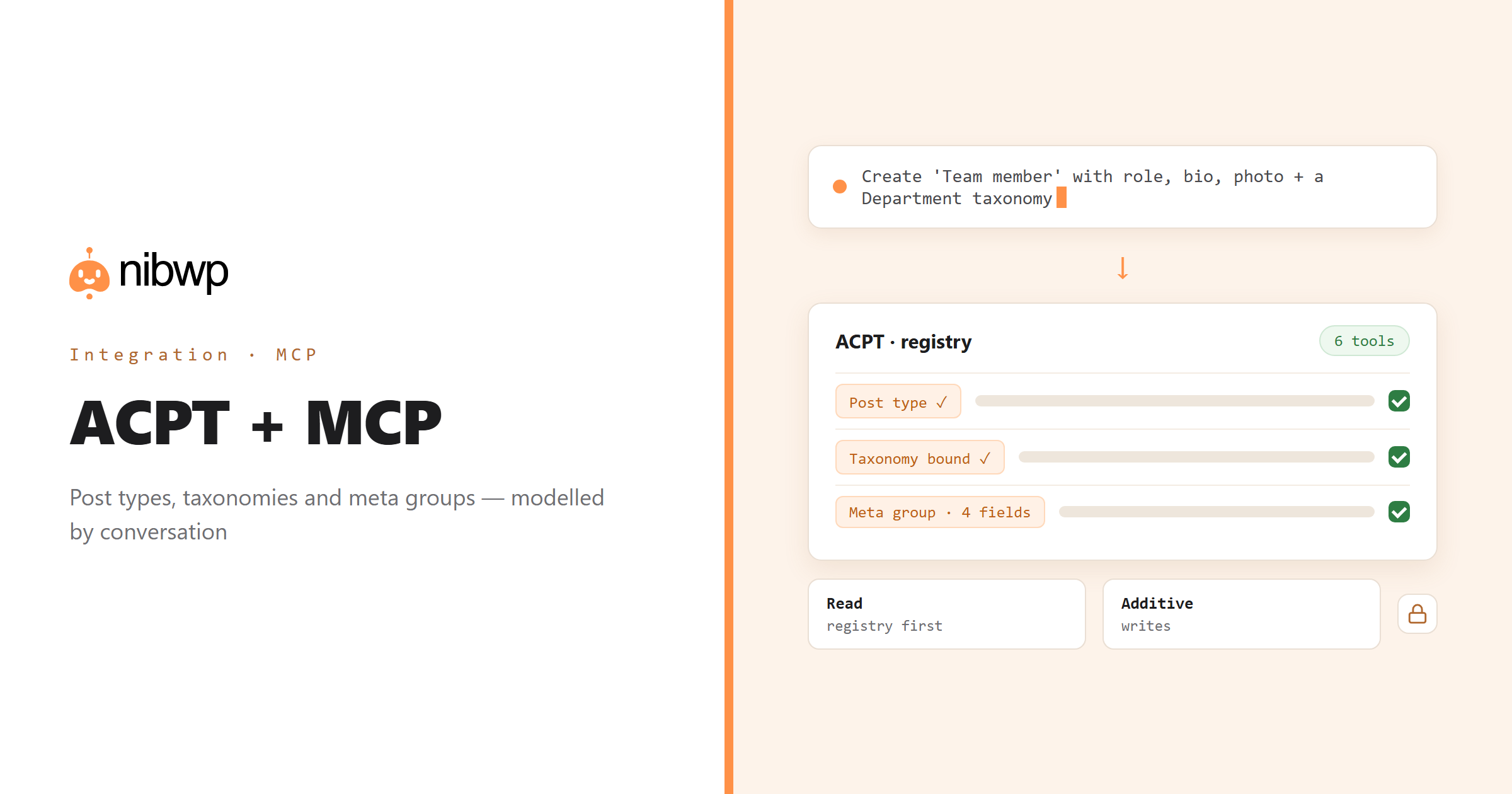
Advanced Custom Post Types keeps its post types, taxonomies and meta groups in its own registry. Reading that registry is what lets an agent extend your model instead of guessing at names and duplicating what exists. NibWP exposes the registry as typed list tools and the registrations as typed create tools.
So a client brief becomes a content model in one pass — 'Team member with role, bio, photo and a department taxonomy' — and an inherited site becomes legible: what is actually registered, which taxonomies bind to which types, which meta groups have which fields.
ACPT is one of the 45+ integrations inside NibWP's WordPress MCP server — 6 typed ACPT tools on top of 190+ WordPress tools. The full tool reference lives on the ACPT integration page; this page is about what those tools let you do.
What AI can do in ACPT
Scaffold a model
Post types, taxonomies and meta groups from a single brief, registered through ACPT with labels and supports.
Audit the registry
See what is actually registered — types, bindings, fields — rather than what the docs or the last developer said.
Taxonomies bound right
Create taxonomies and bind them to one or more post types you name.
Meta groups and boxes
Define meta groups, their boxes and fields with the right types, so editors get proper inputs.
Extend safely
Add fields and taxonomies to an existing model without touching what is already there.
Automation
Chain registrations into a repeatable setup you run on every new client site.
The ACPT tools NibWP exposes
Every ACPT capability is a typed MCP tool with a schema the AI client can read, so it calls the right thing with the right arguments instead of guessing at your database. Read tools are free to explore; write tools go through the approval flow.
list_post_types— Every post type ACPT registers, with its configuration.create_post_type— Register a post type with labels, supports and settings.list_taxonomies— Taxonomies and the post types they are bound to.create_taxonomy— Register a taxonomy against one or more post types.list_meta_groups— Meta groups with their boxes and fields.create_meta_group— Define a meta group and the fields inside it.
Example prompts
Plain English is the interface. These are the kinds of requests agencies run against ACPT every day:
- “Create a 'Team member' post type with role, bio, photo and LinkedIn URL, and a 'Department' taxonomy.”
- “List every post type ACPT registers with its supports and taxonomies.”
- “Add a 'Featured' checkbox to the Project meta group.”
- “Which meta groups have no fields?”
- “Register a 'Case study' type that shares the Industry taxonomy with Project.”
How it works with ACPT
There is no new dashboard to learn. You describe an outcome, NibWP plans it, and you approve before anything is written.
- Connect — install NibWP, connect Claude, Cursor, ChatGPT or any MCP client. ACPT is detected automatically and its tools appear in the client.
- Describe — describe the type, taxonomy or meta group you need. NibWP lists the current registry first and extends it using your existing names.
- Approve — NibWP shows the plan: which records it will create or change, and what will stay untouched. Nothing happens until you say yes.
- Done — it writes real ACPT data through the plugin's own APIs and reports back in plain English, with every change in the audit log.
Why not just a generic AI?
A general-purpose assistant can write text about ACPT; it cannot safely operate it. The difference is structure, context and control.
A generic assistant
- Writes registration PHP you have to paste somewhere
- Duplicates types and taxonomies that already exist under other names
- Cannot see the ACPT registry at all
ACPT + NibWP
- Registers through ACPT so everything appears in its admin screens
- Reads the registry first and extends it
- Creates meta groups with properly typed fields
Safe by default
NibWP is built for agencies running client sites, so control and traceability come first:
- Nothing is written without your approval — you see the plan first, and you can run in draft mode.
- Every action is recorded in a full audit trail, per site and per user.
- It runs on ACPT's own functions and APIs — your data stays on your server, nothing is copied to a third-party service.
- Registrations are additive: creating a type, taxonomy or group adds one and never alters or removes what exists.
Related integrations
Most sites pair ACPT with other plugins NibWP already speaks: Meta Box + MCP, Pods + MCP, ACF + MCP, Admin and Site Enhancements + MCP, JetEngine + MCP, WordPress + MCP. All of them ship in the same plugin — see pricing for what each plan includes.
Questions, answered
Everything about running ACPT with NibWP.
Do I need ACPT installed?
Does it replace the ACPT admin?
Can it read what is already registered?
Do I need a Pro Skill?
Extend your content model by describing it.
Get the Bundle and let NibWP read and extend ACPT — post types, taxonomies and meta groups, through ACPT with an approval step.