Pods + MCP: let AI build Pods content types and manage their items
Connect Pods to Claude, Cursor or ChatGPT through NibWP's MCP server. Describe the content you need and the AI creates the Pod — post type, taxonomy, settings page or Advanced Content Type — adds typed fields, and lists, creates and updates items through the Pods API.
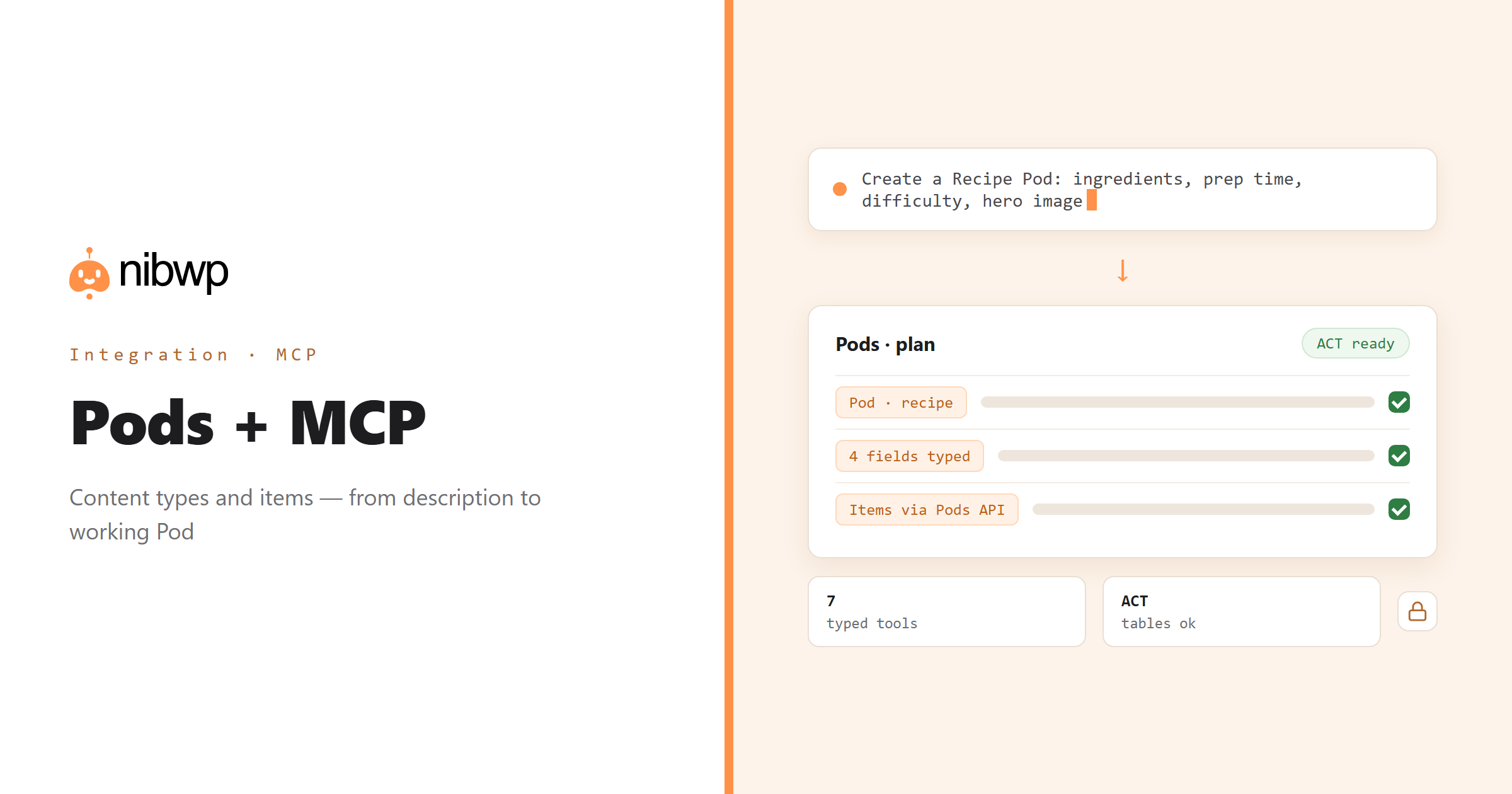
Pods can model almost anything: post types, taxonomies, settings pages and its own Advanced Content Types with their own tables. Building one is a long sequence of admin screens; describing one is a sentence. NibWP reads the Pods your install already has — names, types, field keys — and writes new Pods, fields and items through the Pods API so values land in the shape Pods expects.
That covers the setup and the maintenance: model a Pod from a brief, backfill a field across every item, find items with gaps and fix them, and wire the whole thing into a multi-step agent workflow — all without SQL or exports.
Pods is one of the 45+ integrations inside NibWP's WordPress MCP server — 7 typed Pods tools on top of 190+ WordPress tools. The full tool reference lives on the Pods integration page; this page is about what those tools let you do.
What AI can do in Pods
Model from a brief
Describe the content and get a Pod with its fields, ready to fill — post type, taxonomy, settings page or ACT.
Every Pod type
Advanced Content Types with their own tables are read and written like any other Pod.
Fields as data
Add fields with the right type and options; read a Pod's full field definitions before writing against it.
Items in and out
List, create and update items through the Pods API — hundreds at a time.
Audits
Find items with empty or inconsistent values and fix them in place.
Automation
Chain Pods actions into multi-step agent workflows: import, normalise, relate, publish.
The Pods tools NibWP exposes
Every Pods capability is a typed MCP tool with a schema the AI client can read, so it calls the right thing with the right arguments instead of guessing at your database. Read tools are free to explore; write tools go through the approval flow.
list_pods— Every Pod with its type and label.get_pod— One Pod with its full field definitions.create_pod— Create a Pod — post type, taxonomy, settings page or Advanced Content Type.add_field— Add a field to a Pod with its type and options.list_items— List items belonging to a Pod.create_item— Create an item through the Pods API.update_item— Update an existing item.
Example prompts
Plain English is the interface. These are the kinds of requests agencies run against Pods every day:
- “Create a 'Recipe' Pod with ingredients (repeatable), prep time, difficulty and a hero image.”
- “List every Pod with its type and how many items it has.”
- “Add a 'season' field to Recipe with Spring, Summer, Autumn, Winter.”
- “Create an Advanced Content Type 'Store location' with address, phone and opening hours.”
- “Find recipes with no difficulty set and mark them Medium.”
How it works with Pods
There is no new dashboard to learn. You describe an outcome, NibWP plans it, and you approve before anything is written.
- Connect — install NibWP, connect Claude, Cursor, ChatGPT or any MCP client. Pods is detected automatically and its tools appear in the client.
- Describe — describe the Pod, field or change you want. NibWP lists existing Pods and reads field definitions first, so it extends your model using your vocabulary.
- Approve — NibWP shows the plan: which records it will create or change, and what will stay untouched. Nothing happens until you say yes.
- Done — it writes real Pods data through the plugin's own APIs and reports back in plain English, with every change in the audit log.
Why not just a generic AI?
A general-purpose assistant can write text about Pods; it cannot safely operate it. The difference is structure, context and control.
A generic assistant
- Writes PHP for you to paste, or raw SQL against the Pods tables
- Does not know which Pods, fields and ACTs already exist
- Breaks ACT rows by treating them like posts
Pods + NibWP
- Creates Pods and fields through the Pods API, with real types and options
- Reads your install's Pod names and field keys first
- Handles ACTs in their own tables correctly
Safe by default
NibWP is built for agencies running client sites, so control and traceability come first:
- Nothing is written without your approval — you see the plan first, and you can run in draft mode.
- Every action is recorded in a full audit trail, per site and per user.
- It runs on Pods's own functions and APIs — your data stays on your server, nothing is copied to a third-party service.
- Creating a Pod or field adds one; item updates touch only the fields you name. Destructive structural changes are never part of an ordinary connection.
Related integrations
Most sites pair Pods with other plugins NibWP already speaks: Meta Box + MCP, ACF + MCP, ACPT + MCP, Admin and Site Enhancements + MCP, JetEngine + MCP, WordPress + MCP. All of them ship in the same plugin — see pricing for what each plan includes.
Questions, answered
Everything about running Pods with NibWP.
Do I need Pods installed?
Does it handle Advanced Content Types?
Can it create fields as well as Pods?
Do I need a Pro Skill?
Build Pods by describing them.
Get the Bundle and let NibWP model and maintain Pods content types — fields, items and ACTs, through the Pods API with an approval step.