AI WordPress automation vs Zapier and Make: when typed tools beat webhooks
If your WordPress automation currently runs through Zapier, Make or n8n, the arrival of AI agents raises a fair question: is this the same thing with a chat interface, or something different? The answer is that they solve different halves of the problem, and the teams getting the most out of both know exactly which half is which.
This is a practical comparison: how each model works, the jobs each is genuinely better at, cost patterns, and how to combine them without duplicating work.
How each one actually works
The distinction is determinism.
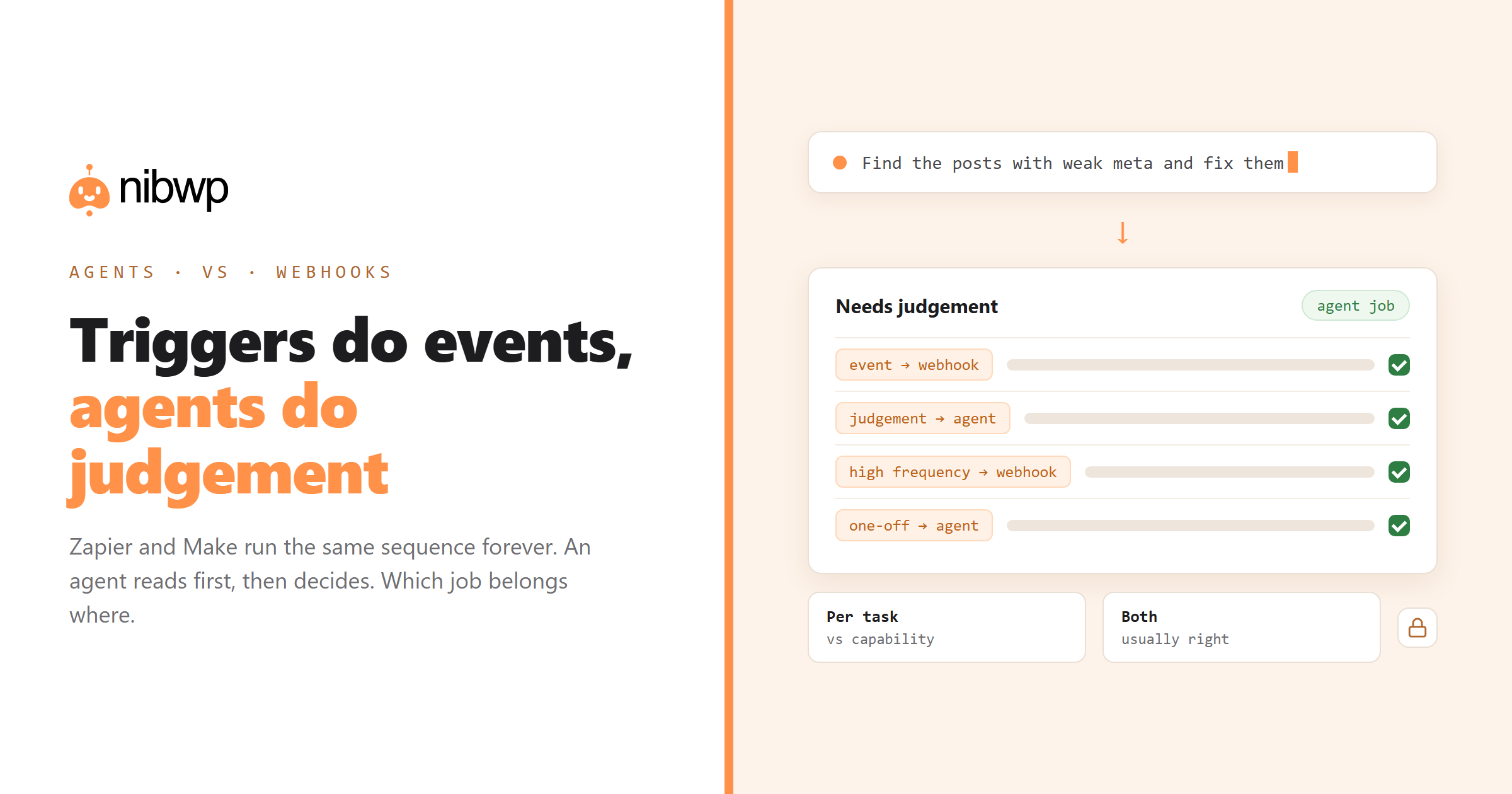
- Workflow automation (Zapier, Make, n8n). You define the sequence in advance: when X happens, do A, then B, then C. It runs identically every time, forever, without you. Deterministic, unattended, cheap per run.
- Agentic automation (MCP + an AI client). You describe an outcome. The agent reads the current state, decides what needs doing, proposes it, and executes on approval. Non-deterministic, supervised, better at ambiguity.
Neither is an upgrade of the other. A trigger-based workflow that fires 4,000 times a month should not become an agent; an agent job that requires judging 400 pages should never be a fixed sequence.
Where webhook automation wins
- Event-driven work. Form submitted → create CRM contact → notify Slack. The trigger is precise and the action is the same every time.
- High frequency, low value per run. Thousands of tiny operations, no supervision, cost per run measured in cents.
- Cross-service plumbing. Moving records between five SaaS tools that each have a connector already.
- Unattended reliability. It runs at 3am on a bank holiday and nobody watches. Agents should not be doing that on production sites.
Where agents win
- Jobs that require looking first.
- Bulk work with judgement. Importing 500 products means matching categories, spotting duplicates, deciding what to do about the rows that do not fit.
- One-off and rare jobs. A migration, an audit, a cleanup. Building a Zap for something you do twice a year is not worth it; describing it to an agent takes a sentence.
- Multi-system reasoning inside one site.
- Work you cannot specify precisely up front. Which is most of the interesting work.
Cost patterns
The economics differ in shape, not just amount. Workflow tools charge per task or per operation: predictable, scales linearly with volume, and gets expensive at high frequency. Agent tooling is typically a subscription plus model usage: the marginal cost of one more job is small, but you are paying for capability rather than volume.
The practical consequence: high-frequency, low-judgement work belongs on the per-task tool because agents would be wasteful; low-frequency, high-judgement work belongs with the agent because the automation would take longer to build than to do.
For real numbers on the agent side, see how much AI WordPress automation actually costs.
Using both together
The pattern that works: webhooks handle the events, agents handle the judgement. Two examples that come up constantly:
- New order → fulfilment. Zapier moves the order into your ops tool the moment it happens. Weekly, an agent audits the catalog for missing images, inconsistent pricing and orphaned variations — work no trigger can describe.
- Form submission → CRM. The webhook creates the contact. Monthly, an agent reads every form on every client site and reports which ones are misconfigured, sending to old addresses or missing notifications.
You can also chain them deliberately: a workflow tool triggers on a schedule and calls your agent for the judgement step, or an agent's output lands in a queue that a workflow processes deterministically. The boundary to maintain is that the deterministic side never needs to guess and the agent side never runs unsupervised on production.
Should you move existing Zaps to an agent?
Mostly no. Migrate a workflow only if it is regularly failing for reasons that require judgement — a mapping that keeps needing edge cases, a sequence that grew to twenty steps with branches, a job where somebody manually fixes the output afterwards. That last one is the strongest signal: if a human corrects the automation's output every week, the work required judgement all along.
Worked agent examples with the prompts written out: the solutions library.
FAQ
Is an AI agent better than Zapier for WordPress?
Not better — different. Zapier and similar tools are better for deterministic, event-driven, high-frequency work. Agents are better for jobs that require reading the current state and exercising judgement, like audits, backfills and migrations.
Can an AI agent replace my Zapier workflows?
Usually it shouldn't. Keep webhook automation for triggers that fire often and always do the same thing. Move a workflow to an agent only when a human keeps correcting its output — that is a sign the job needed judgement.
Which is cheaper?
Workflow tools charge per task, which is cheap at low volume and expensive at high frequency. Agent tooling is a subscription plus model usage, so the marginal job is cheap but you pay for capability. Match each job to the model that fits it.
Can I use both together?
Yes, and most teams should. Webhooks handle events; agents handle the periodic judgement work no trigger can express. They can also chain — a schedule triggers the agent, or the agent's output feeds a deterministic queue.
Can Zapier connect to a WordPress MCP server?
Indirectly. Workflow tools call HTTP endpoints, so they can hit your site's REST API directly. The MCP layer is designed for model callers; for deterministic integrations, REST is the simpler path.
Do agents run unattended like Zaps?
They can be scheduled, but running write-capable agents unsupervised on production sites is not advisable. Read-only scheduled audits are the safe pattern; keep writes behind approval.