Directorist + MCP: let AI seed, maintain and moderate your directory
Connect Directorist to Claude, Cursor or ChatGPT through NibWP's MCP server. A directory is a data job: listings, categories, locations, tags, reviews, orders and plans that have to stay consistent. NibWP gives the AI typed access to all of it, so seeding, housekeeping and moderation happen by prompt.
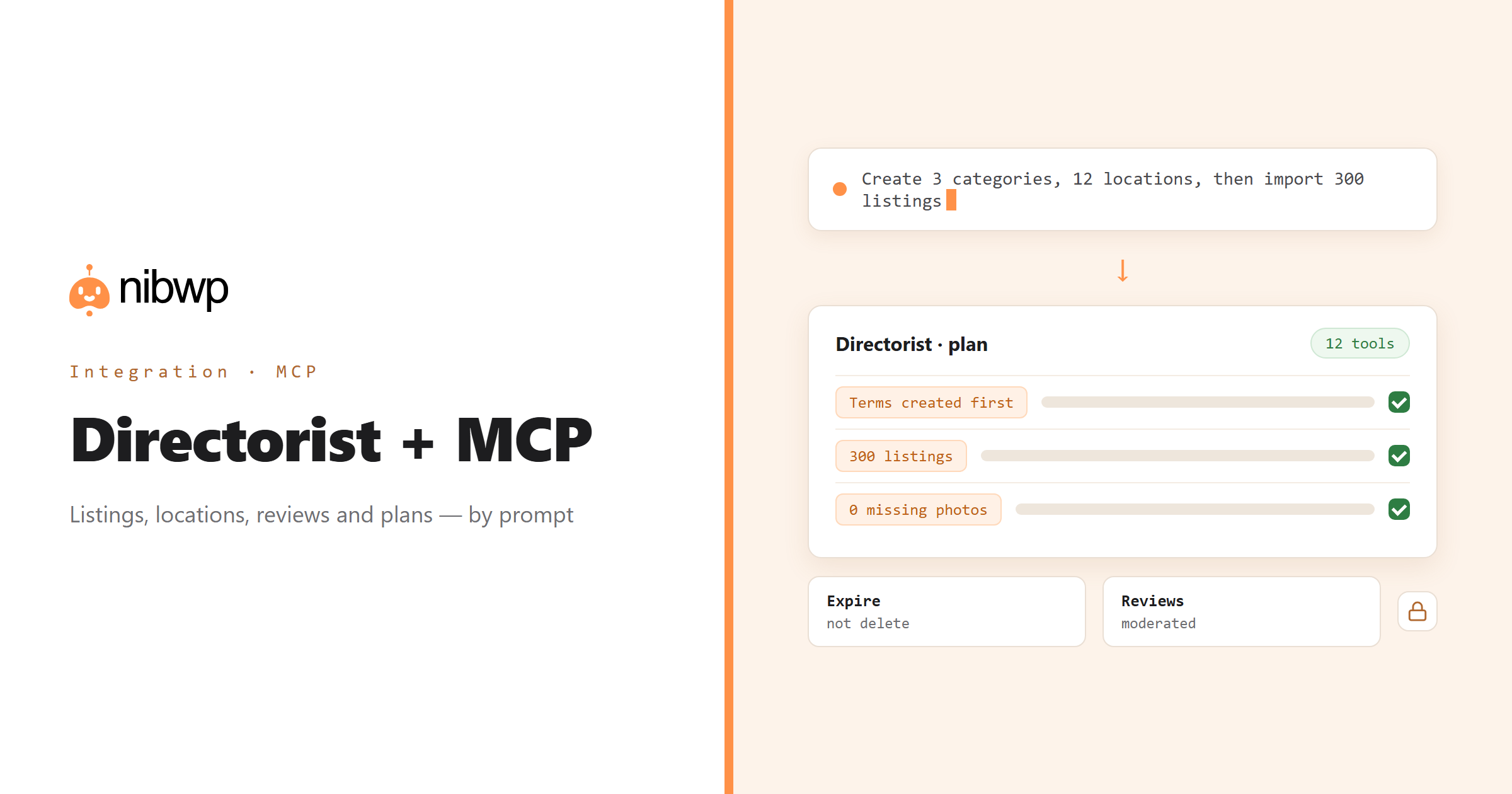
Directories are bookkeeping, and bookkeeping is what an agent should be doing. Hundreds of listings with fields, photos, categories and locations; expiries and featured flags; a review queue; orders that decide what a listing is entitled to. NibWP exposes Directorist as typed MCP tools — listings end to end, the whole taxonomy, reviews, orders, plans and favorites — written through Directorist itself so its own fields and expiry handling apply.
Seed a new directory from a sheet or a source site, with categories and locations created first so nothing points at a name that does not exist. Find listings with no photo, no location or a stale expiry and fix them in place. Clear the review queue: approve the genuine ones, remove the spam. Chain expiry, featuring and moderation into a weekly run.
Directorist is one of the 45+ integrations inside NibWP's WordPress MCP server — 12 typed Directorist tools on top of 190+ WordPress tools. The full tool reference lives on the Directorist integration page; this page is about what those tools let you do.
What AI can do in Directorist
Seed a directory
Categories, locations and hundreds of listings from a source you already have — fields, photos and terms in place.
Find the gaps
Listings with no photo, no location or a stale expiry — found and fixed in place.
Feature and expire
Feature the listings that paid for it, expire the ones that lapsed — without deleting anything.
Clear the review queue
Read pending reviews, approve the genuine ones, remove the spam.
Orders and plans
Read orders and pricing plans to see what a listing is actually entitled to.
A weekly workflow
Chain expiry, featuring and moderation into a repeatable run you approve.
The Directorist tools NibWP exposes
Every Directorist capability is a typed MCP tool with a schema the AI client can read, so it calls the right thing with the right arguments instead of guessing at your database. Read tools are free to explore; write tools go through the approval flow.
list_listings— Listings, filtered by status, category or location.get_listing— One listing with its fields.create_listing— Create a listing through Directorist's own fields.expire_listing— Expire a listing without deleting it.delete_listing— Remove a listing.list_categories— Directory categories.create_category— Add a category.list_locations— Locations as Directorist stores them.create_location— Add a location.approve_review— Approve a pending review.list_orders— Orders behind paid listings.list_plans— Pricing plans and what they include.
Example prompts
Plain English is the interface. These are the kinds of requests agencies run against Directorist every day:
- “Create categories Restaurants, Cafés and Bars, locations for these 12 towns, then import the 300 listings from the sheet.”
- “List listings with no photo or no location.”
- “Expire every listing whose plan ended before today, and feature the ones on the Premium plan.”
- “Approve pending reviews that mention a visit; list the rest for me.”
- “Which orders are behind the listings in Bars?”
How it works with Directorist
There is no new dashboard to learn. You describe an outcome, NibWP plans it, and you approve before anything is written.
- Connect — install NibWP, connect Claude, Cursor, ChatGPT or any MCP client. Directorist is detected automatically and its tools appear in the client.
- Describe — describe the seed, the cleanup or the moderation job. NibWP reads categories, locations, plans and the current listings first and shows the plan.
- Approve — NibWP shows the plan: which records it will create or change, and what will stay untouched. Nothing happens until you say yes.
- Done — it writes real Directorist data through the plugin's own APIs and reports back in plain English, with every change in the audit log.
Why not just a generic AI?
A general-purpose assistant can write text about Directorist; it cannot safely operate it. The difference is structure, context and control.
A generic assistant
- Cannot see your listings, terms or reviews
- Writes straight into the database and bypasses Directorist's fields and expiry
- Needs a CSV round-trip for anything in bulk
Directorist + NibWP
- Writes listings through Directorist's own fields and taxonomies
- Expires and features without deleting; moderates reviews in place
- Reads orders and plans to respect entitlements
Safe by default
NibWP is built for agencies running client sites, so control and traceability come first:
- Nothing is written without your approval — you see the plan first, and you can run in draft mode.
- Every action is recorded in a full audit trail, per site and per user.
- It runs on Directorist's own functions and APIs — your data stays on your server, nothing is copied to a third-party service.
- Removing listings, terms or reviews is flagged destructive and sits behind a permission an ordinary read-and-write connection never gets. Expiring is reversible and preferred.
Related integrations
Most sites pair Directorist with other plugins NibWP already speaks: Voxel + MCP, WP Job Manager + MCP, JetEngine + MCP, ACF + MCP, The Events Calendar + MCP, WordPress + MCP. All of them ship in the same plugin — see pricing for what each plan includes.
Questions, answered
Everything about running Directorist with NibWP.
Do I need Directorist installed?
Are listings written through Directorist or straight into the database?
Can it take payments or change orders?
Is deleting safe?
Which NibWP plan do I need?
Run the directory by describing it.
Get the Bundle and let NibWP seed, maintain and moderate Directorist — listings, terms, reviews and plans, with an approval step.