Does WordPress have AI built in? What core gives you, and what it doesn't
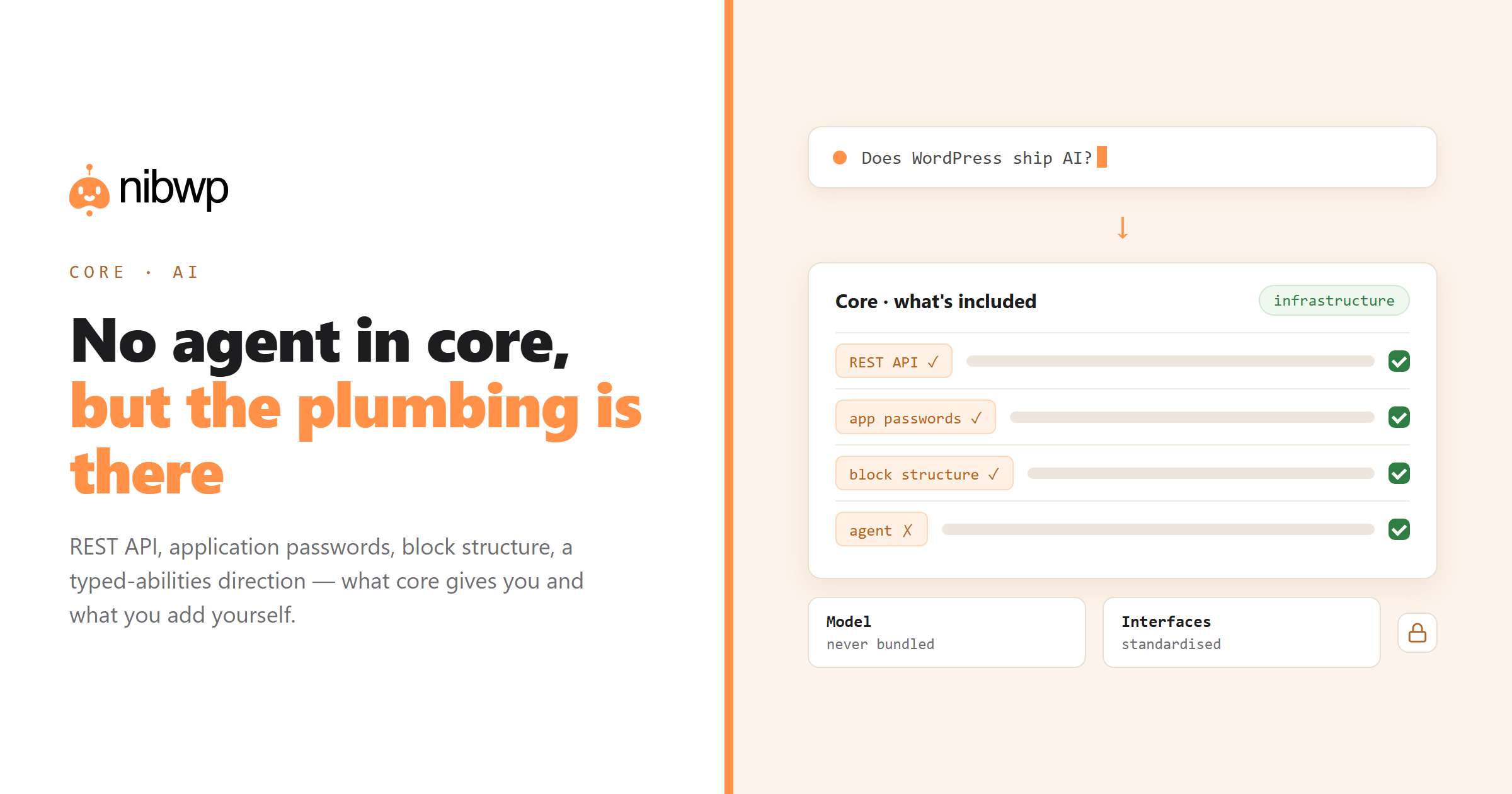
Short answer: no, not in the way people mean. WordPress core ships no AI writing assistant, no chatbot and no agent. What core does ship — increasingly deliberately — is the plumbing that lets AI tools work well with WordPress. Knowing which is which saves you from waiting for a feature that is not coming, and from missing infrastructure that already landed.
What core actually gives you
- The REST API. Every post type, taxonomy and much of the settings surface is reachable over HTTP. This is the foundation everything else builds on.
- Application passwords. Per-application credentials you can issue and revoke without changing your password — the standard way an external tool authenticates.
- Structured content. Blocks are structured data rather than a blob of HTML, which is precisely what makes programmatic editing tractable.
- An abilities direction. The project has been moving toward a standard way for plugins to declare typed capabilities — the groundwork for agent tooling rather than an agent itself.
What core does not give you: a model, a chat interface, an approval workflow for machine writes, or an audit log of what an AI did. Those come from plugins or services.
What your host or plugins may add
- Editor assistants. Jetpack AI and similar add a writing helper inside the block editor. Convenient, bounded to the editor.
- Host AI features. Some managed hosts add site-building wizards or support bots. Useful at setup, rarely part of ongoing work.
- MCP servers. A plugin that turns the whole site into typed tools your own AI client can drive. This is the category that changes the workflow rather than adding a button.
The differences are laid out in AI for WordPress in 2026 — worth reading before you buy anything with AI in the name.
Why core is unlikely to ship an agent
Three structural reasons, none of them about capability:
- Models are external services with costs and terms. Core cannot bundle a paid dependency for millions of installs.
- Model choice is a preference, and a fast-moving one. Anything core picked would be dated within a year.
- Backwards compatibility is a core value. AI interfaces change monthly; core moves in years.
What core can do — and appears to be doing — is standardise the interfaces so any tool can plug in. That is the healthier outcome: your site stays yours, the AI layer stays swappable.
What to do about it today
- Use core's structure: keep content in blocks and fields rather than pasted HTML, because that is what makes programmatic work reliable.
- Issue application passwords rather than sharing logins.
- If you want an editor assistant, add a plugin — it is a small, low-risk purchase.
- If you want your site to be operable by an AI agent, install an MCP server and connect a client.
The last one takes about five minutes: turn WordPress into an MCP server.
How we got here
- Editor assistants arrived (2023 onward). Plugin-level writing helpers, most visibly from Automattic. Useful, bounded, and not core.
- MCP was published (late 2024). An open protocol, quickly adopted by AI clients, which made it possible for any application — including WordPress — to expose typed tools to models.
- Core began standardising abilities. Work toward a common way for plugins to declare typed capabilities, so tooling does not need bespoke support per plugin.
Only the second and third change what your site can do for an agent, and neither of them is an AI feature in the sense most people mean.
How to check what your site already has
Before buying anything, find out what is installed. Three quick checks:
- Look for an AI section in your admin menu — several hosts and page builders add one quietly on update.
- Check your users' application passwords: an unexpected one means something is already connected programmatically.
- If you run an MCP server plugin, open its abilities screen and read the list. Most people discover they can do more than they thought.
Choosing what to add
Match the tool to the problem rather than to the buzzword:
- An editor assistant plugin. Small purchase, immediate value, no permissions to think about.
- An MCP server plus an AI client. This is the agent layer, and it is where bulk and multi-step work lives.
- A chatbot plugin, which is a front-end product feature and unrelated to either of the above.
Those three are frequently sold as the same category. They solve different problems, cost differently, and combining them is fine — as long as you know which one you are buying.
FAQ
Does WordPress have AI built in?
No. Core ships no model, assistant or agent. It provides the infrastructure AI tools use — the REST API, application passwords, structured block content — and is moving toward a standard for typed abilities.
Is Jetpack AI part of WordPress core?
No, it is a plugin feature from Automattic. It adds writing assistance inside the editor; it does not make your site operable by an external AI agent.
Will WordPress core add an AI assistant?
Unlikely in the bundled sense: models are paid external services, model choice changes fast, and core prizes long-term compatibility. Standardising interfaces so any tool can plug in is the more likely path.
What is the WordPress abilities API?
A direction in core toward letting plugins declare typed capabilities in a standard way — the groundwork that agent tooling builds on, not an agent itself.
Can I use AI with WordPress without a plugin?
You can paste between a chatbot and the editor, which needs nothing installed. For AI that reads and writes your site directly, you need something exposing your site — an MCP server plugin, typically.
Is an editor AI plugin enough?
If your only need is drafting text in the editor, yes. If you want bulk edits, audits, imports or work spanning plugins, you need the agent layer instead.