Gemini + WordPress via MCP: setup and first prompts
Google's Gemini supports MCP, which means it can operate a WordPress site the same way Claude or ChatGPT can: calling typed tools on your server rather than handing you text to paste. This guide covers connecting Gemini to WordPress, the first prompts to run, and the practical differences from the other clients.
Every client below connects to the same thing: your site's MCP endpoint plus a scoped credential. The client differs; the server does not. That means you can set up one client today and add another in two minutes later, without touching the site again.
What you need
- A WordPress site with an MCP server plugin installed and abilities enabled.
- A Gemini surface that supports MCP — the Gemini CLI is the most straightforward, and MCP support has been rolling out across Google's agent tooling. Check which surface your account has.
- An HTTPS endpoint and a scoped credential from the plugin.
Connecting the Gemini CLI
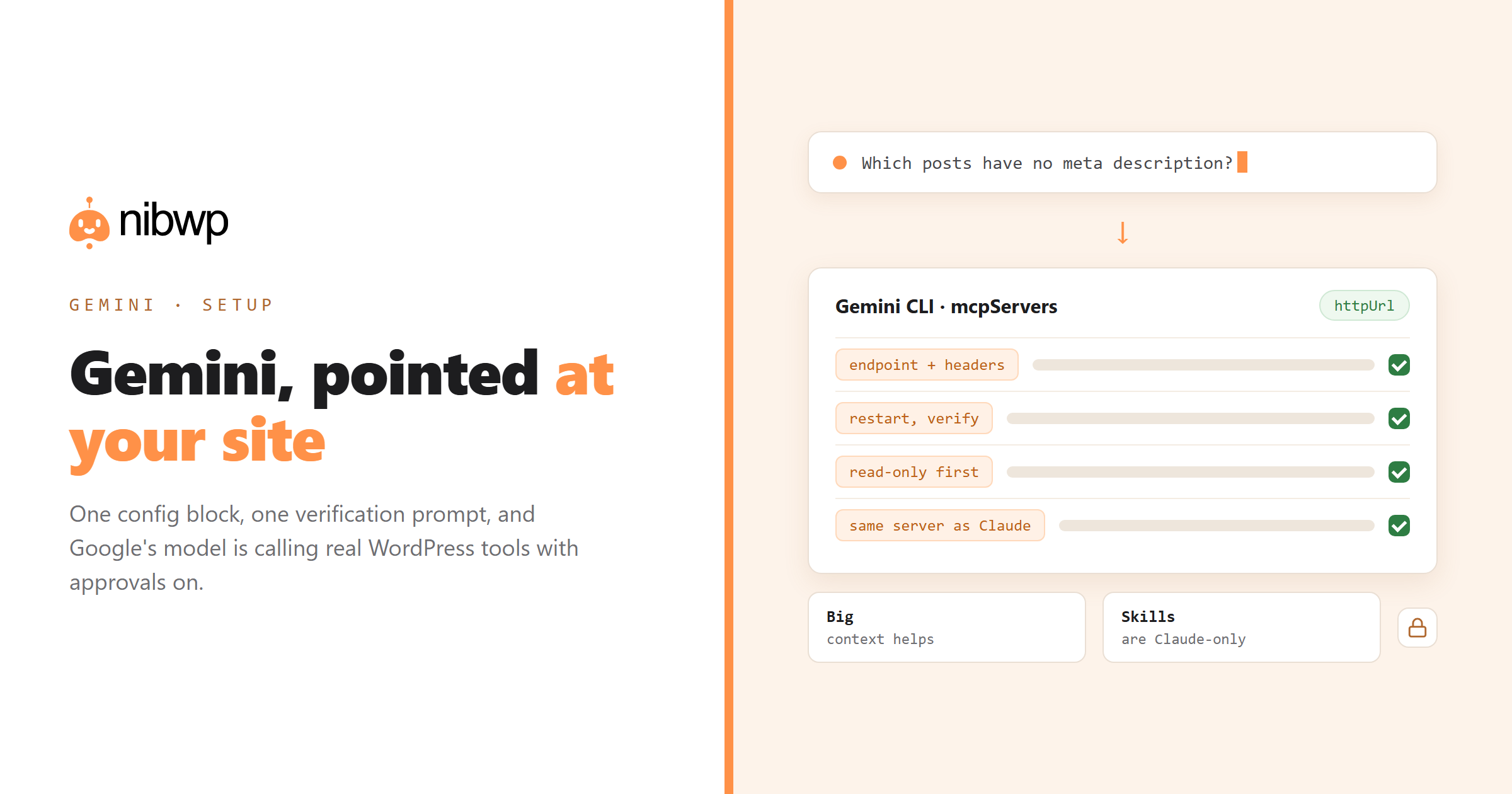
The CLI reads a settings file that lists MCP servers. The shape is the same one every MCP client uses — a name, a transport, a URL and headers:
{
  "mcpServers": {
    "nibwp": {
      "httpUrl": "https://yoursite.com/wp-json/mcp/nibwp",
      "headers": { "Authorization": "Basic <your-credential>" }
    }
  }
}
Restart the CLI after editing, then confirm the tools are visible before doing anything else. Most MCP plugins can generate this JSON for you, which avoids typos in the endpoint — NibWP has a 1-click config generator that outputs the block for whichever client you pick.
Verifying the connection
The verification rule is the same in every client: ask for something that cannot be guessed.
List the five most recently modified pages on the site with their
slugs and last-modified dates. Use the WordPress tools.
Real slugs mean a real connection. Invented ones mean the model answered from memory — check that the server is loaded and that your credential has read scope.
First prompts worth running
# an audit that pays for itself immediately
Which posts have no meta description, and which have descriptions over 160 characters?

# a bulk read
List all products with no featured image, grouped by category, with SKUs.

# a careful first write
Add alt text to the twenty most recently uploaded images, based on their
filenames and the posts they appear in. Show me the table before writing.
How Gemini differs in practice
Model quality aside, the practical differences that affect WordPress work:
- Large context is genuinely useful here. Long tool outputs — a 400-row audit table, a large page tree — fit comfortably, which reduces the pagination dance.
- Skills are Claude-specific. If you have written SKILL.md procedures, they do not transfer directly. Keep the procedure text and paste it as project instructions, or drive it from a prompt file.
- Surface support is still moving. MCP support differs between the CLI, the app and enterprise tooling. If your surface does not list MCP servers, use the CLI.
- The server side is identical. Whatever you connected for Claude or ChatGPT works unchanged; you are adding a client, not reconfiguring the site.
Safety defaults
Same four rules as every other client, and they are the reason this is safe to run on production at all: scoped credentials (start read-only), the approval gate on writes, snapshots before bulk jobs, and the audit log afterwards. If a client ever asks what the AI did on their site, the log is the answer.
Detail: is AI write access safe and how the WordPress MCP server works.
Three jobs worth running first
Gemini's strengths on a WordPress site show up fastest on wide, read-heavy work — the kind where a big context window means fewer round trips.
1. The whole-site content audit
Read every published post and page. Produce one table:
title, slug, word count, last modified, has meta description,
has featured image, internal links in, internal links out.
Then flag the ten pages most in need of attention and say why.
This is the job that convinces people. It is read-only, it takes minutes, and the output usually contains two or three things nobody knew about the site.
2. Content gap analysis against your own site
Based on everything published on this site, what are the five most
obvious missing topics — subjects our existing posts reference or imply
but never cover? For each, name the posts that would link to it.
Because the model reads your actual content rather than a keyword tool's guess, the suggestions come with their internal linking already mapped.
3. A careful first write
Find posts where the SEO title is identical to the H1 and longer than
60 characters. Propose shorter SEO titles that keep the primary keyword.
Show old → new for every row. Write nothing until I approve.
Using Gemini alongside other clients
There is no reason to pick one. The server is client-agnostic, so a common pattern is Gemini for wide reads and analysis, a terminal client for scripted bulk work, and whichever assistant you prefer for daily edits — all pointing at the same site with their own scoped credentials.
Keep one rule when you do this: give each client its own credential rather than sharing one. Revoking a laptop should never break your server automation, and per-connection scopes are only meaningful if the connections are actually separate.
FAQ
Does Gemini support MCP?
Yes — Google's agent tooling supports the Model Context Protocol, with the Gemini CLI being the most straightforward surface to configure MCP servers on. Support across other Gemini surfaces has been expanding.
Can Gemini edit WordPress content?
Yes, once your site exposes an MCP server and you have granted write scope. Gemini calls the same typed tools as any other MCP client, and the same approval gate and audit log apply.
Do I need a separate WordPress setup for Gemini?
No. The server side is client-agnostic — one MCP server on your site serves Claude, ChatGPT, Gemini, Cursor and any other compliant client simultaneously.
Where do I put the MCP server config for Gemini?
In the Gemini CLI's settings file, under an mcpServers block with your endpoint URL and auth headers. Most WordPress MCP plugins can generate that JSON for you to avoid typos.
Do Claude Skills work with Gemini?
No — Skills are a Claude feature. The underlying procedures transfer conceptually: keep the text and provide it as project instructions or a prompt file for Gemini.
Is Gemini good for bulk WordPress jobs?
Its large context window handles big tool outputs well, which helps with wide audits. For long multi-step write jobs, a terminal-based client with strong retry behaviour is usually more comfortable.