Build from a screenshot / image
# Build from a screenshot / image
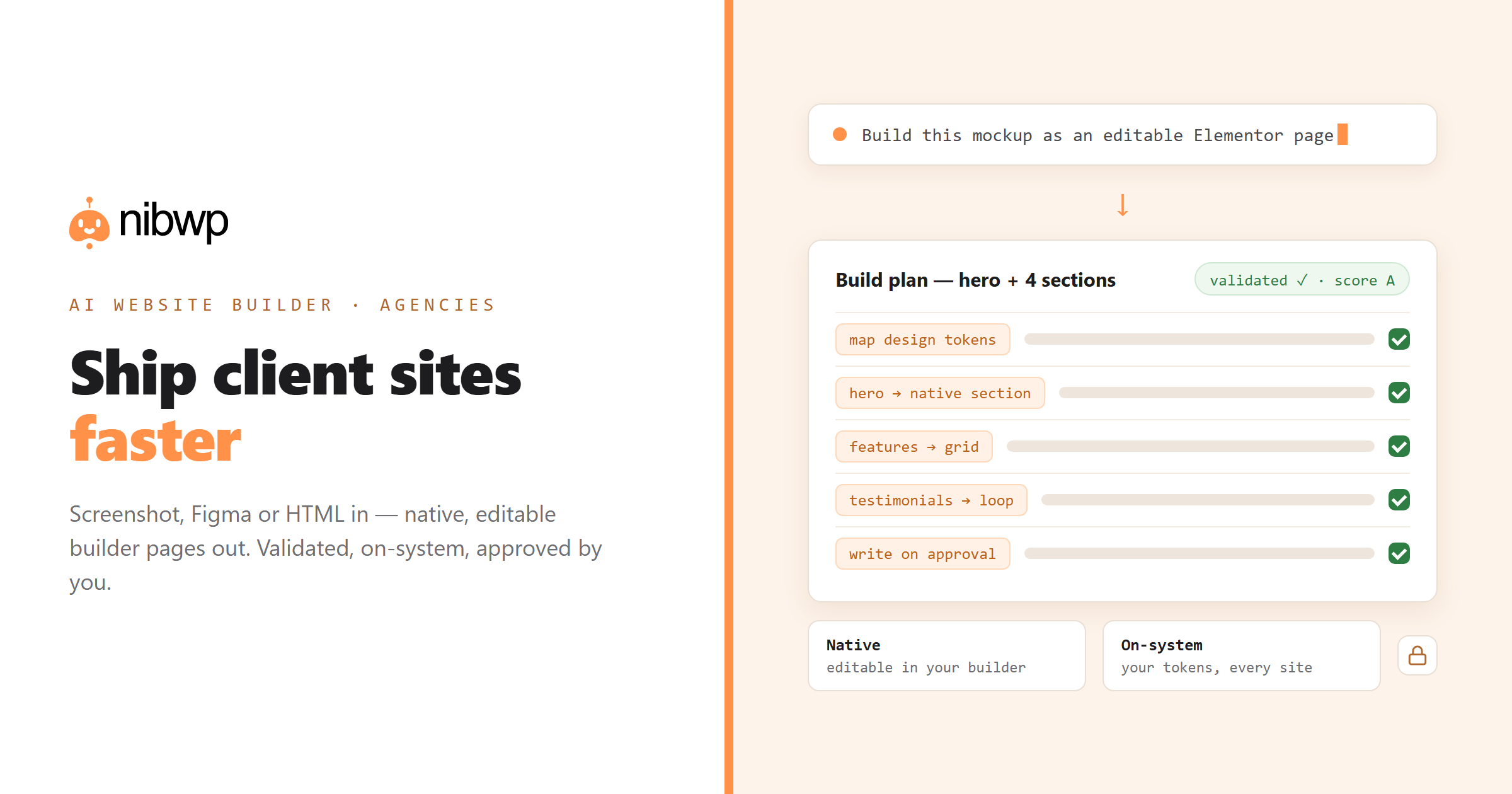
Rebuild a design from a screenshot, mockup, or exported image into the site’s page builder as validated, token-driven components. This is the flagship visual-to-build workflow: it kicks in the moment a user hands you an image and asks you to “make this” in WordPress.
## When to use
– A screenshot, PNG/JPG mockup, or design crop is provided and the user wants it rebuilt on the live site.
– “Recreate this section”, “build this hero”, “match this design” with an attached image.
– A Figma frame exported as an image (for raw Figma/HTML source, prefer the “Convert HTML / a URL to components” workflow).
## Principles
– Detect the stack FIRST — never assume. Confirm the builder, theme, and CSS framework before touching anything.
– Use the validated skill pipeline, not hand-built markup: it runs preflight → load-skill-playbook → build → validate → persist.
– Tokens over hardcodes: every color, size, and spacing maps to an ACSS variable with a safe `var()` fallback. Never a raw hex, raw px, or `clamp()` font hack.
– Pixel-faithful: spacing, type scale, and layout should match the image, not a “close enough” approximation.
– Repeated visual blocks are data, not copy-paste — detect loops and build a query loop.
– Build section-by-section; validate (dry-run) before persisting; prefer drafts.
## Process
1. **Preflight / detect.** Run `nibwp/wp-get-site-info` and `nibwp/execute-php` to confirm the active builder (EtchWP vs Bricks), theme, and that ACSS is installed. Check for ACF and any CPTs. Confirm responsive breakpoints and the ACSS palette/type/spacing tokens. Pull saved brand voice and design tokens via `memory-recall`. If Bricks is the builder, use the **bricks-pro** skill instead of **etchwp-pro** for all build steps below.
2. **Read the image.** Identify sections top-to-bottom (hero, features, cards, CTA, footer, etc.). For each: layout (columns/grid), type hierarchy (one H1 only), spacing rhythm, colors, imagery, and interactive elements (buttons, forms, nav, video).
3. **Map to tokens.** Match observed colors to the ACSS palette; observed font sizes to ACSS text tokens (`var(–text-l, 20px)`); spacing to ACSS spacing tokens. Where a value has no token, propose the nearest token rather than inventing a hardcode. Reuse existing global classes before creating new ones.
4. **Detect loops.** If a row of repeated cards/items appears, treat it as ONE template bound to a query loop over a CPT/ACF source — not N duplicated elements. If no data source exists, note it and propose a CPT/ACF structure for approval.
5. **Invoke the skill, section by section.** Run **etchwp-pro** (image → component) for each section. It maps to real builder elements, applies ACSS tokens + global classes, and emits native elements — never a raw “, “, or hand-rolled nav. Use the **acss** skill if tokens need to be created/extended first.
6. **Validate (dry-run).** Let the hard validator run. It rejects: unknown/non-builder elements, inline styles, hardcoded colors/sizes, missing global classes, and `clamp()` font sizing. Capture every failure.
7. **Fix loop.** Address each validator failure (swap hardcode → token, raw tag → native element, duplicate → loop) and re-validate. Repeat until clean. Do not persist a failing section.
8. **Responsive + a11y pass.** Verify mobile/tablet/desktop: no horizontal scroll, tap targets ≥44px, readable type. Confirm exactly one H1, alt text on images, sufficient contrast, and visible focus states.
9. **Persist.** The skill persists each validated section. Prefer a draft page; do not publish or overwrite live content without explicit approval (defer to the “Safe changes” workflow). Store any new reusable tokens/voice via `memory-store`.
## Rules
**Do**
– Detect builder/theme/framework before building.
– Build and validate one section at a time.
– Map every value to an ACSS token with a `var(–token, fallback)`.
– Convert repeated cards into a query loop over real data.
– Use native builder elements for forms, nav, video, and embeds.
**Don’t**
– Don’t hardcode hex colors or px font sizes, and never use `clamp()` for font-size.
– Don’t emit raw “/“/markup the builder can’t manage.
– Don’t hand-edit theme files — ship custom code as a NIBWP Sandbox file/snippet.
– Don’t persist a section that fails the validator.
– Don’t publish over live content without approval.
## Validation
– Stack detected and confirmed (builder, theme, ACSS, ACF/CPTs).
– Every section passed the hard validator (no unknown elements, no inline styles, no hardcoded colors/sizes, global classes present).
– All colors/type/spacing reference ACSS tokens with fallbacks; no `clamp()` font sizing.
– Repeated blocks are query loops, not duplicates.
– Responsive at mobile/tablet/desktop; no horizontal scroll; tap targets ≥44px.
– One H1, alt text on all images, contrast and focus states pass.
– Output saved as draft; new tokens/voice stored in Memory.
## Report
Return: builder/theme/framework detected; sections built (with which were query loops and their data source); ACSS tokens used or created; validator result per section (pass/fixes applied); responsive + a11y checklist status; where output was saved (draft page ID/URL); any items needing approval (publishing, new CPT/ACF, live overwrite).