Weglot + MCP: let AI configure, audit and control your translation setup
Connect Weglot to Claude, Cursor or ChatGPT through NibWP's MCP server. Weglot translates in its cloud, so the work is configuration — and the mistakes make no noise. NibWP's audit names what is misconfigured and the fix; the tools set exclusions, languages, hreflang, slugs and the switcher in the order that does not waste words.
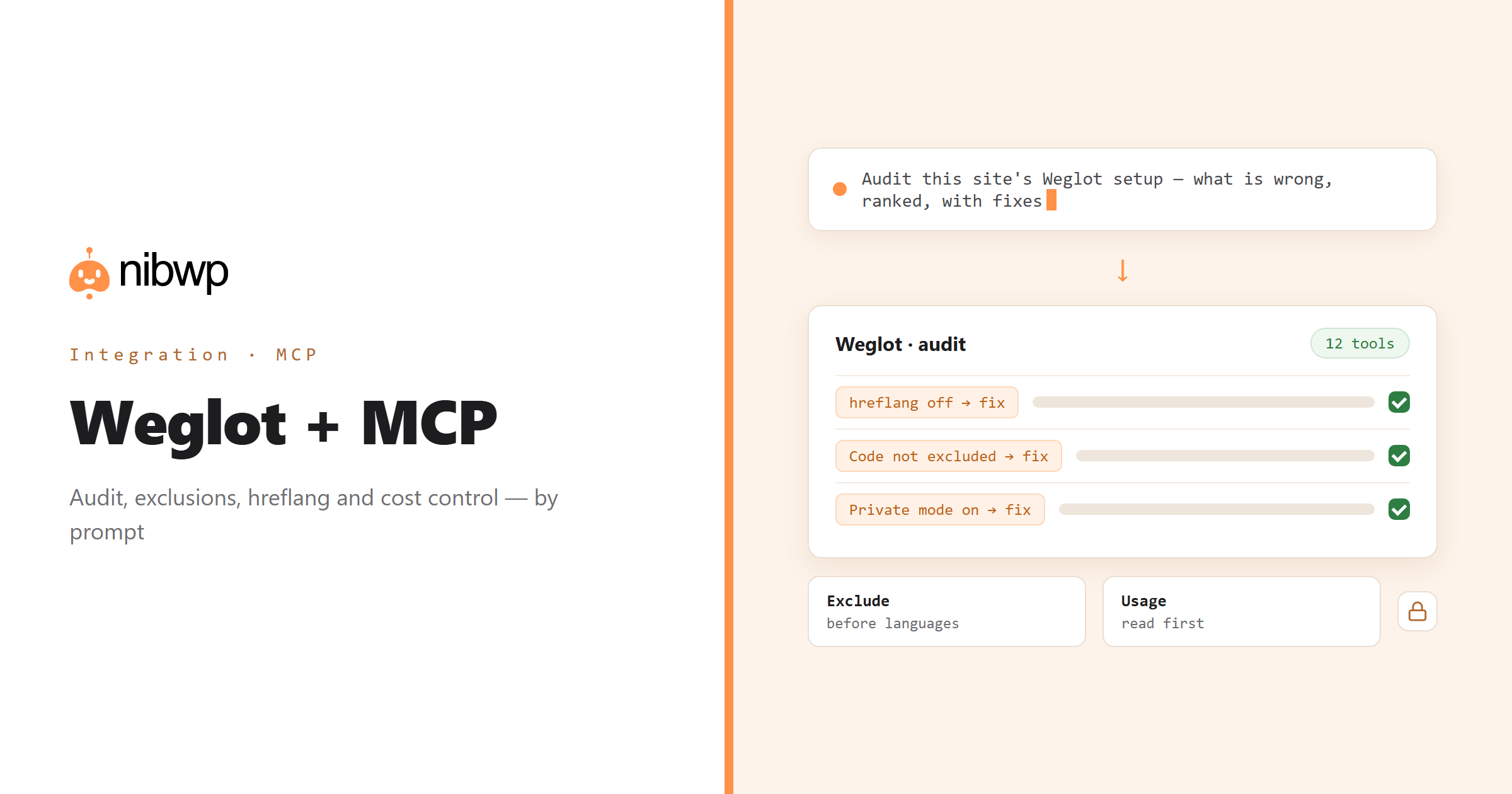
A missing hreflang tag costs rankings. An unexcluded code block bills you for translating syntax. Private mode left on means the site is not translating at all. Weglot fails quietly, or not at all, and the cost shows up on the invoice. NibWP exposes Weglot as twelve typed MCP tools — info, languages, settings, exclusions, switcher, slugs, pages, media, plan, audit, workflow and sync — so an agent can set a site up properly or audit one you inherited.
The order matters: exclusions before languages, because a word translated once is billed whatever you do afterwards. Plan and word usage are read before anything that increases them, and adding a language asks first. Weglot keeps settings locally and in your workspace; sync compares, pulls or pushes so there is one truth.
Weglot is one of the 45+ integrations inside NibWP's WordPress MCP server — 12 typed Weglot tools on top of 190+ WordPress tools. The full tool reference lives on the Weglot integration page; this page is about what those tools let you do.
What AI can do in Weglot
An audit that names the fix
Blockers, warnings and notes, each with what to do about it — not a list of problems to interpret.
The right order
Exclusions first, then languages, hreflang, slugs and switcher — the workflow tool gives the plan for this particular site.
Stop translating code
Exclude syntax highlighting, SKUs, brand names and addresses across a technical site in one pass — correct output and lower usage.
The SEO parts
hreflang and translated slugs — the two settings that decide whether translated pages rank at all.
Control the bill
Plan, word allowance and usage read before adding a language; adding one asks for confirmation first.
Two places, one truth
Compare, pull or push the workspace configuration so local and cloud settings agree.
The Weglot tools NibWP exposes
Every Weglot capability is a typed MCP tool with a schema the AI client can read, so it calls the right thing with the right arguments instead of guessing at your database. Read tools are free to explore; write tools go through the approval flow.
nibwp/weglot-info— Key, languages, engine, and whether it is actually translating.nibwp/weglot-languages— Configured and available languages, and adding one.nibwp/weglot-settings— Every option, including hreflang and translated slugs.nibwp/weglot-exclusions— URLs and CSS selectors to leave untranslated.nibwp/weglot-switcher— The language switcher and its styling.nibwp/weglot-slugs— Translated URL slugs.nibwp/weglot-pages— Which pages stay untranslated in which languages.nibwp/weglot-media— Media, PDF and email translation.nibwp/weglot-plan— Plan, word allowance and usage.nibwp/weglot-audit— What is misconfigured, ranked, each with its fix.nibwp/weglot-workflow— The ordered plan for this particular site.nibwp/weglot-sync— Compare, pull or push the workspace configuration.
Example prompts
Plain English is the interface. These are the kinds of requests agencies run against Weglot every day:
- “Audit this site's Weglot setup and tell me what is wrong, ranked, with the fix for each.”
- “Exclude all <pre> and <code> blocks, the SKU column and our brand name from translation.”
- “Is hreflang on, and are translated slugs enabled? Turn both on.”
- “How many words have we used this month, and what would adding Italian cost?”
- “Compare the local settings with the workspace and show me the differences.”
How it works with Weglot
There is no new dashboard to learn. You describe an outcome, NibWP plans it, and you approve before anything is written.
- Connect — install NibWP, connect Claude, Cursor, ChatGPT or any MCP client. Weglot is detected automatically and its tools appear in the client.
- Describe — ask for the audit, the exclusions, the languages or the cost question. NibWP reads the key, languages, settings and plan first and shows the plan — including what it will cost — before changing anything.
- Approve — NibWP shows the plan: which records it will create or change, and what will stay untouched. Nothing happens until you say yes.
- Done — it writes real Weglot data through the plugin's own APIs and reports back in plain English, with every change in the audit log.
Why not just a generic AI?
A general-purpose assistant can write text about Weglot; it cannot safely operate it. The difference is structure, context and control.
A generic assistant
- Does not know Weglot's settings exist, let alone which are wrong
- Adds a language and lets you find the bill later
- Cannot see usage, hreflang or exclusions
Weglot + NibWP
- Audits the setup and names the fix for each issue
- Sets exclusions before languages and asks before increasing usage
- Keeps local and workspace settings in sync
Safe by default
NibWP is built for agencies running client sites, so control and traceability come first:
- Nothing is written without your approval — you see the plan first, and you can run in draft mode.
- Every action is recorded in a full audit trail, per site and per user.
- It runs on Weglot's own functions and APIs — your data stays on your server, nothing is copied to a third-party service.
- Anything that increases usage — adding a language, translating media — reads plan and usage first and asks for confirmation; Weglot's cloud content is never edited from WordPress.
Related integrations
Most sites pair Weglot with other plugins NibWP already speaks: WPML + MCP, TranslatePress + MCP, SEOPress + MCP, Slim SEO + MCP, Yoast + MCP, WordPress + MCP. All of them ship in the same plugin — see pricing for what each plan includes.
Questions, answered
Everything about running Weglot with NibWP.
Do I need Weglot installed?
Can it translate the content itself?
Will it add languages and run up my bill?
Why do exclusions come before languages?
Does it work alongside my SEO plugin?
Which NibWP plan do I need?
Set Weglot up properly by describing it.
Get the Bundle and let NibWP audit, configure and control Weglot — exclusions first, cost before commitment, with an approval step.