The WordPress plugin that lets Claude, Cursor and ChatGPT build sites
NibWP is the plugin that connects AI to WordPress properly: install it, link Claude, Cursor or ChatGPT over MCP, and your assistant gets 132 typed tools across 35+ plugin integrations — building pages, managing content and running maintenance, with approvals before every write.
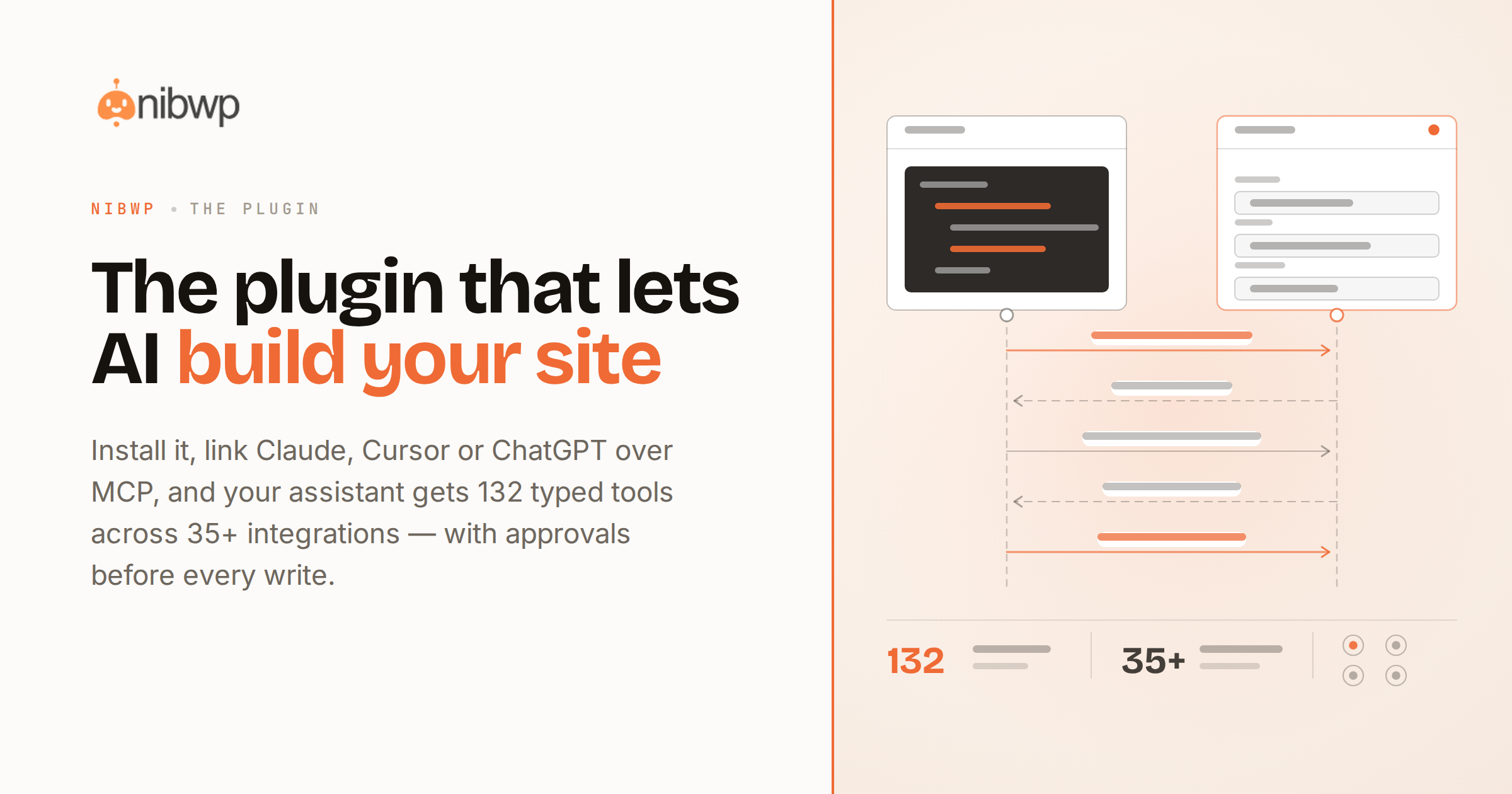
Every AI client can talk about your website. To connect AI to WordPress so it can actually work on the site — build pages, edit content, manage WooCommerce, run maintenance — you need a plugin on the WordPress side that exposes the site as tools an agent can call. That's NibWP.
It speaks MCP, the open protocol Claude, Cursor, ChatGPT, Windsurf and the rest already support. Connect once and the assistant discovers what your site can do: typed abilities for posts, pages, media, menus and plugins — each one bounded, logged, and gated behind your approval when it writes.
Setup takes about five minutes — the step-by-step guide covers every client, and the WordPress MCP overview goes deeper on the server itself. Browse all 35+ integrations and the full feature set, then see what it unlocks: building client sites, overnight maintenance and more. Free to start — pricing here.
What your AI can do once it's connected
Works with your AI client
Claude, Claude Code, Cursor, ChatGPT, Windsurf — anything that speaks MCP connects with a config snippet NibWP generates for you.
132 typed tools
Not a chat wrapper: bounded, typed operations for content, media, menus, users, settings and plugins — the site as a toolbox.
35+ plugin integrations
WooCommerce, ACF, FluentCRM, LearnDash, Rank Math, Elementor, Bricks, Kadence and more — each plugin's abilities exposed through its own APIs.
Builds real pages
With Pro Skills, designs become native, editable pages in your builder — validated before they're written.
Approvals built in
Reads are instant; writes arrive as plans you approve. The site never changes without a yes.
Every action logged
A full audit trail of what the AI did, when, and on whose approval — from day one.
Connect AI to WordPress: the plugin setup, in five minutes
From install to first AI edit in five minutes:
- Install the NibWP plugin from your WordPress dashboard.
- Copy the connection config it generates for your AI client — one click for Claude, Cursor or ChatGPT.
- Ask for something real — “list draft posts,” “build a pricing page,” “check for broken links.”
- Approve what it proposes — and the site does it, with the action logged.
Why not just a generic AI?
There are two ways to wire AI to a website. Only one is built for real work.
Scrapers and browser bots
- Click around the admin like a fragile robot intern
- Break on every theme update and plugin quirk
- No permissions model, no plan, no log
NibWP over MCP
- Calls typed tools through WordPress core and plugin APIs
- Stable contract — the same ability works on every site
- Scoped credentials, approval gates, full audit trail
Safe by default
Connected doesn't mean exposed:
- Write access is gated — every change needs your approval.
- Credentials are scoped and domain-locked; revoke any time.
- The plugin runs on your server — no third-party cloud in the loop.
- Every action is recorded in a full audit trail.
Questions, answered
Connecting an assistant to a real site.
Which AI clients work with it?
Is there a free version?
Does it work on any host?
Is it safe to connect AI to a live site?
Connect your AI to a site that can act.
Install NibWP, link your assistant, and give it 132 real tools — free to start.