How to convert a 10K site template with AI
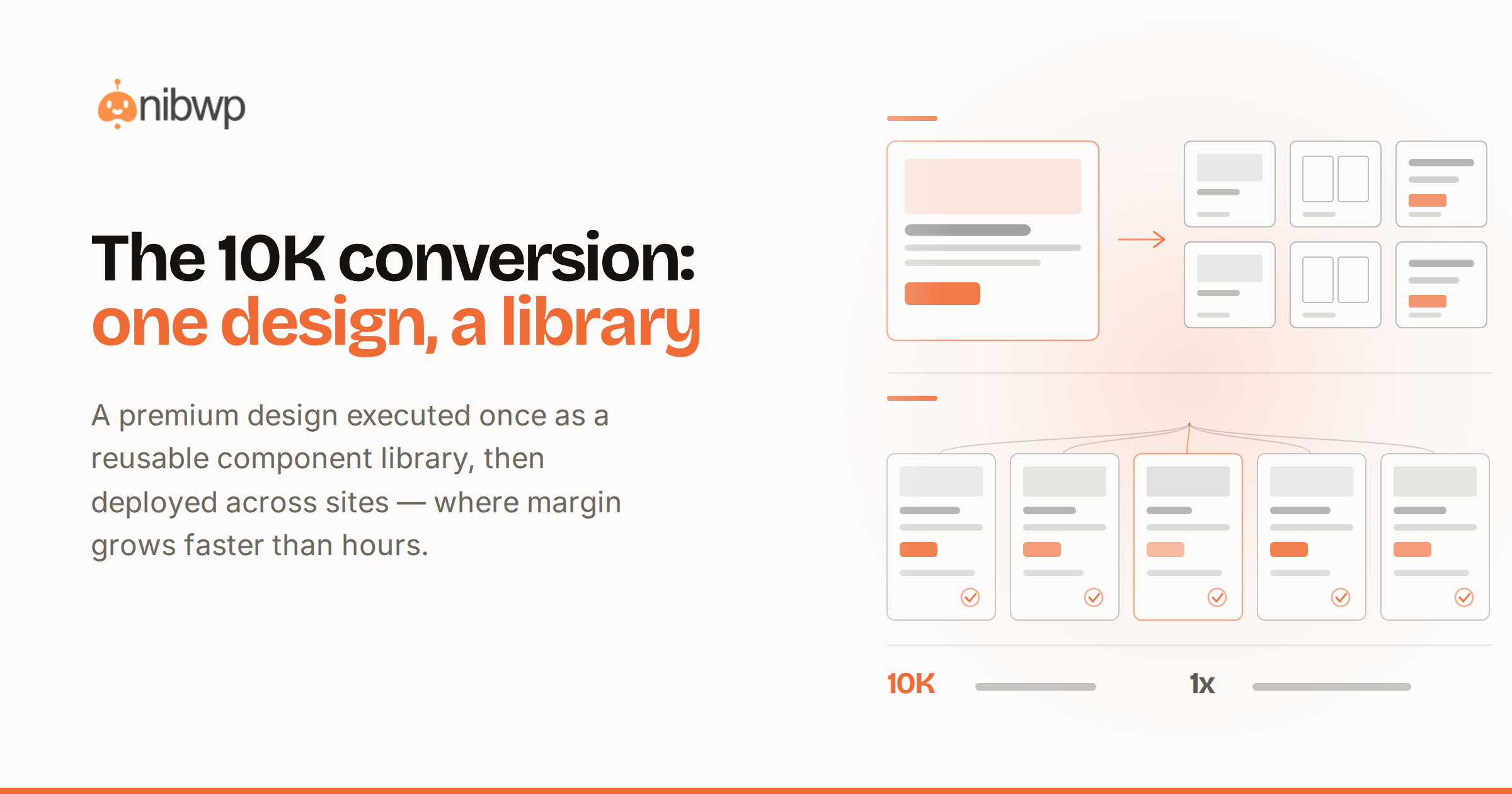
Somewhere on a drive you have it: the 10K site template. The premium design bought for one project, the Figma kit from an agency partnership, the beautifully-built demo site a client walked away from. Converting a site template into a live WordPress build used to be its own multi-week project — which is why most of those templates never earn their money back. Here's how to convert a 10K site template with AI: the full pipeline from static design assets to a native, editable WordPress site, and the business model that makes one template pay for itself many times over.
The trap with template conversion has never been the pixels — it's the output format. Convert a design into flattened HTML and you've made a brochure nobody can edit. The conversion only counts if the result is native builder elements bound to a design system, because that's what lets you sell the converted site as a real deliverable — and re-skin it for the next client.
Step 0: inventory what the template actually is
“Template” covers four different source materials, and each has its own best entry into the pipeline:
- A Figma or design file. The best case: real tokens travel with it — palette, type ramp, spacing — so the conversion starts from structured data, not inference.
- A live demo site. Second best: pages get read as rendered — computed styles, real assets — and rebuilt natively, with images sideloaded into your library.
- Static HTML/CSS. The classic purchased template. Markup in, native elements out, styles consolidated into the design system instead of a bolted-on stylesheet.
- Screenshots only. Workable: layout and hierarchy are inferred from pixels, values estimated then corrected in a refine pass.
The conversion pipeline, end to end
- Extract the design system first. From Figma, pull the tokens directly; from HTML or a demo, have the agent read the palette, type scale and spacing and propose global styles. Approve once — every converted page will bind to these.
- Convert section by section, not page by page. A 10K template is really 25–40 distinct sections wearing different content. Convert each hero, feature grid, pricing band and footer once, as a reusable section or pattern in your builder.
- Validate every section. Native element names, correct nesting, unique IDs, token bindings — scored before writing. This is what separates an asset from a liability.
- Assemble pages from the section library. “Build the agency-home layout: hero A, logos strip, services grid B, case-study band, CTA dark.” Pages become composition, which is minutes.
- Wire the dynamic parts. Blog cards become query loops; team grids read a post type; nothing repeating is hard-coded.
- Refine against the source. Side-by-side pass: “Tighten hero spacing to match the comp; the cards need the 2px border, not a shadow.” Instruction-level fixes, re-validated each time.
The mechanics per source are covered deep in the conversion guides — Figma to WordPress, HTML to native blocks, and screenshot or URL to a page — this pipeline is those guides pointed at one big asset.
What the week looks like
- Day 1 — tokens and the section audit: extract the design system; list every distinct section across the template's pages; mark the 10 you'll convert first (the ones the first client needs).
- Days 2–3 — the section library: convert and validate section by section. By the end of day 3 you have the template's visual language as reusable, on-system builder parts.
- Day 4 — page assembly: compose the actual site's pages from the library; wire loops and forms; content pass into the new structure.
- Day 5 — the polish pass against the source, the pre-launch checklist, and launch or handoff.
The business model: one template, many invoices
Here's why this is a 10K story and not a chore: the section library is the asset. The first conversion sells as a premium build — the client is buying that 10K design executed properly. But conversions two through five are re-skins: same library, new tokens, new content, a fraction of the effort at most of the price. Agencies have always known this model; the conversion cost was what killed it. At AI speed, the library pays for itself on the first project and prints margin on every one after.
- First conversion: full pipeline, full price — the template becomes a validated library plus a delivered site.
- Re-skin: swap the token layer (“apply this client's palette and type to the library”), rebuild pages by composition, replace content. Days, not weeks.
- Vertical packaging: a converted restaurant template plus your care plan is a productized offer you can sell repeatedly.
The hours ledger
- Manual conversion of a large template: 60–100 hours across build, styling and QA — the reason most purchased templates die on the shelf.
- AI pipeline first pass: 12–18 hours — mostly section review, composition and the polish pass.
- Each re-skin after: 6–10 hours, dominated by content and client-specific sections.
At 10K for the first delivery and 6–8K per re-skin, the template that used to be a sunk cost becomes the highest-margin SKU in the shop.
Where template conversions go wrong
- Converting pages instead of sections — you get one site instead of a library, and the second sale costs as much as the first.
- Letting styles land as custom CSS instead of tokens — the re-skin model dies right there.
- Skipping validation because the demo looked right — unvalidated output is what breaks on the next builder update.
- Converting all 40 sections up front — convert the ten the first client needs; the library grows per project.
The conversion checklist, printable
- License class confirmed for this client's use — in writing, in the project folder.
- Tokens extracted and approved before any section converts.
- Section audit done: the convert-now list matches what the first client's pages need.
- Every converted section validated — names, nesting, IDs, token bindings — before it enters the library.
- Repeating content identified and converted as patterns or loops, never as hard-coded copies.
- Pages assembled from the library only; any one-off section is a flagged, priced exception.
- The side-by-side pass run against the source on the twelve pages that matter.
- Re-skin health check run once before the first delivery — every element follows a token swap.
- Client deliverables and agency-kept assets named in the proposal.
- The library's section names documented — future-you assembles pages from this vocabulary.
FAQ
Do I need the rights to the template?
Yes — convert templates you've purchased with an appropriate license, designs you own, or client-supplied assets. The pipeline doesn't change the licensing.
Which builder should the library live in?
Your shop's standard. The Pro Skills output native elements for Elementor, Kadence, Bricks and EtchWP — pick where your team is fastest and keep the whole library there.
Can I convert a template into multiple builders?
You can — the source assets are builder-agnostic — but maintaining one library per builder multiplies upkeep. Most shops standardize on one and convert on request.
What about the template's JavaScript widgets?
Interactive pieces map to your builder's native equivalents where they exist (sliders, accordions, tabs); genuinely custom behavior is flagged in the plan so you decide — rebuild, embed, or drop.
The conversion prompt patterns
Template conversion has its own prompt grammar — the source asset appears in every instruction, and the design system is always the explicit target:
- “Read the palette, type scale and spacing from this Figma file / this demo URL and propose global styles. Flag anything inconsistent in the source.”
- “Convert the hero section from [source page] into a reusable section on our global styles. Keep the layout exactly; map every color and size to tokens.”
- “Convert the pricing band — but replace the three hard-coded cards with a repeatable card pattern I can duplicate.”
- “Compare this converted section to the source side by side and list the differences you can detect.”
- “Assemble a page: hero A, logo strip, features grid B, testimonial dark, CTA compact. Draft, out of nav.”
- “Re-skin check: apply palette [hex set] and font [name] to the whole library and list every element that didn't follow tokens.”
That last prompt is the library's health check — run it before the first re-skin client, not during. Anything that doesn't follow the swap is a token-binding bug you fix once, at the library level, forever.
A worked example: the agency-kit template
Concrete shape: a purchased “digital agency” template — 12 demo pages, maybe 34 distinct sections, bought for 79 dollars and worth 10K executed properly. The section audit takes ninety minutes with the template open in one window: heroes (4 variants), feature grids (5), portfolio bands (3), pricing (2), team, testimonials (3), CTAs (4), footers (2) — and the honest note that 8 of the 34 are filler you'll never convert.
The first client is a design studio wanting the template's look with their black-and-lime brand. Week one converts the 11 sections their site needs — tokens first from the template, then immediately re-skinned to the studio's palette as the working system, so every converted section is born in client colors. Pages assemble Thursday; their portfolio becomes a real post type with a query loop (the template had twelve hard-coded project cards — the conversion's biggest upgrade). Live in eight working days at the full first-conversion price.
Client two, a consultancy, arrives six weeks later wanting “something like what you did for the studio.” Same library, their navy-and-sand tokens, four sections they need that weren't converted yet (added to the library — it grows per project), content pass, launch. Six working days, 7K, and the library now covers 19 of the 26 sections worth having. By client four, conversion work has dropped to nearly zero and the price hasn't.
The licensing layer, plainly
The pipeline doesn't launder rights, so settle them before the first prompt. Purchased templates: check the license class — most marketplace licenses cover one end product per purchase, so re-skins for new clients need new license seats (at template prices, a rounding error on the invoice; buy them). Client-supplied designs: confirm in writing they own what they're supplying. Your own retired client work: yours to reuse only if your contracts say so — most agency contracts transfer the delivered site, not the design system behind it; know which yours is. One paragraph in your proposal (“design system licensed per project” or “original design system, agency-owned, licensed to client”) prevents the entire category of awkward email.
What the client receives — and what you keep
- Client receives: the site, natively editable; the launch report; the audit log; documentation of their tokens (so their next designer isn't archaeologists).
- You keep: the section library, the prompt set that built it, and the re-skin checklist — the actual capital asset of the project.
- Both sides know which is which: the proposal names the library as agency tooling. Clarity here is what makes the model compound instead of leak.
The productized ladder this unlocks
Once the library exists, you're no longer selling conversions — you're selling outcomes at three speeds: the full premium build (new client, full price, library quietly accelerating it), the re-skin (mid-price, days of work), and the vertical package (template + your care plan + quarterly landing pages, priced as a subscription for niches you know). The template you bought for the price of a dinner becomes the backbone of a product line — which is what “convert a 10K template” was always really about.
How long until the library pays for itself?
Typically at delivery one: the first conversion sells at full project price while costing library-build hours, and the library exits the project owned and reusable. Every re-skin after is where the compounding shows — the same 10K look at a fraction of the delivery cost.
What if the template is badly built?
Common, and mostly irrelevant: the pipeline reads the design — layout, hierarchy, styles — not the template's code quality. Bloated markup and jQuery soup stay behind; what converts is the visual system, rebuilt as clean native elements. The worse the original code, the better the conversion story.
The bottom line
A 10K template conversion is a library build wearing a project's clothes: tokens first, sections once, pages by composition, everything validated and approved. Deliver the first site at full price and keep the library — that's the trade. The toolset is the agency build stack; see how this ticket compares across budgets in 1K vs 5K vs 25K websites, and start with pricing.