Which AI clients work with WordPress MCP? Claude Code, Cursor, ChatGPT and Windsurf
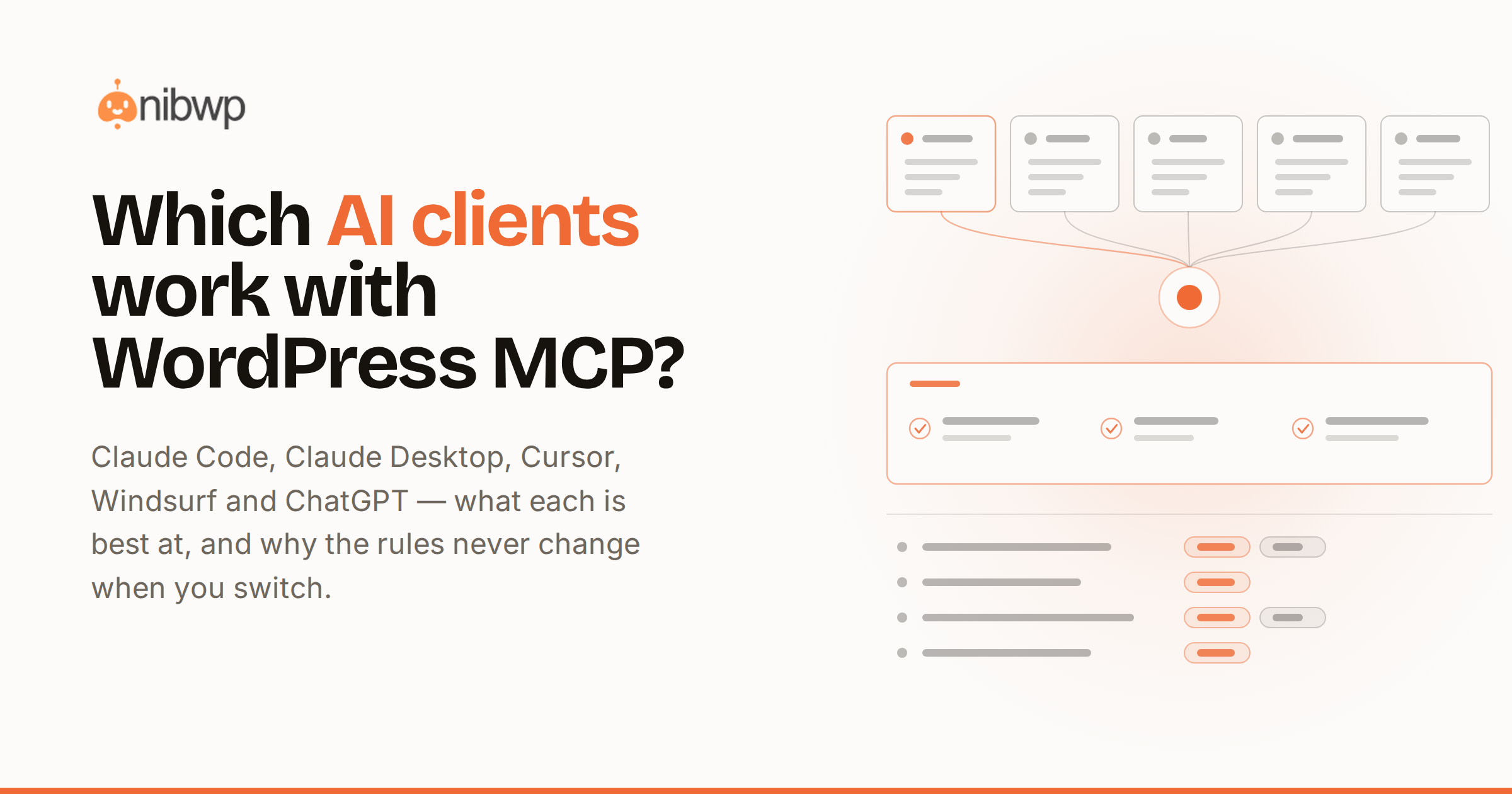
Which AI clients work with WordPress over MCP? Short answer: any client that speaks the protocol — and the list now covers every major assistant. The longer answer is what each one is best at, because “works” and “is the right tool for this job” aren't the same thing.
The WordPress side is one plugin: NibWP turns the site into an MCP server with 190+ typed tools (how that works), and generates the exact connection config for each client below. Setup for any of them is about five minutes.
Claude Code
The terminal agent, and the strongest fit for site work at agency scale: it plans multi-step jobs, calls tools in long sequences without babysitting, and handles “audit all fifty sites and report” style work. Connection is a single CLI command NibWP generates. Best for: builds, migrations, portfolio operations, anything multi-step.
Claude Desktop
Same model, chat-first. One-click connection via the generated bundle — no JSON editing. Best for: content work, quick edits, asking questions about the site, and anyone on the team who lives outside the terminal.
Cursor
The code editor with an agent inside. Its edge: the same assistant that edits your theme code can call your site's tools — build the component locally, then create the page that uses it, in one conversation. Best for: developers working on code and content together.
Windsurf
Similar shape to Cursor — editor-native agent, MCP config file, tools alongside code. If your team is on Windsurf, there's no reason to switch; the WordPress tools behave identically. Best for: the same code-plus-site workflows, on the editor you already use.
ChatGPT
Connects as a connector with the generated endpoint URL and sign-in. Best for: teams standardized on ChatGPT who want site operations in the same chat they already use — content, lookups, guided edits with approvals.
Which one should you use?
- Agency running many sites: Claude Code for the heavy lifting, Claude Desktop for the rest of the team.
- Developer building sites: Cursor or Windsurf — code and site in one agent.
- Content team: Claude Desktop or ChatGPT — chat-first, approval-gated.
- Mixed team: all of the above, same site, same tools — MCP is one endpoint, many clients, and every client goes through the same approvals and audit log.
One endpoint, one rulebook
Because every client speaks to the same server, the governance doesn't fragment: reads are read-only everywhere, writes queue for the same approvals whoever's client proposed them, and the audit log records the person behind the approval. Switching clients — or running five at once across a team — changes the chrome, never the rules. That's the practical meaning of a protocol: the site doesn't care which assistant is asking.
Setting up a mixed team, concretely
- Connect the site once with NibWP; generate a config per person from the Connect screen.
- Give builders Claude Code or Cursor, content people Claude Desktop or ChatGPT — no retraining anyone off their preferred tool.
- Scope credentials per person where roles differ; User Access controls who can use AI on the site at all.
- Let the audit log be the shared ground truth — every action attributable regardless of which client did it.
What about clients not on this list?
The list above is who we test against, not a whitelist. Anything that implements MCP over HTTP can connect — new clients ship monthly, and they inherit the same tools and the same gates the moment they speak the protocol. If your team's tool of choice adds MCP support tomorrow, your site is already ready for it.
The bottom line
Don't pick the client first — connect the site once and let each person use the assistant they already like. Every client sees the same 190+ typed tools, every write waits for the same approval. Connection problems? The error decoder has you. Free to start — pricing.