BuddyPress + MCP: let AI manage members, groups and activity
Connect BuddyPress to Claude, Cursor or ChatGPT through NibWP's MCP server. The AI creates and configures groups, reads and updates members and profile fields, and seeds or moderates the activity stream — typed BuddyPress tools with a plan you approve first.
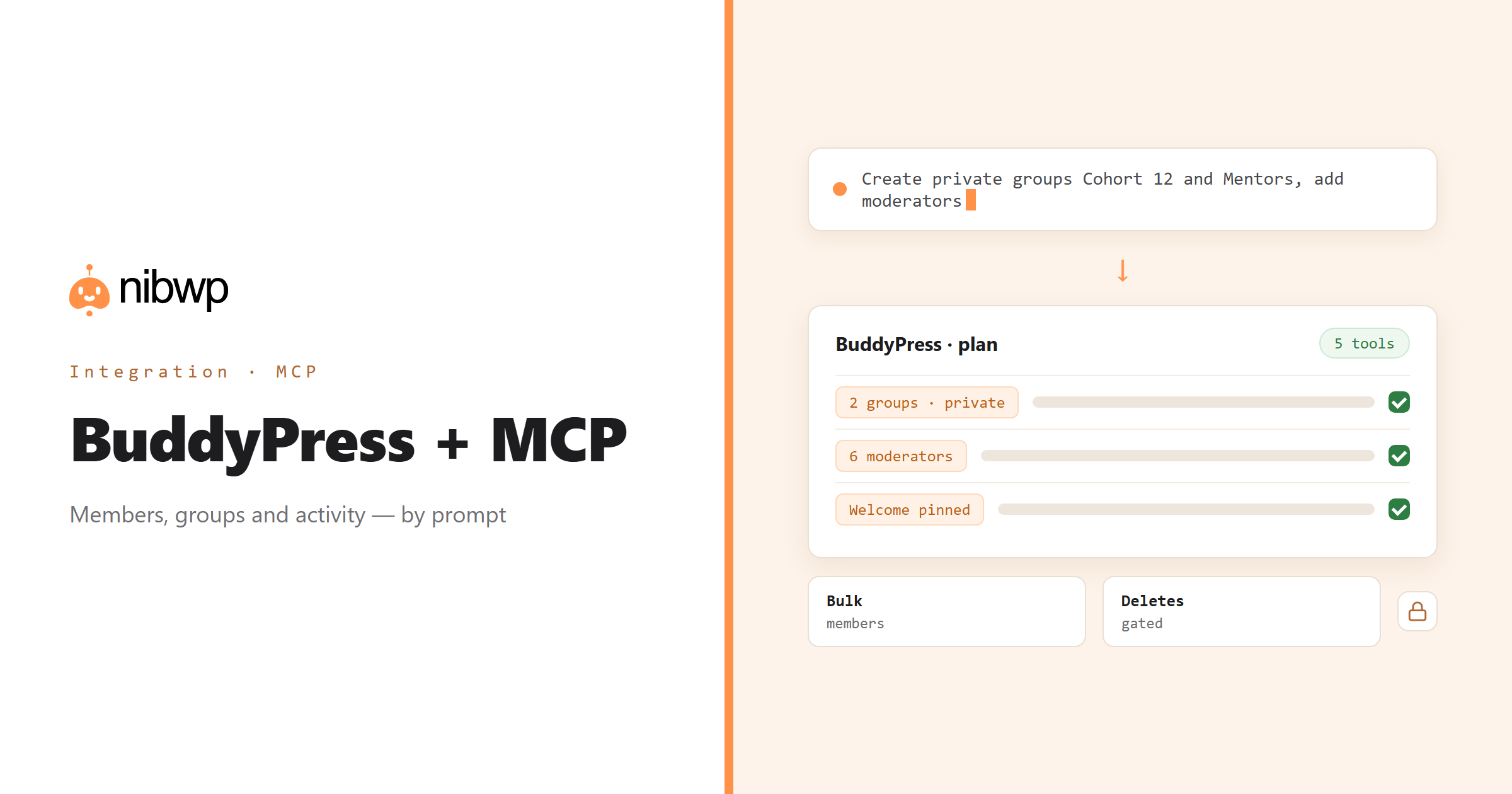
BuddyPress sites are long-lived, and that is the problem: thousands of members, groups nobody has touched in years, profile fields that drifted, an activity stream that needs seeding on the new group and moderating on the old ones. NibWP exposes BuddyPress as typed MCP tools — list, get, create, update, configure — so the housekeeping is done by prompt.
Create the groups for a new programme and set their privacy. Find members with empty profile fields and ask them to fill them, or backfill from another source. Post and pin the welcome activity. Find the groups with no activity in a year and archive them. All with a plan first and a log after.
BuddyPress is one of the 45+ integrations inside NibWP's WordPress MCP server — 5 typed BuddyPress tools on top of 190+ WordPress tools. The full tool reference lives on the BuddyPress integration page; this page is about what those tools let you do.
What AI can do in BuddyPress
Groups
Create groups with the right privacy and settings; update descriptions and settings across many groups at once.
Members and profiles
Read members, update profile fields, and move people between groups and roles in bulk.
Activity
Seed welcome posts, pin what matters, and moderate the stream without scrolling it.
Audits
Groups with no activity, members with empty profiles, duplicate or stale entries — found and fixed in place.
Bulk backfills
Populate a profile field across the whole membership from data you already have.
Configuration
Component settings, profile field groups and defaults set consistently by description.
The BuddyPress tools NibWP exposes
Every BuddyPress capability is a typed MCP tool with a schema the AI client can read, so it calls the right thing with the right arguments instead of guessing at your database. Read tools are free to explore; write tools go through the approval flow.
nibwp/buddypress-manage— Manage BuddyPress/BuddyBoss community features.
Example prompts
Plain English is the interface. These are the kinds of requests agencies run against BuddyPress every day:
- “Create private groups 'Cohort 12' and 'Mentors' and add the listed members as moderators.”
- “List members whose 'Company' profile field is empty.”
- “Post a welcome activity in Cohort 12 and pin it.”
- “Which groups have had no activity in the last 12 months?”
- “Add a 'LinkedIn' profile field to the Base group.”
How it works with BuddyPress
There is no new dashboard to learn. You describe an outcome, NibWP plans it, and you approve before anything is written.
- Connect — install NibWP, connect Claude, Cursor, ChatGPT or any MCP client. BuddyPress is detected automatically and its tools appear in the client.
- Describe — describe the groups, members, profile fields or activity you want handled. NibWP reads what exists first — members, groups, fields — and shows the plan.
- Approve — NibWP shows the plan: which records it will create or change, and what will stay untouched. Nothing happens until you say yes.
- Done — it writes real BuddyPress data through the plugin's own APIs and reports back in plain English, with every change in the audit log.
Why not just a generic AI?
A general-purpose assistant can write text about BuddyPress; it cannot safely operate it. The difference is structure, context and control.
A generic assistant
- Cannot see your members, groups or activity
- Asks for a CSV export to do anything in bulk
- Writes a welcome post for you to paste
BuddyPress + NibWP
- Creates and updates groups, members, profile fields and activity through BuddyPress
- Runs bulk changes with a plan and a log
- Answers audit questions from live data
Safe by default
NibWP is built for agencies running client sites, so control and traceability come first:
- Nothing is written without your approval — you see the plan first, and you can run in draft mode.
- Every action is recorded in a full audit trail, per site and per user.
- It runs on BuddyPress's own functions and APIs — your data stays on your server, nothing is copied to a third-party service.
- Member and group deletions are never part of an ordinary connection; large updates can run in draft mode and are rate-limited.
Related integrations
Most sites pair BuddyPress with other plugins NibWP already speaks: FluentCommunity + MCP, MemberPress + MCP, LearnDash + MCP, FluentCRM + MCP, WordPress + MCP, Tutor LMS + MCP. All of them ship in the same plugin — see pricing for what each plan includes.
Questions, answered
Everything about running BuddyPress with NibWP.
Does it need BuddyPress installed?
Can it create groups and post activity, not just read?
Can it delete members or groups?
Is member data safe?
Do I need a Pro Skill?
Run BuddyPress by describing it.
Get the Bundle and let NibWP manage BuddyPress members, groups and activity — with an approval step and an audit trail.