FluentCommunity + MCP: let AI build and run your community portal
Connect FluentCommunity to Claude, Cursor or ChatGPT through NibWP's MCP server. The AI builds spaces, space groups and courses, seeds the feed so a new community never looks empty, manages members and roles in bulk, and moderates comments — seven typed tools, no CSV round-trips.
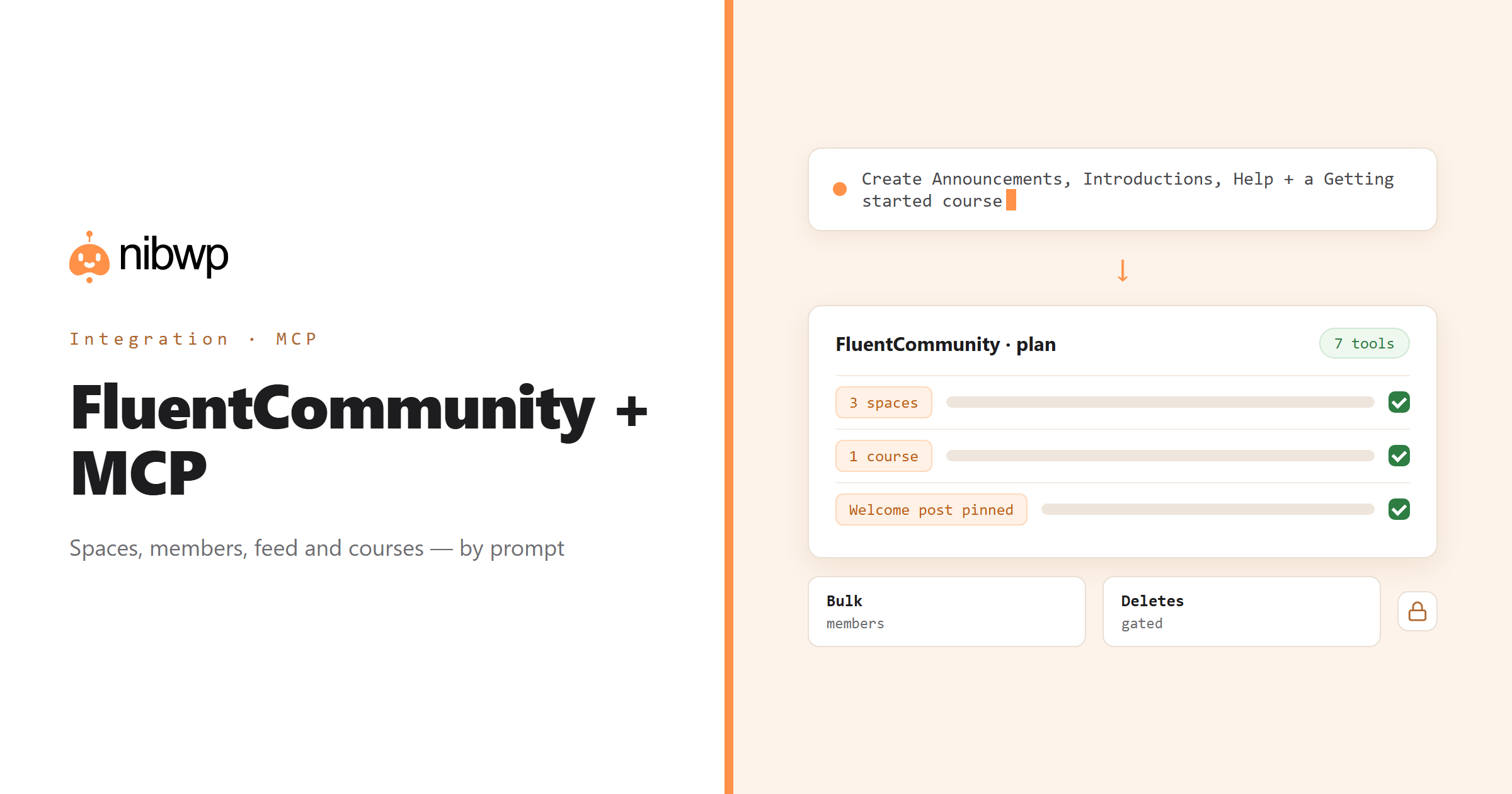
A community portal is a lot of structure before it is a lot of people: spaces and groups, courses and cohorts, roles, welcome posts, pinned rules. Then it is a lot of people, and the work becomes member management and moderation. NibWP exposes FluentCommunity as typed MCP tools that cover both phases — spaces, members, feed, comments, reactions and profiles.
Launch a community from a brief. Bulk-invite or move members between spaces and roles in one pass. Draft welcome posts and replies, pin the ones that matter, and keep the conversation tidy as it grows. Deletes are typed separately, and large member operations run in draft mode if you want a look first.
FluentCommunity is one of the 45+ integrations inside NibWP's WordPress MCP server — 7 typed FluentCommunity tools on top of 190+ WordPress tools. The full tool reference lives on the FluentCommunity integration page; this page is about what those tools let you do.
What AI can do in FluentCommunity
Launch a community
Spaces, space groups and courses with the right roles, from a single brief — structure first, then people.
Seed and engage
Welcome posts, replies and reactions so a brand-new space never looks empty; pin and edit as it settles.
Member management
Bulk-invite, promote, move or remove members across spaces and roles in one operation.
Courses and cohorts
Create courses, enroll cohorts and keep their feeds moderated as they grow.
Moderation
Read threads, edit or remove comments, and handle reports without living in the portal.
Profiles and points
Read and update member profiles and gamification points — recognise contributors automatically.
The FluentCommunity tools NibWP exposes
Every FluentCommunity capability is a typed MCP tool with a schema the AI client can read, so it calls the right thing with the right arguments instead of guessing at your database. Read tools are free to explore; write tools go through the approval flow.
nibwp/fluentcommunity-info— Detect FluentCommunity and count spaces, members, feed, comments and reactions.nibwp/fluentcommunity-spaces— Spaces, space groups and courses — create, update, delete.nibwp/fluentcommunity-members— Space membership and roles (admin, moderator, member).nibwp/fluentcommunity-feed— Feed posts — create, edit, pin and delete.nibwp/fluentcommunity-comments— Threaded comments on feed posts.nibwp/fluentcommunity-reactions— Likes on posts and comments.nibwp/fluentcommunity-profiles— Member profiles and gamification points.
Example prompts
Plain English is the interface. These are the kinds of requests agencies run against FluentCommunity every day:
- “Create spaces 'Announcements', 'Introductions' and 'Help', and a 'Getting started' course, with me as admin.”
- “Post a welcome message in Introductions and pin it.”
- “Invite these 120 members to Help and make the three listed moderators.”
- “Which posts in Help have no reply after 48 hours?”
- “Move everyone with the 'alumni' role into the Alumni space.”
How it works with FluentCommunity
There is no new dashboard to learn. You describe an outcome, NibWP plans it, and you approve before anything is written.
- Connect — install NibWP, connect Claude, Cursor, ChatGPT or any MCP client. FluentCommunity is detected automatically and its tools appear in the client.
- Describe — describe the structure, the member change or the moderation job. NibWP detects FluentCommunity, counts spaces and members, and shows the plan first.
- Approve — NibWP shows the plan: which records it will create or change, and what will stay untouched. Nothing happens until you say yes.
- Done — it writes real FluentCommunity data through the plugin's own APIs and reports back in plain English, with every change in the audit log.
Why not just a generic AI?
A general-purpose assistant can write text about FluentCommunity; it cannot safely operate it. The difference is structure, context and control.
A generic assistant
- Writes a welcome post for you to paste
- Cannot create a space, invite a member or pin anything
- Needs a CSV export to do anything in bulk
FluentCommunity + NibWP
- Creates spaces, groups and courses through FluentCommunity
- Manages members and roles in bulk, with a plan
- Seeds, pins and moderates the feed
Safe by default
NibWP is built for agencies running client sites, so control and traceability come first:
- Nothing is written without your approval — you see the plan first, and you can run in draft mode.
- Every action is recorded in a full audit trail, per site and per user.
- It runs on FluentCommunity's own functions and APIs — your data stays on your server, nothing is copied to a third-party service.
- Large member operations can run in draft mode and are rate-limited; deleting spaces, posts or memberships is typed destructive and gated.
Related integrations
Most sites pair FluentCommunity with other plugins NibWP already speaks: BuddyPress + MCP, FluentCRM + MCP, LearnDash + MCP, Tutor LMS + MCP, MemberPress + MCP, Fluent Forms + MCP. All of them ship in the same plugin — see pricing for what each plan includes.
Questions, answered
Everything about running FluentCommunity with NibWP.
What can NibWP do with FluentCommunity?
Can it create spaces and courses, or only read them?
Is bulk member management safe?
Do I need a Pro Skill for FluentCommunity?
Run the community by describing it.
Get the Bundle and let NibWP build and run FluentCommunity — spaces, members, feed and courses, with an approval step.