Fluent Forms + MCP: let AI build forms and read submissions
Connect Fluent Forms to Claude, Cursor or ChatGPT through NibWP's MCP server. The AI creates and updates forms, configures notifications and confirmations, and reads entries through the Fluent Forms REST API — so a new lead form is a brief and 'what came in this week' is a question.
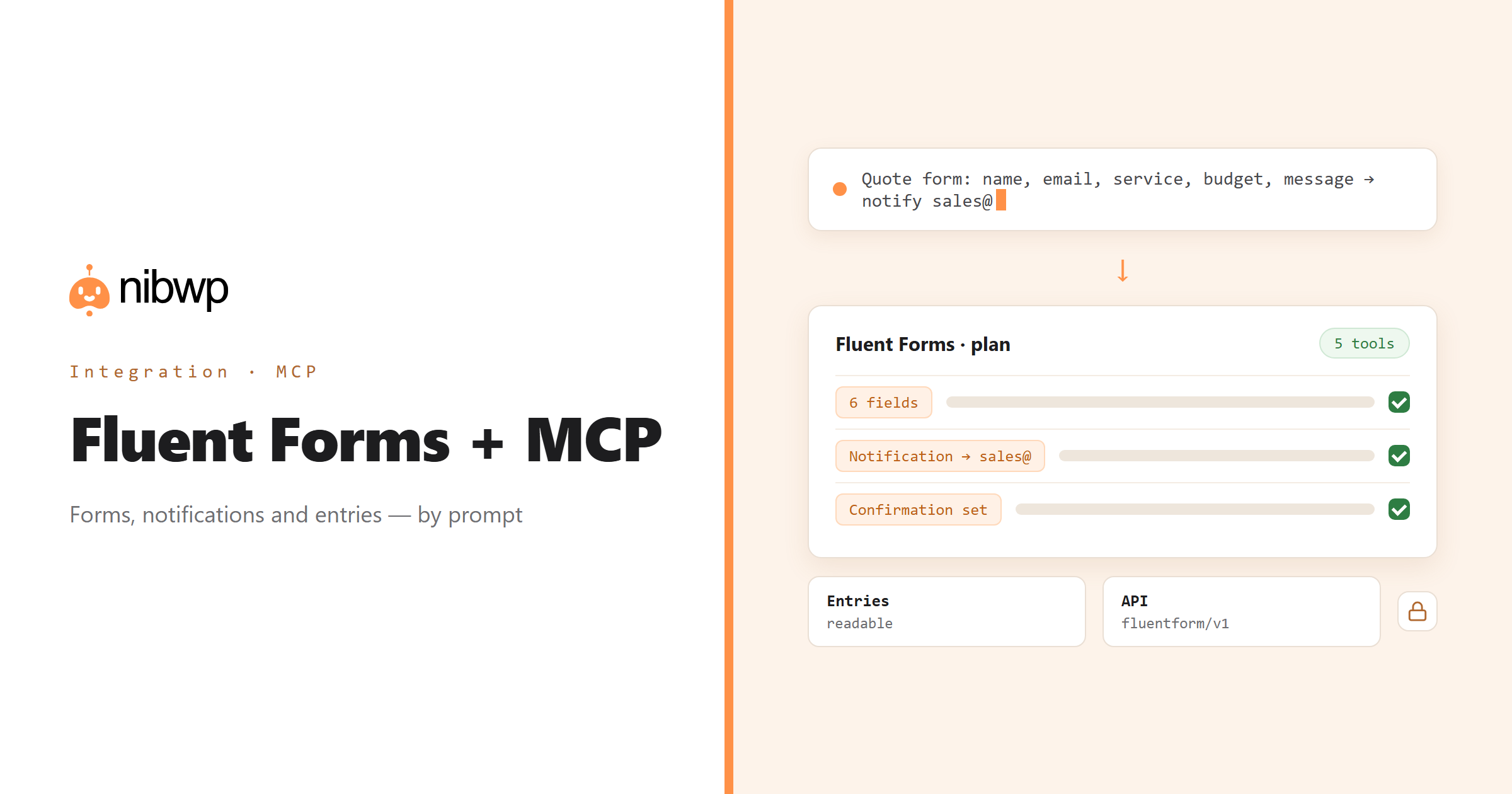
Fluent Forms is the form builder a lot of agencies standardise on, which means the same jobs repeat on every site: a contact form, a quote form, a newsletter signup, each with the right fields, notification and confirmation. NibWP exposes Fluent Forms as typed MCP tools — list, read, create, update, configure — so those forms are built and maintained by description, through the plugin's own API.
Entries are readable, so the agent can answer 'which quote requests over €5k came in this month' or flag entries with no follow-up. Notifications can be audited across every form — the usual culprit when a client says the form stopped working — and fixed in one pass, with FluentSMTP handling the delivery side if needed.
Fluent Forms is one of the 45+ integrations inside NibWP's WordPress MCP server — 5 typed Fluent Forms tools on top of 190+ WordPress tools. The full tool reference lives on the Fluent Forms integration page; this page is about what those tools let you do.
What AI can do in Fluent Forms
Create forms
Fields, validation, conditional logic, notifications and confirmations from a brief — real Fluent Forms, ready to embed.
Update in bulk
Add a field, change a notification address or a confirmation message across many forms at once.
Read entries
Submissions by form, date or status — answer questions and find what needs follow-up.
Notifications and confirmations
Audit where every form sends and what the user sees after submitting; fix inconsistencies in one pass.
Audits
Forms with no notification, disabled forms still embedded, fields with no validation — found and fixed.
Automation
Chain form creation, notification setup and entry reporting into a repeatable client-onboarding flow.
The Fluent Forms tools NibWP exposes
Every Fluent Forms capability is a typed MCP tool with a schema the AI client can read, so it calls the right thing with the right arguments instead of guessing at your database. Read tools are free to explore; write tools go through the approval flow.
nibwp/fluentform-info— Detect Fluent Forms, whether Pro is active, how many forms and submissions exist, and what the Pro license unlocks here (read-only).nibwp/fluentform-forms— List, read, create, rename and duplicate Fluent Forms forms, and get the shortcode for embedding one.nibwp/fluentform-fields— Read a form's fields flattened to names and labels, read the raw field structure, or replace it.nibwp/fluentform-entries— List and read submissions, and change their state: status, favorite and read/unread.nibwp/fluentform-notifications— Read and configure the emails a form sends on submit — recipient, subject, body, and whether each is enabled.nibwp/fluentform-confirmations— Read and configure what a visitor sees after submitting — a message, a redirect, or another page.nibwp/fluentform-settings— Read and change a form's settings: layout, scheduling, entry limits, login requirement and the rest of formSettings.nibwp/fluentform-integrations— Discover every integration feed configured on a form — webhooks, CRM syncs, mail platforms — and read or change one.
Example prompts
Plain English is the interface. These are the kinds of requests agencies run against Fluent Forms every day:
- “Create a quote form: name, email, company, service (select), budget (number), message; notify sales@ and confirm with 'Thanks, we reply within one day'.”
- “List every form and its notification recipients.”
- “Show me entries from the Quote form this month with budget over 5000.”
- “Change the notification address on every form from old@ to hello@.”
- “Which forms have notifications disabled?”
How it works with Fluent Forms
There is no new dashboard to learn. You describe an outcome, NibWP plans it, and you approve before anything is written.
- Connect — install NibWP, connect Claude, Cursor, ChatGPT or any MCP client. Fluent Forms is detected automatically and its tools appear in the client.
- Describe — describe the form, the change, or the entries question. NibWP lists existing forms and reads their settings first, then shows the plan.
- Approve — NibWP shows the plan: which records it will create or change, and what will stay untouched. Nothing happens until you say yes.
- Done — it writes real Fluent Forms data through the plugin's own APIs and reports back in plain English, with every change in the audit log.
Why not just a generic AI?
A general-purpose assistant can write text about Fluent Forms; it cannot safely operate it. The difference is structure, context and control.
A generic assistant
- Cannot see your forms, notifications or entries
- Drafts a form in a chat window for you to rebuild
- Cannot change a notification address across forms
Fluent Forms + NibWP
- Creates and updates real Fluent Forms through the plugin's API
- Reads entries for real answers
- Audits and fixes notifications across every form
Safe by default
NibWP is built for agencies running client sites, so control and traceability come first:
- Nothing is written without your approval — you see the plan first, and you can run in draft mode.
- Every action is recorded in a full audit trail, per site and per user.
- It runs on Fluent Forms's own functions and APIs — your data stays on your server, nothing is copied to a third-party service.
- Entries are read-only; deleting forms or entries is never part of an ordinary connection.
Related integrations
Most sites pair Fluent Forms with other plugins NibWP already speaks: Gravity Forms + MCP, WPForms + MCP, Contact Form 7 + MCP, FluentSMTP + MCP, FluentCRM + MCP, FluentCart + MCP. All of them ship in the same plugin — see pricing for what each plan includes.
Questions, answered
Everything about running Fluent Forms with NibWP.
Does it need Fluent Forms installed?
Does it use the Fluent Forms API?
Can it read entries?
Can it fix 'the form is not sending'?
Do I need a Pro Skill?
Build and maintain forms by describing them.
Get the Bundle and let NibWP create, audit and report on Fluent Forms — with an approval step and an audit trail.