FluentCart + MCP: let AI run your FluentCart store
Connect FluentCart to Claude, Cursor or ChatGPT through NibWP's MCP server. The AI creates products and variations, edits pricing, manages coupons, and reads orders, subscriptions and customers — real FluentCart data through typed tools, with a plan you approve first.
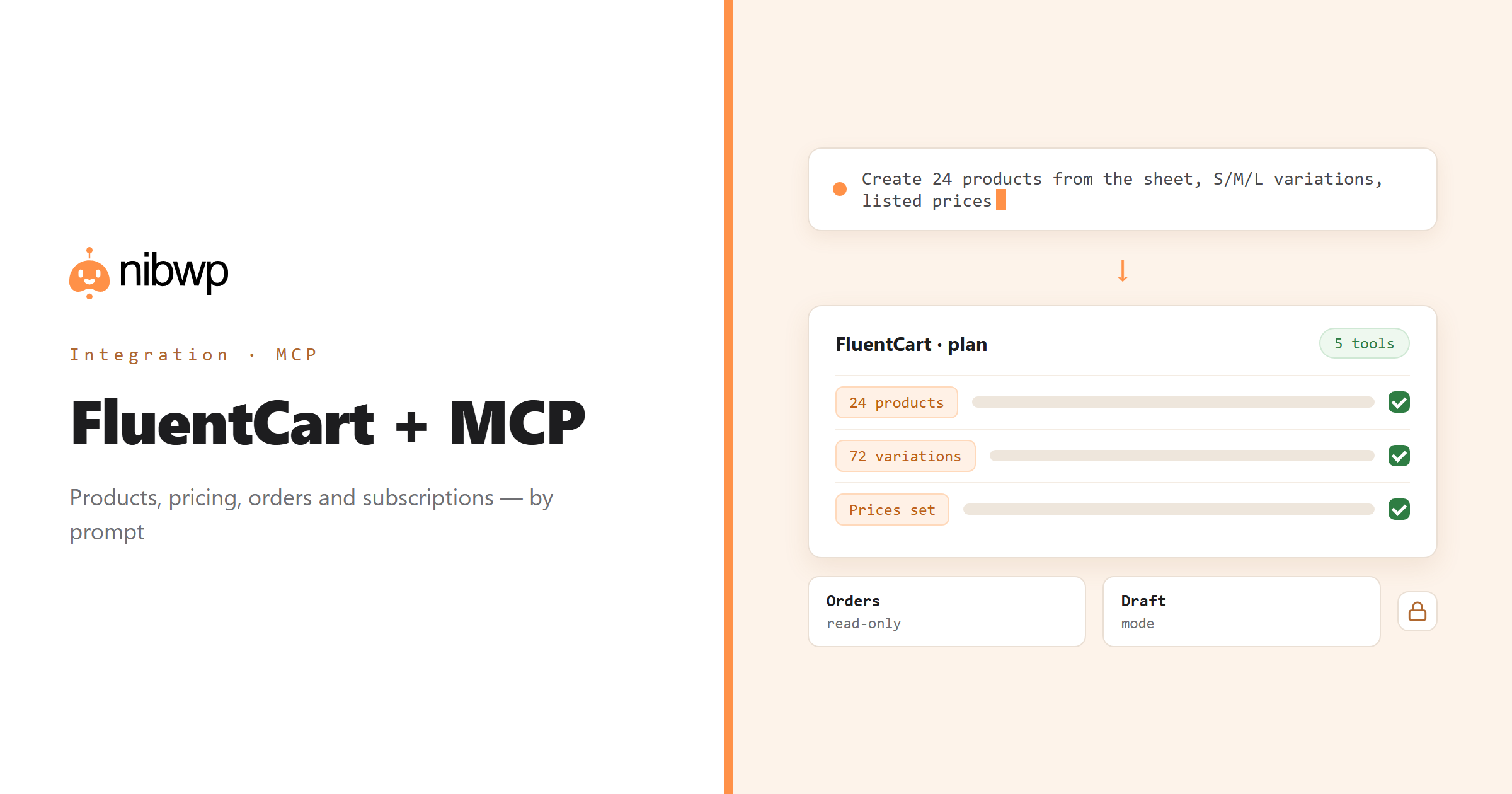
FluentCart is the new native WordPress store: products with variations, one-time and recurring pricing, subscriptions, licensing, coupons, customers and orders — all in WordPress tables, no external cart. Running it is still a lot of admin. NibWP exposes FluentCart as typed MCP tools, so an AI agent can do the catalog and bookkeeping work by prompt and you keep the decisions.
A supplier sheet becomes products with variations and prices. A price rise across a category is one sentence. 'Which subscriptions renew this week, and which failed?' is a read-only question with a real answer. Destructive actions are flagged; large writes run in draft mode if you want them to.
FluentCart is one of the 45+ integrations inside NibWP's WordPress MCP server — 5 typed FluentCart tools on top of 190+ WordPress tools. The full tool reference lives on the FluentCart integration page; this page is about what those tools let you do.
What AI can do in FluentCart
Create products and variations
A spreadsheet or a brief becomes real FluentCart products with variations, images and prices — reviewed before publish.
Pricing, one-time and recurring
Change prices, set up subscription plans and trial periods, or update many variations at once.
Coupons and discounts
Fixed, percentage or time-boxed coupons from a plain-English brief — and an audit of which ones are still live.
Orders and customers
Ask for today's orders, refunds to review, or top customers — read-only by default.
Subscriptions
See renewals, failed payments and churn; update plan details where FluentCart allows it.
Catalog audits
Find products with no image, no description, zero stock or inconsistent pricing, and fix them in place.
The FluentCart tools NibWP exposes
Every FluentCart capability is a typed MCP tool with a schema the AI client can read, so it calls the right thing with the right arguments instead of guessing at your database. Read tools are free to explore; write tools go through the approval flow.
nibwp/fluentcart-manage— Run a FluentCart store: products and variations, stock, orders and their items and transactions, customers, coupons, subscriptions…
Example prompts
Plain English is the interface. These are the kinds of requests agencies run against FluentCart every day:
- “Create these 24 products from the sheet, each with S/M/L variations and the listed prices.”
- “Raise every price in the 'Courses' category by 10% and round to .00.”
- “Which subscriptions renew in the next 7 days, and which failed last week?”
- “Create a 20% coupon LAUNCH20 valid until the end of the month, one use per customer.”
- “List products with no featured image or an empty description.”
How it works with FluentCart
There is no new dashboard to learn. You describe an outcome, NibWP plans it, and you approve before anything is written.
- Connect — install NibWP, connect Claude, Cursor, ChatGPT or any MCP client. FluentCart is detected automatically and its tools appear in the client.
- Describe — tell it what you want — new products from a sheet, a price change, a coupon, a report. NibWP reads the current catalog and settings first, then shows the plan.
- Approve — NibWP shows the plan: which records it will create or change, and what will stay untouched. Nothing happens until you say yes.
- Done — it writes real FluentCart data through the plugin's own APIs and reports back in plain English, with every change in the audit log.
Why not just a generic AI?
A general-purpose assistant can write text about FluentCart; it cannot safely operate it. The difference is structure, context and control.
A generic assistant
- Writes product descriptions in a chat window for you to paste
- Does not know your variations, prices or which coupons already exist
- Cannot read an order or a subscription at all
FluentCart + NibWP
- Creates and updates real FluentCart products, variations and coupons
- Reads orders, subscriptions and customers for real answers
- Shows the plan first; destructive actions are flagged
Safe by default
NibWP is built for agencies running client sites, so control and traceability come first:
- Nothing is written without your approval — you see the plan first, and you can run in draft mode.
- Every action is recorded in a full audit trail, per site and per user.
- It runs on FluentCart's own functions and APIs — your data stays on your server, nothing is copied to a third-party service.
- Orders and customers are read-only by default; refunds and deletions are flagged destructive and are never part of an ordinary read-and-write connection.
Related integrations
Most sites pair FluentCart with other plugins NibWP already speaks: WooCommerce + MCP, SureCart + MCP, Easy Digital Downloads + MCP, FluentCRM + MCP, FluentAffiliate + MCP, Fluent Forms + MCP. All of them ship in the same plugin — see pricing for what each plan includes.
Questions, answered
Everything about running FluentCart with NibWP.
Does it need FluentCart installed?
Can it create products with variations and subscription pricing?
Can it take payments or refund orders?
Is bulk editing safe?
Do I need a Pro Skill?
Run your FluentCart store by describing it.
Get the Bundle and let NibWP operate FluentCart for you — catalog, pricing, coupons and reports, safely and with an audit trail.