FluentAffiliate + MCP: let AI run your affiliate program
Connect FluentAffiliate to Claude, Cursor or ChatGPT through NibWP's MCP server. Approvals, commission groups, referrals and payouts are repetitive, high-volume admin — exactly what an agent should be doing. NibWP exposes the whole program as typed tools; you keep the decisions.
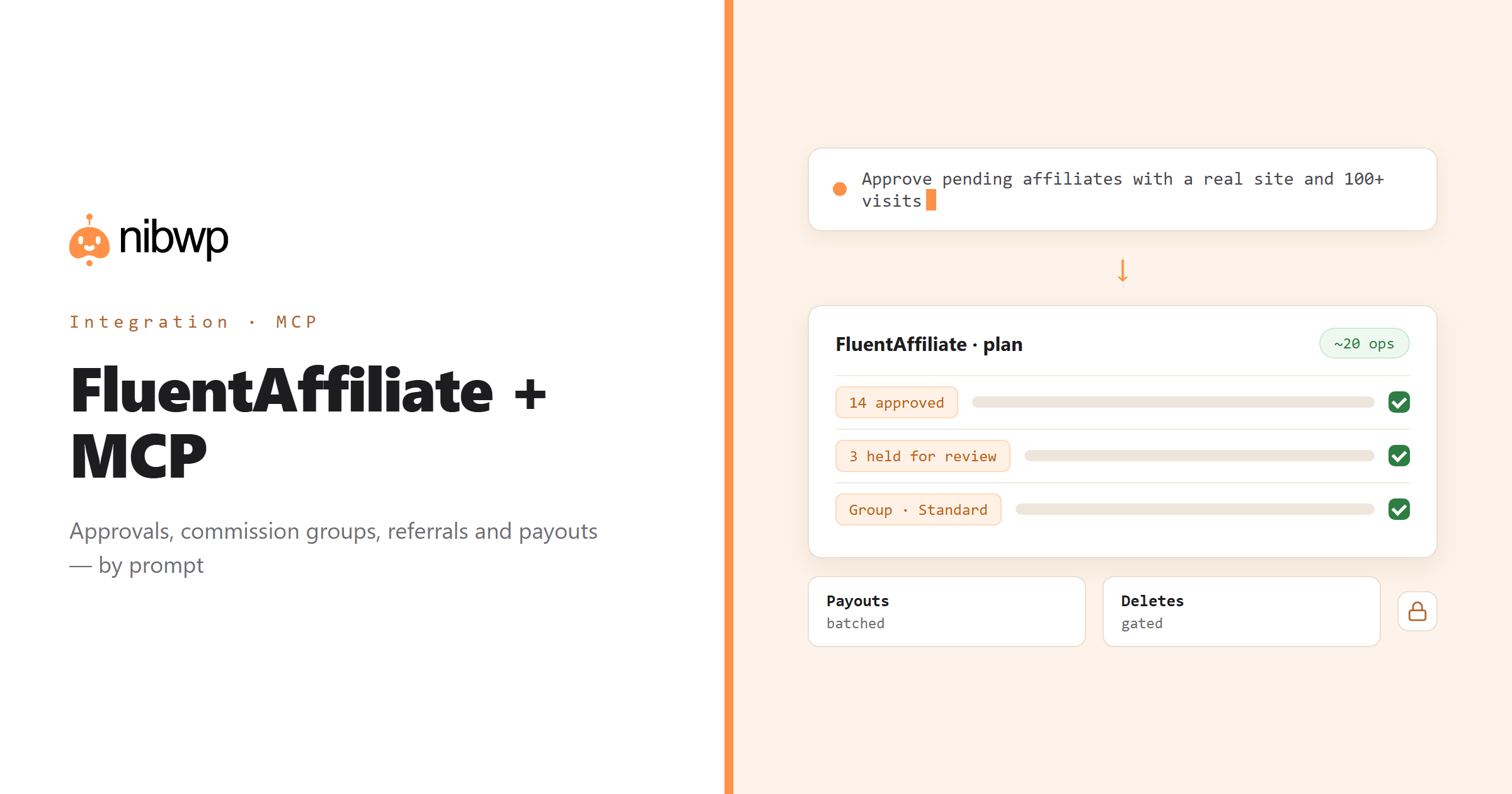
An affiliate program is a queue: applications to review, referrals to check, groups to adjust, payouts to build at month-end. None of it is hard; all of it is constant. NibWP gives an AI agent typed access to affiliates, commission groups, referrals, payouts and visit stats in FluentAffiliate, so the queue gets worked by prompt and the exceptions come to you.
Clear the pending applications against your criteria. Build the month's payout run from the referrals that closed. Ask who the top performers are and move them to a better rate. It is one typed tool with roughly twenty operations, which keeps your AI client's tool list short while covering the program end to end.
FluentAffiliate is one of the 45+ integrations inside NibWP's WordPress MCP server — 12 typed FluentAffiliate tools on top of 190+ WordPress tools. The full tool reference lives on the FluentAffiliate integration page; this page is about what those tools let you do.
What AI can do in FluentAffiliate
Clear the approval queue
Review pending applications against your criteria and approve the ones that qualify, in one pass.
Commission groups
Create groups with percentage or flat rates and move affiliates between them.
Referrals
Log, read and correct referrals — manual credits and fixes without the spreadsheet.
Month-end payouts
Build the payout run across every affiliate from the referrals that closed this month.
Reports that answer questions
Revenue, referrals and visits ranked by performer — not a table to read yourself.
A repeatable monthly workflow
Chain approvals, group moves and payouts into one run you trigger, review and approve.
The FluentAffiliate tools NibWP exposes
Every FluentAffiliate capability is a typed MCP tool with a schema the AI client can read, so it calls the right thing with the right arguments instead of guessing at your database. Read tools are free to explore; write tools go through the approval flow.
list_affiliates— Affiliates with their status and totals.get_affiliate— One affiliate in full.create_affiliate— Add an affiliate against a WordPress user.approve_affiliate— Approve a pending application.delete_affiliate— Remove an affiliate.list_groups— Commission groups and their rates.create_group— Create a group with a percentage or flat rate.list_referrals— Referrals with their amounts and status.create_referral— Log a referral manually.list_payouts— Payout runs and what they covered.create_payout— Build a batch payout across affiliates.get_visit_stats— Visits, referrals and revenue, ranked by performer.
Example prompts
Plain English is the interface. These are the kinds of requests agencies run against FluentAffiliate every day:
- “Approve every pending affiliate with a real website and more than 100 visits; list the rest for me.”
- “Build the August payout run from all approved referrals.”
- “Who are the top 10 affiliates by revenue this quarter? Move the top 3 to the 30% group.”
- “Log a €49 referral for affiliate #212 for order 5531 — it was missed.”
- “Create a 'Partners' commission group at 40%.”
How it works with FluentAffiliate
There is no new dashboard to learn. You describe an outcome, NibWP plans it, and you approve before anything is written.
- Connect — install NibWP, connect Claude, Cursor, ChatGPT or any MCP client. FluentAffiliate is detected automatically and its tools appear in the client.
- Describe — tell it the job — clear the queue, build the payout, rank performers, fix a referral. NibWP reads affiliates, groups and referrals first and shows the plan.
- Approve — NibWP shows the plan: which records it will create or change, and what will stay untouched. Nothing happens until you say yes.
- Done — it writes real FluentAffiliate data through the plugin's own APIs and reports back in plain English, with every change in the audit log.
Why not just a generic AI?
A general-purpose assistant can write text about FluentAffiliate; it cannot safely operate it. The difference is structure, context and control.
A generic assistant
- Cannot see your affiliates, referrals or payouts at all
- Asks you to export a CSV and re-import it
- Has no concept of approval state or commission groups
FluentAffiliate + NibWP
- Reads and writes affiliates, groups, referrals and payouts through FluentAffiliate
- Builds batch payouts from real referrals
- Answers performance questions from live stats
Safe by default
NibWP is built for agencies running client sites, so control and traceability come first:
- Nothing is written without your approval — you see the plan first, and you can run in draft mode.
- Every action is recorded in a full audit trail, per site and per user.
- It runs on FluentAffiliate's own functions and APIs — your data stays on your server, nothing is copied to a third-party service.
- Creating a payout records the run inside FluentAffiliate; it does not move money. Removing an affiliate, group, referral or payout is flagged destructive and gated.
Related integrations
Most sites pair FluentAffiliate with other plugins NibWP already speaks: FluentCRM + MCP, FluentCart + MCP, WooCommerce + MCP, Fluent Forms + MCP, FluentSMTP + MCP, FluentCommunity + MCP. All of them ship in the same plugin — see pricing for what each plan includes.
Questions, answered
Everything about running FluentAffiliate with NibWP.
Do I need FluentAffiliate installed?
Does creating a payout move money?
Can it delete things by accident?
It shows one tool — is that limiting?
Which NibWP plan do I need?
Run the affiliate program by describing it.
Get the Bundle and let NibWP work the FluentAffiliate queue — approvals, groups, referrals and payouts, with an approval step.