How to build a Kadence site with AI, from brief to launch
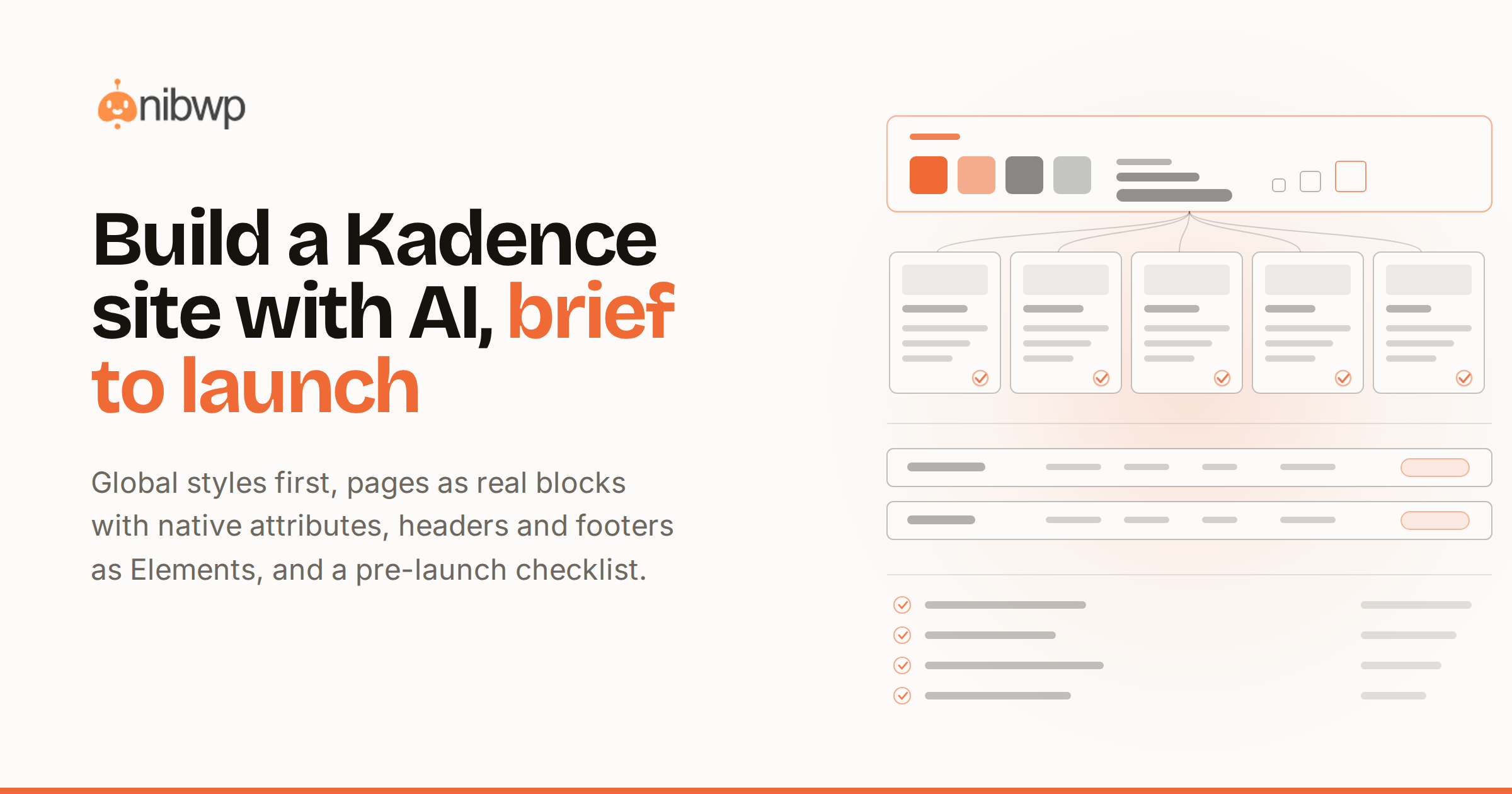
Kadence is the quiet workhorse of WordPress builders: fast, native-block, editor-friendly. It's also unusually well suited to AI building — because Kadence keeps its design in block attributes, an assistant that writes those attributes correctly produces pages indistinguishable from hand-built ones.
This guide walks the full arc: build a Kadence site with AI from the first brief to launch — pages, headers and footers, the content pass, and the pre-launch checklist — with every write behind an approval.
Why Kadence and AI fit so well
- Attribute-driven CSS. Kadence generates styles from block attributes keyed to unique IDs — exactly the kind of structured output an AI can produce verifiably.
- Native blocks everywhere. Row Layouts, Advanced Headings, Info Boxes — the whole page is real blocks, so converted output stays editable.
- Elements for site chrome. Headers, footers and hooks are content too — which means the assistant can build them, on approval.
How to build a Kadence site with AI
- Connect. NibWP + your AI client over MCP (five-minute setup); the Kadence Pro skill handles builder output.
- Global styles first. Palette, type scale, spacing — set once so every generated page lands on-system.
- Pages from briefs or designs. Each request becomes real Kadence blocks — rowlayout/column structure, native attributes, unique IDs — validated and scored before writing.
- Site chrome. Header and footer land as Kadence Elements; repeated card sections become dynamic kadence/posts blocks that update themselves.
- Content and SEO pass. Draft the copy, fill the meta, wire internal links — same assistant, same approval gate.
- Pre-launch checklist. The bundled playbook checks forms, redirects, meta and performance basics, and reports what it found.
Walkthrough: brief to draft site in an afternoon
- “Build a five-page site for an accounting firm: home, services, about, pricing, contact — clean, blue palette, Inter.”
- Approve the global-styles plan, then each page plan as it comes — every block tree visible before it's saved.
- Open any page in the editor: controls populated, breakpoint values set, nothing locked in custom CSS.
- Refine by instruction where needed; the changes edit attributes and re-validate.
The attribute advantage, in practice
Kadence generates its CSS from block attributes keyed to each block's unique ID. That's not trivia — it decides what AI output has to look like to be genuine. Styling that arrives as attributes keeps every editor control populated and every tablet and mobile breakpoint adjustable; styling that arrives as custom CSS leaves the controls empty and the next editor blind.
The validator enforces the difference: real block names only, columns nested inside Row Layouts, buttons inside Advanced Button groups, a unique ID on every block, and native attributes carrying the design. The full anatomy of that checklist is in converting HTML to Kadence Blocks — the same rules apply whether the source is markup, a design or a plain brief.
Headers, footers and hooks as Kadence Elements
A site isn't pages alone. Kadence Elements carry the chrome — headers, footers, announcement bars, hook content — and because Elements are content, the assistant builds them through the same plan-and-approve flow. Ask for “a header with logo left, nav right, CTA button, sticky on scroll” and review the Element plan like any page plan.
Dynamic sections follow the same logic: a “latest articles” strip becomes a kadence/posts block bound to a query, not three cards someone has to update by hand. The site stays current because nothing recurring was ever hard-coded.
After launch: the site runs itself
The same connection that built the site maintains it: scheduled jobs crawl for broken links, collect updates and clean the database, while playbook passes handle SEO audits and performance — all approval-gated, all logged. That's the maintenance autopilot, and it's why the build-with-AI story doesn't end at launch day.
Three mistakes to avoid
- Skipping global styles and generating pages first — you'll re-approve every page once the palette lands. Tokens, then pages.
- Accepting custom-CSS output because it looks right today — empty controls are technical debt with a delay timer.
- Rebuilding repeated content per page — if it repeats, it should be a dynamic block or an Element, once.
The bottom line
A Kadence site built with AI should pass the same review as one built by your best Kadence developer: real blocks, native attributes, correct nesting, editable by whoever comes next. With validation and approvals in the loop, that's the default, not the exception.
Converting existing markup? HTML to Kadence Blocks covers it walkthrough by walkthrough; design files go through Figma to Kadence. The full Kadence tool surface is on Kadence + MCP, the skill is Kadence Pro — pricing.