Clean up a WordPress database with AI: revisions, orphans, spam
Every WordPress site accumulates: post revisions nobody will read, orphaned metadata from deleted plugins, spam comments, expired transients, auto-drafts from 2019. Cleanup plugins handle the mechanical part well. What they cannot do is tell you what is safe to delete on your particular site — and that judgement is where an agent helps.
Every write below goes through the same shape: the agent reads first, shows a plan, and nothing is written until you approve it — with the whole run in the audit log. For database work, that matters more than usual.
What actually accumulates
- Post revisions. Unlimited by default. A heavily edited page can carry hundreds.
- Orphaned post meta. Rows referencing deleted posts, or keys from plugins uninstalled years ago.
- Spam and trashed comments. Retained until explicitly purged.
- Expired transients. Should self-clean, frequently do not.
- Auto-drafts and trashed posts. Sitting past their expiry.
- Orphaned media attachments.
- Abandoned plugin tables. Whole tables left behind by uninstalled plugins.
Start with an audit, not a delete
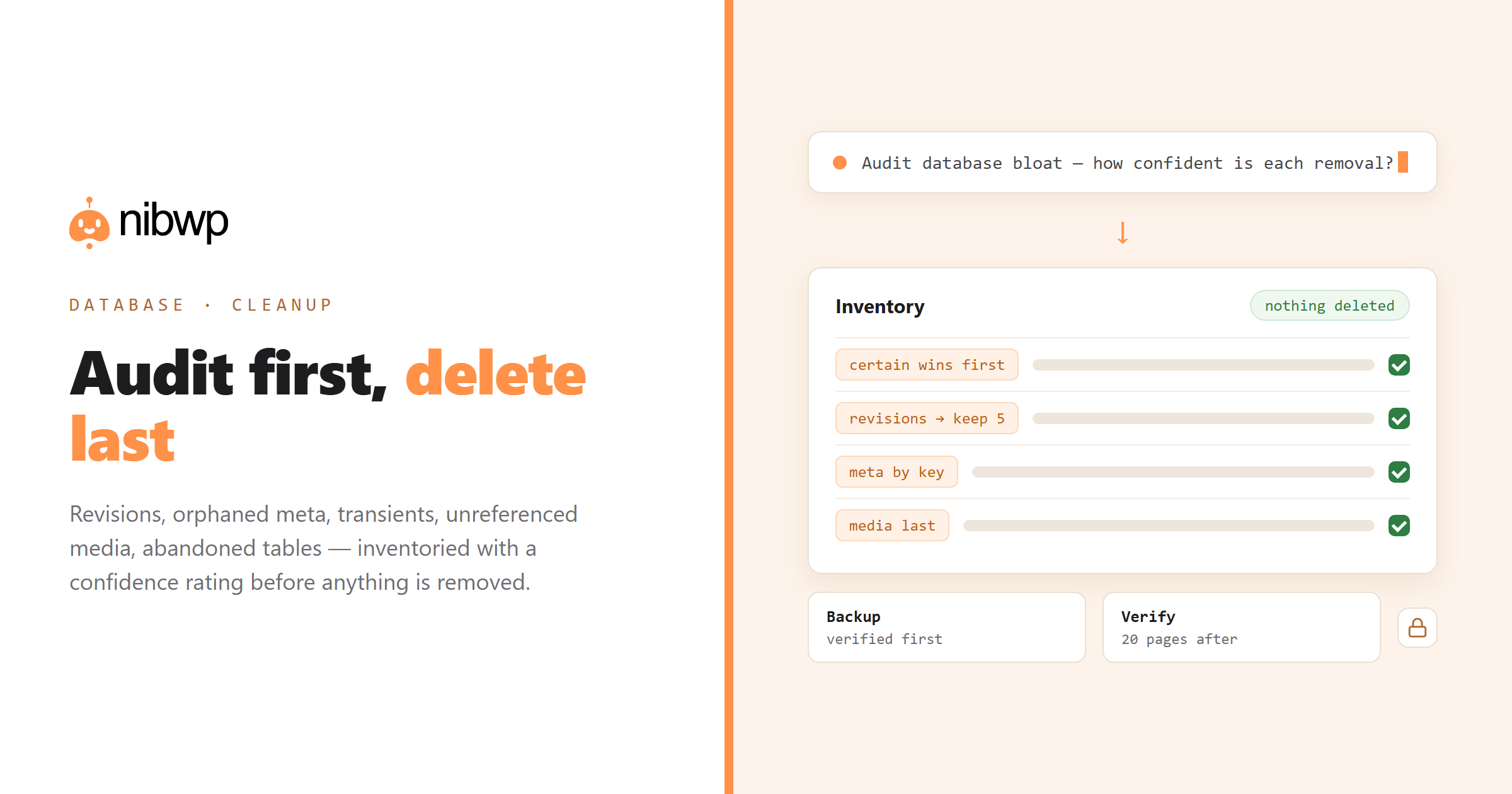
The valuable step is the inventory, because it tells you what is worth doing:
Audit this site's database bloat:
- revisions per post (top 20) and total revision count
- orphaned post meta rows, grouped by meta_key with counts
- spam/trash comments, transients, auto-drafts
- media attachments not referenced by any post content or featured image
- tables not belonging to any active plugin

For each: how much space, and how confident are you it's safe to remove?
Do not delete anything.
The safe order of operations
- Back up. Actually back up. Database cleanup is the one job where the undo must exist before you start. Verify the backup restores.
- Start with the certain wins. Spam comments, expired transients, auto-drafts older than a month. Low risk, immediate space.
- Then revisions, with a limit. Keep the last five per post rather than deleting all. Also set a limit going forward so it does not recur.
- Then orphaned meta by key. One key at a time, checking what created it. Never a blanket delete of everything unmatched.
- Leave media until last. And re-verify references against page-builder content before deleting a single file.
- Abandoned tables last of all. Export the table before dropping it, and only if you are certain the plugin is gone for good.
# limit future revisions (wp-config.php)
define('WP_POST_REVISIONS', 5);
Where agents help — and where they should not lead
A reasonable division: agent produces the audit and the plan; you approve each category; deletions run through the site's own tools or a maintenance plugin, with the agent verifying afterwards that nothing broke.
Verify afterwards
After the cleanup: check that a sample of 20 pages still render,
that featured images still resolve, and that no page-builder content
references a missing attachment. Report anything broken.
Preventing the bloat instead of cleaning it
Cleanup is a symptom fix. Four settings and habits stop most of it recurring:
- Limit revisions. WP_POST_REVISIONS set to 5 keeps the useful history and drops the rest.
- Empty trash faster. EMPTY_TRASH_DAYS at 7 rather than the 30-day default.
- Uninstall properly.
- Audit quarterly, not never. A read-only bloat audit takes minutes; the work is only unpleasant when it has accumulated for five years.
The abandoned-tables problem
Custom tables left by removed plugins are the most persistent category, because nothing in WordPress knows they are orphaned. An agent can reason about it usefully:
List every database table with the site prefix that does not belong to
WordPress core. For each: guess which plugin created it (from the name
and its columns), and whether that plugin is currently active.
Rank by size. Recommend nothing — I'll decide.
Cleanup mistakes that cause real damage
- Blanket-deleting orphaned post meta. Some plugins legitimately store meta against IDs that are not posts.
- Optimising tables on a live high-traffic site during business hours.
- Cleaning before backing up. The one that turns an afternoon into a very bad week.
FAQ
Can AI clean up my WordPress database?
It can audit it precisely — revisions, orphaned meta by key, transients, spam, unreferenced media, abandoned tables — and propose an ordered plan. Deletion itself should be a deliberate, backed-up step you approve category by category.
Is it safe to delete post revisions?
Deleting old revisions is generally safe; keeping the last few per post is the sensible default. Set WP_POST_REVISIONS so the problem does not recur.
What about unreferenced media files?
Do I still need a cleanup plugin?
They are good at executing the mechanical deletions. The agent's contribution is the judgement layer — what exists, where it came from, what is safe, in what order.
Will cleaning the database speed up my site?
Sometimes modestly. Bloat mainly affects backups, migrations and admin queries. If you are chasing front-end speed, caching and images matter far more.
What is the first thing to do?
A verified backup. Database cleanup is the one job where you must know the undo works before you begin.