How to create a 5K website using NibWP
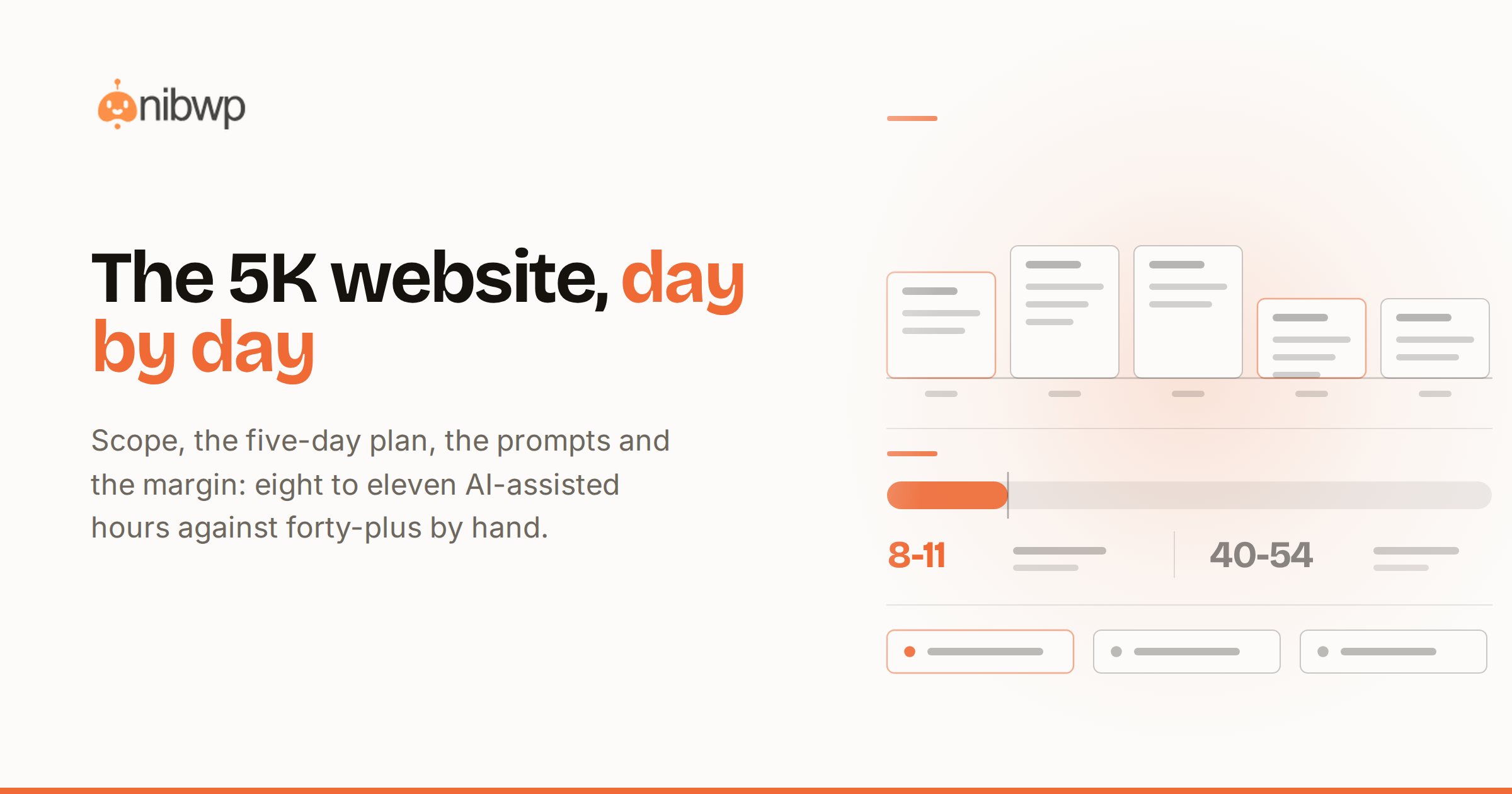
A 5K website is the bread-and-butter project of every WordPress agency: a real business site — home, services, about, contact, a handful of landing pages — for a client who has outgrown templates but doesn't need an application. It's also the project where AI changes the economics most visibly: the deliverable stays exactly as premium, and the delivery cost collapses. This is the full playbook for how to create a 5K website using NibWP, from signed proposal to launch email, with the scope, the prompts, the day-by-day plan and the profit math.
One framing note before the numbers: nothing below is about cutting corners. The client gets the same site a good agency hand-builds — native pages in a real builder, a design system, working forms, SEO basics done properly. What changes is how many of those hours are typing and clicking, because typing and clicking is what a connected AI does through NibWP's typed abilities, with you approving every write.
What a 5K website actually includes
Scope discipline is what keeps a 5K project at 5K. This is the package that fits the price:
- Eight to ten pages. Home, two or three service pages, about, contact, plus two campaign landing pages. Enough to sell with; not a content site.
- A real design system. Global colors, type scale and spacing set once in the builder — not per-page styling. This is why later changes stay cheap.
- One builder, native output. Elementor, Kadence, Bricks or EtchWP — whatever your shop standardizes on. Everything editable by the client's team afterwards.
- Forms and the follow-up. Contact and quote forms, notifications wired, spam handled.
- SEO foundations. Meta titles and descriptions, clean headings, internal links, an XML sitemap and redirects from the old site if there is one.
- Launch checklist and handoff. Pre-launch pass, a training call, and a one-page handoff doc.
What's deliberately not in it: custom plugin development, e-commerce, memberships, content writing beyond polish, and unlimited revisions. Each of those is its own line item — some of them their own project.
The stack for this build
One WordPress install, your builder of choice, and NibWP connecting your AI client to the site — the five-minute MCP setup. The builder Pro Skill does the page generation as native, validated elements; the core abilities handle content, media, menus and SEO. Everything the agent proposes waits for your approval before it touches the site, and every write lands in the audit log — which becomes part of what you hand the client.
Day 1: foundation — tokens, structure, navigation
The first day is about making every later day cheap. Work from the approved design direction (a moodboard, a reference site, or a Figma file):
- Set the design system first. Prompt: “Set up global styles from this brief: primary #1B4D8C, warm gray neutrals, Inter for UI, fluid type scale, 12px radius.” The agent writes global settings through the builder's own system — approve, and every future page inherits them.
- Create the page skeleton. Prompt: “Create draft pages: Home, Web Design, SEO Services, About, Contact, plus landing pages for Spring Audit and Free Consult. Flat structure, clean slugs.” Seven drafts in one approval.
- Build the navigation and footer once — as the builder's reusable parts (header/footer templates or Elements), so they're never rebuilt per page.
- Wire the contact form and its notification while you're at it — forms are day-one work because every page after this links to them.
- End the day with structure review: menu order, slugs, the sitemap of what exists. Ten minutes of reading, not building.
Days 2–3: pages from briefs, sections from references
This is where the hours used to go. Each page is one cycle: brief in, plan reviewed, draft approved, polish by instruction.
- Home page from a brief: “Build the home page: hero with headline and consult CTA, three-service overview, process section (4 steps), testimonial band, final CTA. Use the global styles.” Review the proposed section tree, approve, open it in the builder — it's native elements, so polish is normal builder work.
- Service pages from a pattern: build the first service page carefully, then: “Build SEO Services with the same structure as Web Design, adapted to this outline.” Consistency for free.
- Sections from references: for the section the client loved on another site — “Build a section like this screenshot on the About page” — the image becomes native elements mapped to your tokens, not pasted HTML.
- Refine by instruction, not by dragging: “Tighten mobile spacing on the hero, swap the testimonial band to two columns, make CTAs orange.” Each tweak edits element settings and re-validates.
- Landing pages last — they reuse everything: “Duplicate the consult landing structure for the Spring Audit campaign, swap copy and offer.”
The literal prompts matter less than the rhythm: describe → review plan → approve → refine. You are directing, and the approval gate means nothing lands you didn't read.
Day 4: content, SEO and the boring parts done well
- Content pass: paste the client's raw copy and have it placed, formatted and tightened page by page — drafts only, client reviews before publish.
- Media: “Upload these 14 images, compress, set alt text from filenames, place per the layout notes.”
- SEO pass in one sweep: “Write meta titles and descriptions for all pages — brand pattern ‘[Page] — [Brand]’, 155 characters max, no clickbait.” Then internal links: every service page links home and to contact, landing pages stay out of the nav.
- Redirects if replacing an old site: crawl the old URLs, map them, approve the redirect plan — the same machinery as the full migration workflow, scaled down.
Day 5: pre-launch, launch, handoff
- Run the pre-launch checklist playbook: forms tested, meta present, headings sane, 404s zero, performance basics green — it ends in a written report.
- Client walkthrough on staging; collect final tweaks in one batch and apply them by instruction.
- Launch, then run the link crawl once against the live domain.
- Handoff: the report, the audit log of everything done, and a 30-minute training call. Offer the care plan while the goodwill is warm.
The hours ledger: where 5K becomes profitable
A realiztic ledger for this scope, hand-built versus NibWP-assisted:
- Design system + skeleton: 6–8 hours by hand → about 1 hour of prompts and approvals.
- Eight pages of building: 20–28 hours → 4–6 hours of briefs, reviews and polish.
- Content placement + media: 6–8 hours → 1–2 hours.
- SEO pass + redirects: 4–6 hours → about 1 hour.
- Pre-launch checks + fixes: 3–4 hours → under 1 hour, because the checklist runs itself and reports.
Call it 40–54 hours down to 8–11. At a €90 internal hour, delivery cost drops from roughly €4,000 (break-even at best) to under €1,000 — a 75–80% margin on the same 5K invoice. That margin is the whole argument: you don't lower the price because your process got better; the client is buying the site, not your hours.
The mistakes that blow the budget
- Skipping the design system and generating pages first — every page then needs restyling. Tokens before pages, always.
- Accepting scope creep in prompt form — “while you're at it, add a blog” is a change order, not a prompt.
- Polishing by hand what refine-by-instruction would fix in one line.
- Publishing AI-placed content without the client read — drafts exist for a reason.
FAQ
Can I really charge 5K for a site AI helped build?
Yes — the client buys the outcome: a professional site, on a real builder, editable by their team, delivered fast with a paper trail. Your process is your business. Price the deliverable, not your hours.
Which builder should I use for this?
Whichever your shop already knows — Elementor, Kadence, Bricks and EtchWP all have Pro Skills that output native, validated elements. Consistency across your portfolio matters more than the specific choice.
What does the client see of the AI?
Nothing unless you want them to. Deliverables are normal pages, a launch report and an audit log of changes. Many agencies present the log as a professionalism feature — every change reviewed and recorded.
What if the generated page misses the design?
Nothing is written without your approval, and after approval you refine by instruction — the section is rebuilt through native element settings, so course-correcting costs minutes, not rebuilds.
The prompt library for a 5K build
Prompts aren't magic words — they're compressed briefs. These are the working set for this project type, ready to adapt. Notice the pattern in all of them: concrete nouns, explicit constraints, and the target named.
- “Set up global styles: primary [hex], secondary [hex], neutral ramp from [hex], Inter for headings and body, fluid type scale from 16 to 52px, spacing scale 4/8/16/24/40/64, radius 12px.”
- “Create draft pages with clean slugs: [list]. Flat hierarchy. Don't add them to the menu yet.”
- “Build the header as a reusable part: logo left, five links, CTA button right, sticky on scroll, mobile drawer at 900px.”
- “Build the home page: [section list with one line of intent each]. Use global styles throughout, no inline colors.”
- “Build [service page] using the same section structure as [reference page], adapted to this outline: [paste outline].”
- “Build a section like this screenshot on [page], mapped to our global styles — match the layout, not the colors.”
- “Tighten mobile spacing across [page]: hero padding down a step, section gaps to 40, cards to single column below 700px.”
- “Write meta titles and descriptions for all pages: pattern ‘[Page] — [Brand]’, max 155 characters, plain language, no exclamation marks.”
Two habits multiply their value. First, save what works: a prompt that produced a great services page is a template for every future services page — that's the seed of a playbook. Second, batch the review: five small instructions in one message means one review cycle instead of five.
A worked example: the accounting firm
To make the week concrete, here's the shape of a real project type — a three-partner accounting firm replacing a 2014 site. Monday: brief call surfaces the real goal (recruiting junior accountants matters as much as clients), so the sitemap gains a Careers page — a scope decision no AI makes for you. Tokens set from their navy-and-slate brand PDF; skeleton up by noon; header, footer and contact form standing by end of day.
Tuesday–Wednesday: home page built from brief, reviewed, approved — then two polish instructions (“more whitespace above the fold, testimonials to a quieter gray band”). Services pages follow the pattern of the first one: Tax, Audit, Advisory — each from a six-line outline the partners approved by email. The section they loved on a US firm's site becomes their process band, rebuilt native from a screenshot, on their tokens.
Thursday: their old site's copy, pasted page by page, placed and tightened — then flagged: two service descriptions contradict each other on pricing; a human question, kicked to the partners, answered by evening. Meta pass, internal links, the old site's 14 URLs mapped to the new 9.
Friday morning: checklist run — one finding (a heading skip on Careers), fixed by instruction. Partner walkthrough at 11:00; four tweaks batched and applied by 14:00; live at 16:00 with the report in their inbox. Hands-on total across the week: just under ten hours. The site reads like a 40-hour build, because in the currency that matters — decisions reviewed — it was one.
The handoff pack that closes the loop
A 5K project should end with artifacts, not vibes. The pack that accompanies the launch email:
- The launch report from the pre-launch checklist — checks run, results, anything deferred.
- The audit log export — every change of the build, timestamped and attributable. Clients rarely read it; they always remember you sent it.
- A one-page owner's guide: how to edit a page, add a testimonial, check form submissions — written for their least technical person.
- The credentials sheet and an access review: who can do what, admin count minimized.
- The care-plan offer with its first month framed as the launch watch — the natural next yes.
Where the 5K project goes next
The build is the beginning of the account, not the end. Three natural expansions, in the order clients accept them: the care plan (protects the thing they just paid for), campaign landing pages at the one-day price (they now have somewhere to send ads), and the quarterly content pass (the blog they swore they'd write). An account that starts at 5K and takes all three is worth over 12K in year one — and none of the additions required a new sales motion, just delivery that kept its promises.
The bottom line
A 5K website is a scope, a rhythm and a margin: tight package, tokens-first build, describe-review-approve on every page, checklist launch. The machinery behind it is the same AI website builder workflow agencies use at every price point — see where 5K sits in the market in 1K vs 5K vs 25K websites, and get the toolset via pricing. Next ticket up: converting a 10K site template with AI.