How do AI agents log into WordPress? Tokens, scopes and application passwords
Before you let an AI agent near a client site, you should be able to answer one question precisely: what is it authenticating as, and what can that identity do? This is the whole security story of agentic WordPress, and it is simpler than it sounds — but the details decide whether an incident is a shrug or a phone call.
An agent is not a user (but it authenticates as one)
- Never connect an agent using an administrator account you also use daily — if the credential leaks, so does everything.
- Create a dedicated user with only the capabilities the work needs. An Editor-level account cannot install plugins no matter how the prompt is phrased.
Application passwords: the standard mechanism
WordPress ships per-application credentials that are separate from your login password. Each one is named, individually revocable, and never grants access to wp-admin as a browser session — only to programmatic requests.
Practical rules that prevent most problems:
- One credential per client, per machine. Revoking a laptop should never break your server.
- Rotate on schedule and immediately when a device or contractor leaves.
- Store them in your password manager, never in a repo. Check before your first commit.
Scopes: the layer above capabilities
WordPress capabilities are coarse — a user can edit posts or cannot. A good MCP server adds a finer layer on top, so a connection carries its own permission set independent of what the underlying user could theoretically do:
- read — look at everything, change nothing. The default for audits, reporting and anything a junior or contractor runs.
- write — create and update content, still behind the approval gate.
- manage — settings and configuration.
- files — the filesystem. Grant deliberately.
- code — execution. Grant rarely, temporarily, on staging.
# an audit connection that physically cannot write
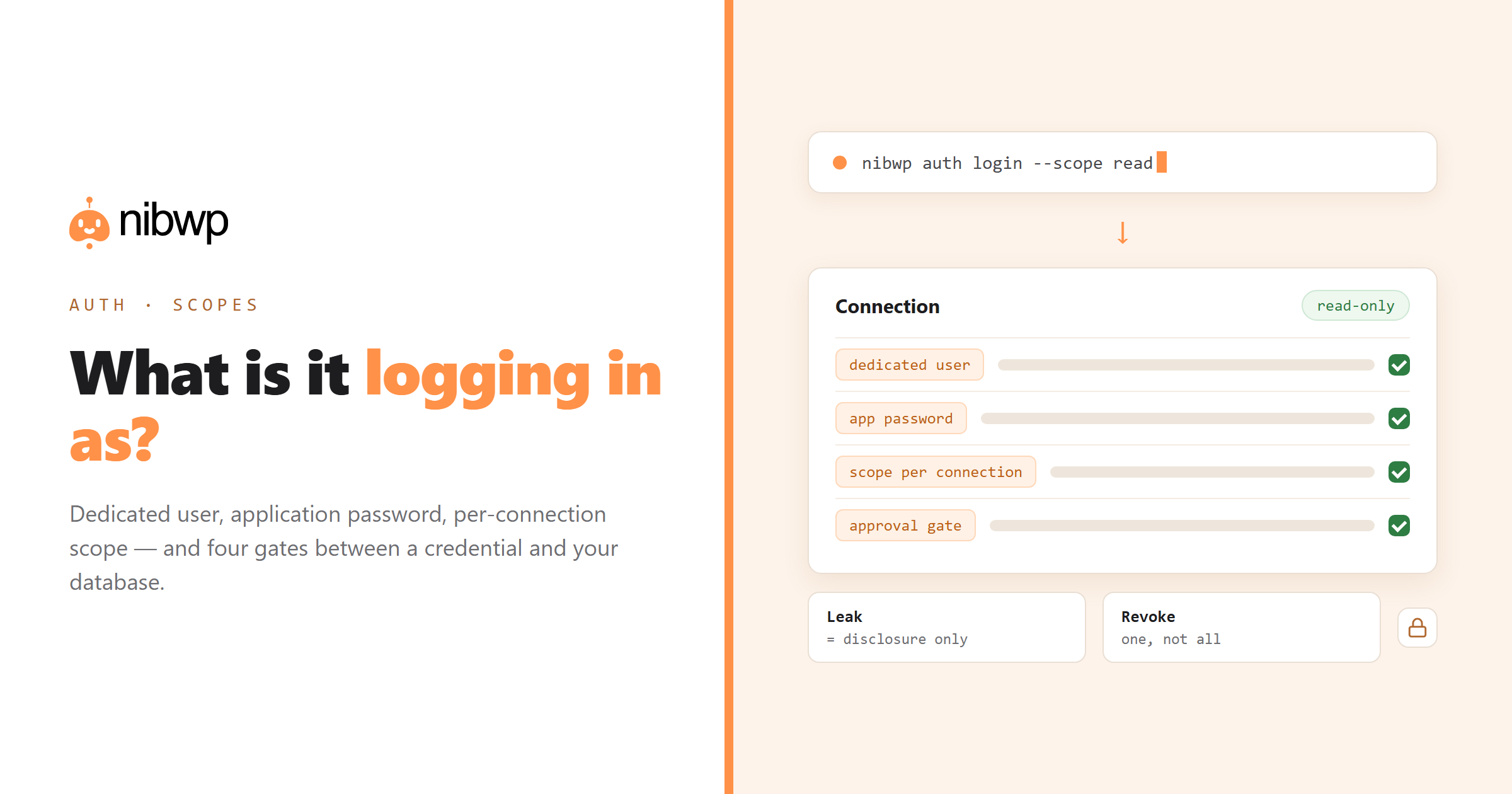
nibwp auth login https://client.com --scope read

# a working connection, when you need it
nibwp auth login https://client.com --scope read,write
What sits between a credential and your database
Authentication is only the first gate. On a well-built server there are four:
- Authentication — is this credential valid?
- Scope check — is this connection allowed this class of operation?
- Schema validation — are the arguments legal for this tool?
- Approval — has a human seen the plan?
A leaked read-only credential is an information disclosure, not a site compromise. That asymmetry is why least privilege is worth the small friction.
If a credential leaks
- Revoke that credential in the plugin. Others keep working; nothing else needs touching.
- Read the audit log for the period — which tools were called, with what arguments, and what changed.
- Restore from a snapshot if writes happened that should not have.
- Issue a replacement credential with the narrowest scope that still does the job.
That sequence is only possible because of the log and the per-connection credentials — see the audit log and what happens when AI breaks your site.
Setting up a dedicated agent user properly
Five minutes of setup that pays for itself the first time something goes wrong:
- Create a user, not a shared login.
- Give it the lowest role that works. Editor covers most content work. Administrator is only needed for settings and plugin operations, and should be a deliberate decision.
- Issue one application password per connection. Named for the machine and the client.
- Set the MCP scope narrower than the role. An Editor-role user connected with read scope is a genuinely safe combination.
- Write down which credential is where. Future you, revoking in a hurry, will be grateful.
Team patterns that work
- Per-person credentials.
- Read-only for contractors. They can audit, report and propose. Applying changes stays with staff.
- One credential per client site. Never one credential across a portfolio — revoking should never be a cross-client event.
- Elevated scopes are temporary. Grant files or code scope for the specific job, then reissue narrower. Treat it like sudo, not like a setting.
Things hosts and security plugins do that break this
- Security plugins that disable application passwords by default, or block the REST API for unauthenticated discovery.
- Hosts stripping the Authorization header before it reaches PHP — a classic on some Apache configurations.
- WAF rules blocking JSON-RPC style POST bodies as suspicious.
Each has a standard fix, and they are all documented in WordPress MCP not working — worth reading before you conclude the plugin is broken.
FAQ
How does an AI agent authenticate with WordPress?
With a credential tied to a real WordPress user — usually an application password — plus, on a good MCP server, a per-connection scope that further limits what that connection may do.
Should I give an AI agent an administrator account?
No. Create a dedicated user with only the capabilities the work requires, and connect with a scoped credential. Administrator access should be the exception, not the default.
What is an application password?
A named, individually revocable credential separate from your login password, used for programmatic access. It does not grant a browser session to wp-admin.
What happens if the credential leaks?
Revoke that credential (others are unaffected), read the audit log for the period, restore from a snapshot if unwanted writes happened, and reissue with narrower scope. A read-only leak cannot change anything.
Can an agent escalate its own permissions?
Not through prompting. Scopes are enforced server-side and capabilities cap what the underlying user can do. Escalation would require a separate vulnerability, not a cleverly worded request.
How often should I rotate agent credentials?
On a schedule that matches your other secrets, and immediately when a device is lost or someone leaves. Per-client, per-machine credentials make rotation cheap.