What happens when AI breaks your site? Snapshots, drafts and undo
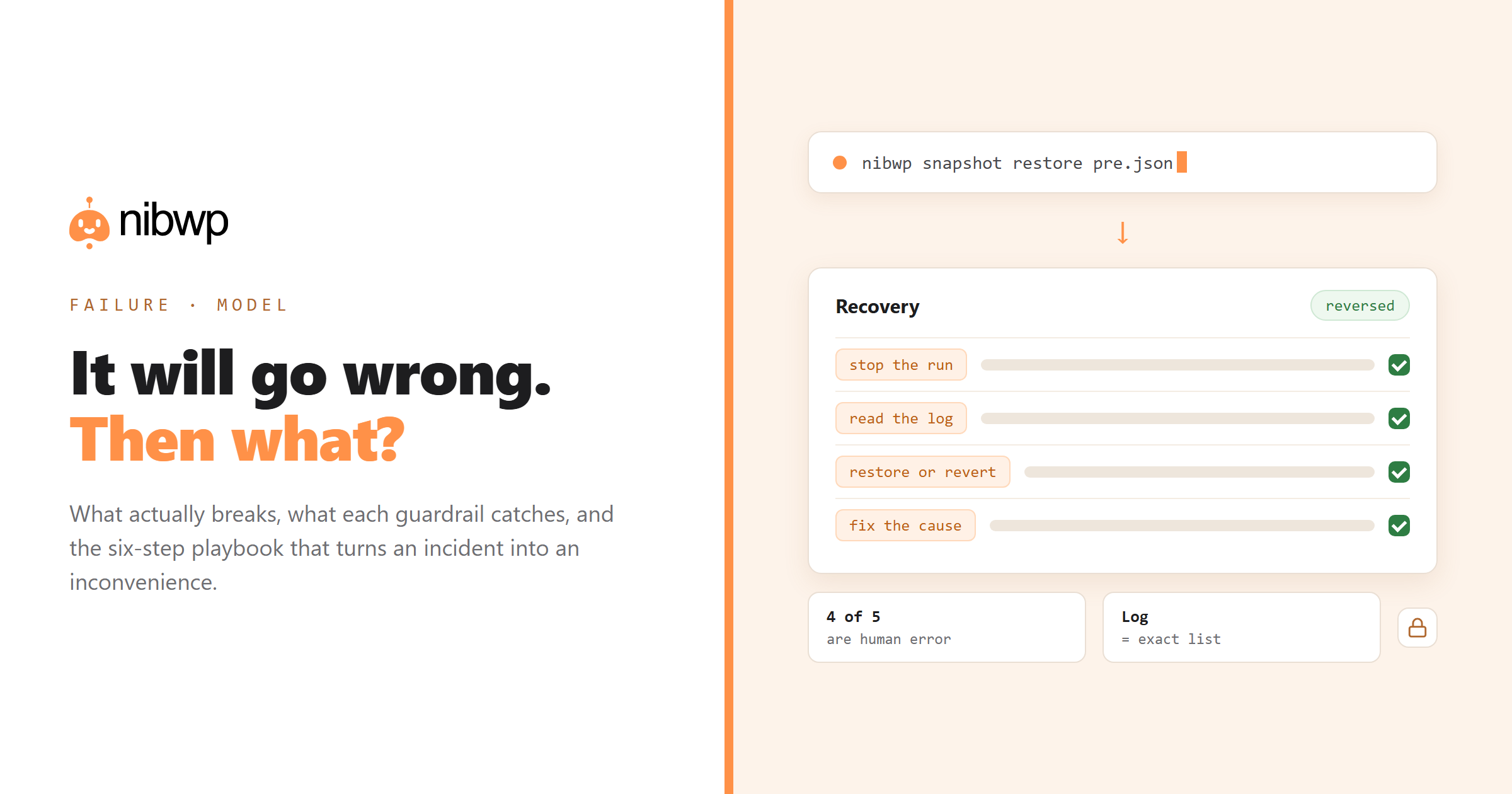
This is the failure model in detail: what can actually go wrong, what each layer prevents, and the recovery playbook.
What actually goes wrong (in order of frequency)
- You asked imprecisely.
- Wrong scope on a bulk job. The filter matched 340 records rather than the 40 you pictured, and the count was in the plan you skimmed.
- Right change, wrong site. Two clients configured in one workspace. Rare but memorable.
- Model error. A genuinely wrong value, a mangled edge case, a hallucinated link. Less common than people expect, because typed tools and read-before-write remove most of the surface.
- Plugin interaction. A write that is technically valid but interacts badly with something else on the site.
Notice that four of five are human or configuration failures. That shapes where the guardrails should be.
What each layer prevents
- Scopes. A read-only connection makes categories 1–5 impossible. Most exploratory work does not need write access at all.
- Schema validation. Malformed calls fail cleanly rather than writing something odd.
- The approval gate. Catches imprecise prompts and wrong scope — if you read the plan, which is the discipline that actually matters.
- Draft mode. Content lands unpublished. Wrong drafts are invisible to visitors.
- Snapshots. The undo for anything bulk. One command before, one command to reverse.
- The audit log.
The recovery playbook
- Stop the run. If a batch job is in progress, interrupt it. Batching exists so there is something to interrupt.
- Read the audit log. Identify exactly which records changed, when, and to what. Do not guess from memory.
- Restore the snapshot if you took one. Fastest path when the change was broad.
- Or reverse selectively. With the log's list, ask the agent to revert those specific records to their previous values.
- Verify. Check a sample of affected pages render correctly — not just that the data reverted.
- Fix the cause, not the symptom. Tighten the prompt, narrow the scope, add the rule to your procedure so the same imprecision cannot recur.
nibwp snapshot create --post-type page -o pre.json   # before
nibwp snapshot restore pre.json                       # after, if needed
Telling the client
If a client site was affected, tell them before they notice, with the log as evidence: what changed, when, what you restored, what prevents a recurrence. Handled that way it reads as competence — you knew within minutes, you had a record, you fixed it. The alternative, a client discovering it themselves, costs far more than the incident.
The habits that prevent nearly all of it
- Read-only by default; write scope when you need it.
- Snapshot before anything touching more than twenty records.
- Drafts, not publishes.
- Read the count in the plan before approving — it is the single highest-value second you will spend.
- One project, one site.
- Staging for anything structural.
Full safety context: is AI write access safe · the audit log · safe AI on client sites.
How this compares to human error
The fair comparison is not against a perfect process; it is against how manual mistakes actually go. A developer running a bad search-replace at 11pm produces the same broken site — with three differences that all favour the agent workflow:
- Attribution. The log names the tool, the arguments and the user. Manual work leaves you reconstructing from memory and file timestamps.
- Scope visibility. You were shown the count before it ran. Manual bulk edits rarely announce how many rows they will touch.
- Reversibility.
None of this makes AI safer than a careful expert. It makes AI-with-guardrails safer than a tired expert, which is the realistic comparison most weeks.
Practise the recovery before you need it
Fifteen minutes, once, on a staging site — the most valuable quarter hour in this whole workflow:
- Take a snapshot.
- Deliberately run a bulk change you do not want — retitle twenty posts with a prefix.
- Restore the snapshot. Time it.
- Read the audit log and confirm you can identify exactly what happened without looking at your chat history.
Teams that have done this once behave differently under pressure. Teams that have not tend to panic and make the second mistake, which is usually worse than the first.
The client-facing version
Turn the failure model into a promise you can make in a proposal, because most competitors cannot make it: every change is logged with who, what and when; content changes land as drafts for review; bulk operations are snapshotted beforehand; and any change can be identified and reversed. That is a stronger accountability story than most manual processes, and clients recognise it as one.
FAQ
What happens if an AI agent breaks my WordPress site?
You stop the run, read the audit log to see exactly what changed, restore your snapshot or reverse the specific records, verify a sample of pages, then tighten the prompt or procedure that allowed it.
What is the most common AI mistake on WordPress?
An imprecise prompt matching more records than intended. The agent did what was asked; the plan showed the count. Reading the count before approving prevents most incidents.
Can I undo AI changes to WordPress?
Yes, in two ways: restore a snapshot taken before the job, or use the audit log's record of affected items to reverse them selectively.
Should I use staging for AI work?
For structural changes — content models, templates, bulk restructuring — yes. For content edits with drafts and approvals, production is usually fine.
How do I explain an AI mistake to a client?
Proactively, with the log: what changed, when, what you restored, what prevents recurrence. Knowing within minutes and having a record reads as competence; discovery by the client does not.
Do AI agents make more mistakes than humans?
Different ones, and more visibly. The advantage is that every action is logged and reversible, which is rarely true of manual work.