Translate a WordPress site with AI: the honest workflow
Machine translation of a WordPress site is easy to start and easy to get wrong. The failure is rarely the translation quality — modern models are strong — it is the plumbing: content translated but not linked to its original, hreflang missing so nothing ranks, code blocks and brand names translated, and a bill for translating words you never needed.
This is the honest workflow: what to do in what order, what to let a model do, and what still needs a human.
Every write below goes through the same shape: the agent reads first, shows a plan, and nothing is written until you approve it — with the whole run in the audit log.
Decide the architecture before the first word
Three approaches, and switching later is expensive:
- Plugin-managed translations stored in WordPress (WPML, Polylang, TranslatePress). Translations are real content you own and can edit. Best for sites where the translated content will be maintained.
- Cloud translation layer (Weglot and similar). Translation happens in the service; WordPress holds the source only. Fast to launch, ongoing cost per word, less direct control.
- Separate sites per language. Maximum control, maximum maintenance. Justified when the markets genuinely differ.
The order that saves money
This sequence matters, particularly with per-word pricing:
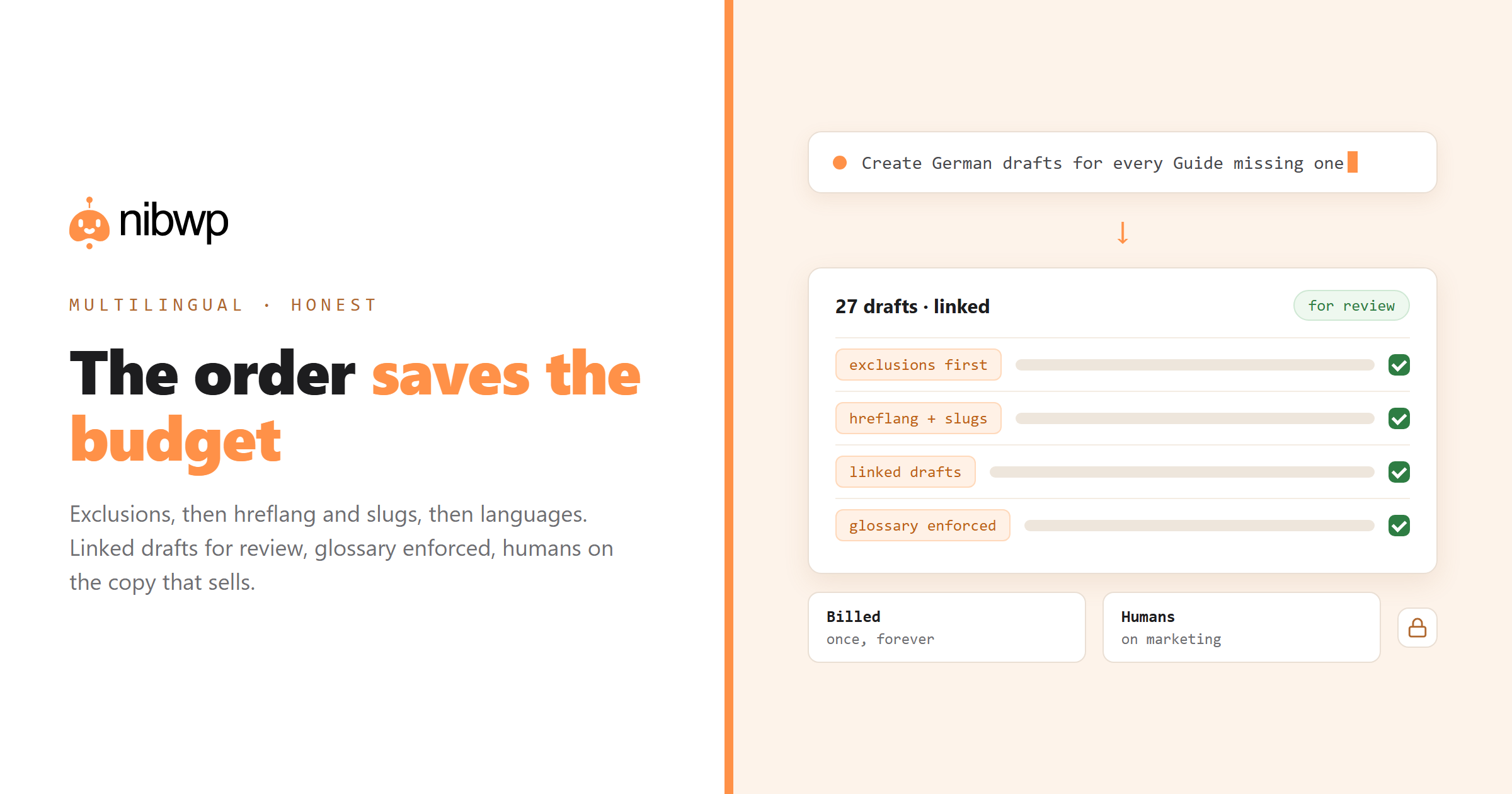
- Exclusions first. Code blocks, SKUs, brand names, addresses, technical terms. A word translated once is billed whatever you do afterwards — excluding after the first pass fixes the output but not the bill.
- Then hreflang and translated slugs. The two settings that decide whether translated pages rank at all. Getting this wrong makes the whole exercise decorative.
- Then the languages themselves. One at a time, checking usage as you go.
- Then the switcher and untranslated-page rules. Which pages stay in the source language, and how visitors move between versions.
For Weglot specifically, an audit can name every misconfiguration with its fix — see Weglot + MCP.
Finding the gaps
On an existing multilingual site, start by measuring the drift:
Report translation status across post types:
- pages and posts with no translation, per language
- translations whose source has been modified since (stale)
- content assigned to the wrong language
- missing hreflang, and whether translated slugs are enabled

Table, ordered by traffic. Change nothing.
Filling the gaps as reviewable drafts
Create German drafts for every Guide with no German translation.
- translate from the English source
- apply our glossary: [terms that must not change]
- keep code blocks, product names and SKUs untranslated
- link each draft to its original so the plugin shows it correctly
- DRAFT status — a human reviews before publishing

Then list what you created and anything you were unsure about.
Linked drafts are the key detail. Translations created as loose posts are a mess to reconcile later; created linked, they slot into the plugin's own workflow.
What still needs a human
- Marketing copy where tone carries the sale. Machine output is accurate and flat.
- Legal and compliance text.
- Anything with local regulatory or cultural specifics — the translation is fine, the content may be wrong for the market.
- Terminology decisions. Make them once, put them in the glossary, enforce them everywhere.
Enforcing consistency
Find every occurrence of "Checkout" translated into French across the site.
Show each string and its current translation. Where it isn't "Paiement",
propose the change. Apply after I approve the list.
The full workflow with the tools for each plugin: the multilingual backfill solution.
The SEO half nobody configures
Translated content that search engines cannot associate is wasted work. Three settings decide whether the effort ranks:
- hreflang. Tells search engines these pages are alternates of each other. Missing hreflang is the single most common reason translated pages underperform.
- Translated slugs. /fr/tarification/ rather than /fr/pricing/. Matters for relevance in-market and for users reading the URL.
- A consistent URL structure. Subdirectory, subdomain or domain per language — pick once and do not migrate later.
Check the multilingual SEO setup and report problems ranked by impact:
- is hreflang output on every translated page, and does it include x-default
- are translated slugs enabled, and how many pages still use the source slug
- any translated page with a canonical pointing at the source language
- any language with pages that have no translation linkage at all
Keeping translations current
Launching translations is the easy part; keeping them aligned as the source changes is where multilingual sites quietly decay. Two habits:
- Run a staleness check monthly: which translations have a source modified more recently than the translation. Rank by traffic, not by age.
- Make the content procedure include translation. If a post is only done when its translations exist as drafts, drift never starts.
Which translations are older than their source? Table: page, language,
source modified, translation modified, days behind, monthly traffic.
Propose updated drafts for the top ten, linked to their originals.
Controlling cost on per-word services
- Exclude before you translate, not after. Code blocks, SKUs, addresses and brand names should never enter the word count.
- Check plan usage before adding a language, and prefer adding one language at a time.
- Exclude pages that do not need translating — internal utility pages, archived campaigns, thank-you pages.
- Watch for duplicate content being translated twice through different routes, which happens more often than vendors admit.
FAQ
Can AI translate my WordPress site?
Yes — an agent can find untranslated and stale content, create linked translation drafts through your multilingual plugin, and enforce terminology. Publishing stays a human decision, especially for marketing and legal text.
Which multilingual plugin works best with AI?
Any that exposes translation status and linking through an integration — WPML, TranslatePress and Weglot all work. The plugin choice should be driven by your architecture needs, not the AI.
Why do exclusions come before adding languages?
With per-word pricing, a word translated once is already billed. Excluding code, SKUs and brand names afterwards fixes future output but not the cost you already incurred.
Will machine translation hurt my SEO?
Poor, unlinked, hreflang-less translation will. Correctly linked translations with hreflang and translated slugs, reviewed by a human for key pages, perform normally.
What should never be machine translated?
Legal text, compliance content, and marketing copy where tone drives conversion. Also anything with market-specific regulatory content — accurate translation of the wrong content is still wrong.
How do I keep terminology consistent?
Maintain a glossary, pass it in every translation prompt, and periodically run a consistency sweep that finds a term translated multiple ways and proposes a single form.