What’s new in NibWP — July 2026
July was our biggest month yet.
Over the course of the month we shipped 8 releases, introduced entirely new capabilities, expanded our growing Skills library, improved existing integrations, and kept building toward a WordPress experience where AI feels like a trusted teammate — not an unpredictable black box.
Some of the features below are already available in the free version of NibWP.
July in numbers
During July we shipped 8 product releases:
- Figma Integration
- Jobs
- Design Skills
- New Builder Skills
- Better Etch support
- Improved Automatic.css integration
- Better diagnostics and connection tools
- Numerous performance improvements and bug fixes
Let’s look at what each release solves.
Jobs (Free)
The problem
Website maintenance is necessary, but it’s rarely enjoyable. Checking for updates, scanning for security issues, cleaning the database, finding broken links, optimizing images — these are repetitive jobs every WordPress owner knows they should do, but often postpone because they take time and always carry a little risk.
Most maintenance plugins don’t really solve that. They simply automate the action, leaving you to wonder what happened afterwards.
Our solution
Jobs lets you describe what you want in plain English.
“Check my website for broken links.”
“Run a security audit.”
“Clean my database.”
“Look for plugin updates.”
NibWP first creates an execution plan. Before touching your website, it explains exactly what it intends to do and waits for your approval. Once finished, it summarizes every action in clear English instead of technical logs.
Why it matters
AI shouldn’t make changes behind your back. It should help you understand what’s happening before and after every action. That’s why Jobs is also available in the free plan.
NibWP Design (Free)
The problem
One of the biggest complaints about AI-generated websites is that they all look alike. The layouts become predictable, the colors feel generic, and everything starts looking like it came from the same prompt.
That’s because most AI tools know web design — but they don’t know your design.
Our solution
NibWP Design Skills starts by understanding your site’s design. It reads your existing colors, typography, logo, spacing and overall visual language before generating anything new. Instead of leaning on generic templates, NibWP creates pages that belong naturally within your site — and it checks readability and steers clear of the overused patterns that instantly give away an AI-built page.
Why it matters
AI should help strengthen your brand — not replace it with its own. Design Skills are included in the free version of NibWP.
Figma Integration (Pro)
The problem
Design and development are often separated by hours of repetitive work. A designer finishes a page in Figma, then someone rebuilds every section by hand inside WordPress. Spacing gets adjusted, colors get copied, fonts are matched — and small differences appear everywhere.
Our solution
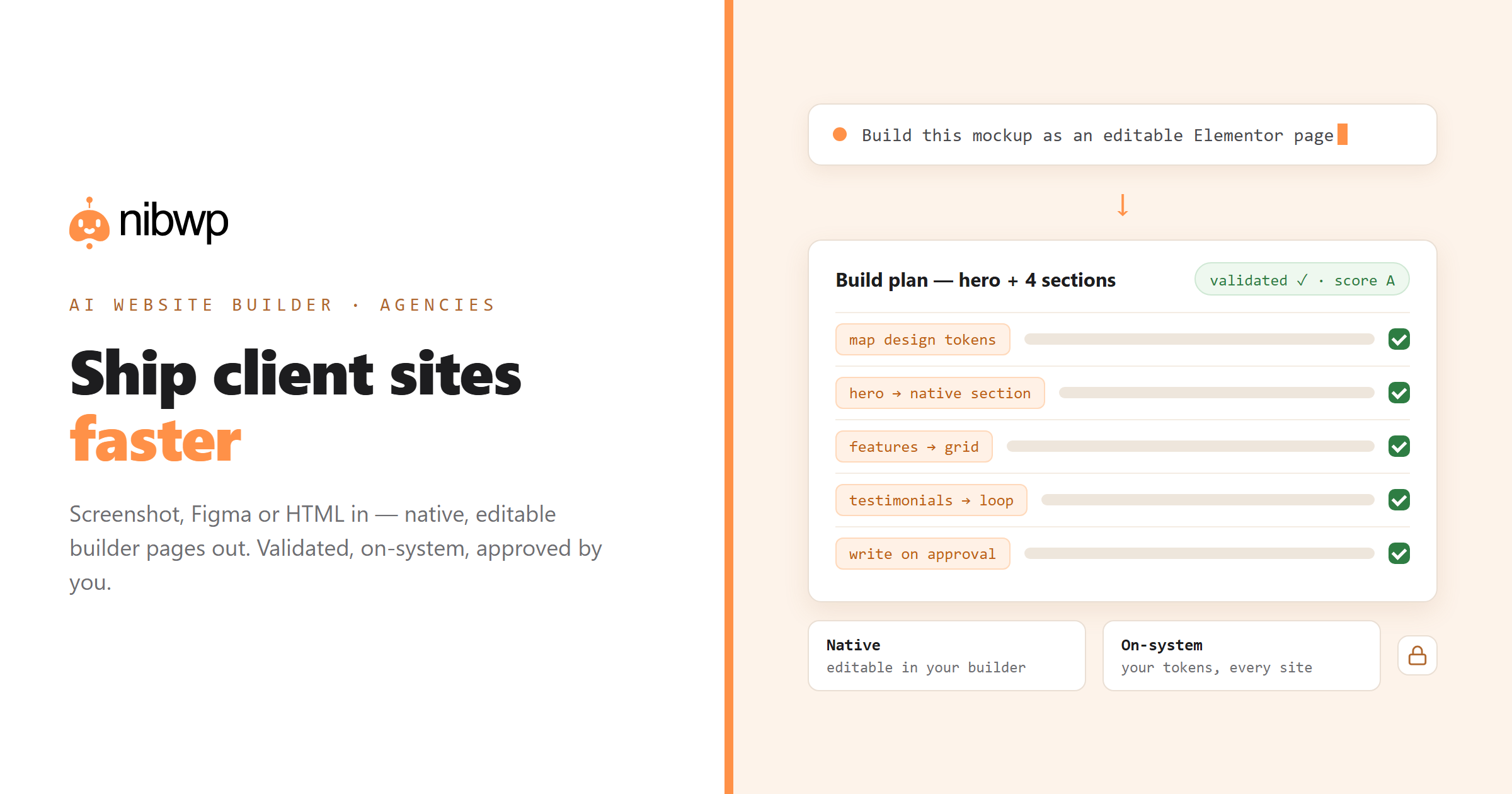
NibWP connects directly to your Figma designs. Choose any frame and convert it into a fully editable WordPress page built with your preferred page builder. Typography, colors and structure are preserved, while your original Figma project stays untouched.
Why it matters
Instead of rebuilding designs from scratch, your team can focus on refinement rather than recreation — and that saves time on every project.
Skills keep getting smarter
The problem
Most AI website generators produce generic HTML. That’s fine until someone opens the page inside Elementor, Kadence, Builderius or another builder and discovers it isn’t actually built the native way. Developers then spend more time fixing the output than they’d have spent creating it themselves.
Our solution
Skills teach NibWP how to work exactly like the builder or plugin you’re already using. This month we expanded support across three more:
Elementor
Turn an image, a page or a brief into a genuine, editable Elementor page — built from Elementor’s own elements.
Elementor →Kadence
The same, in real Kadence Blocks — saved as a page, a template or a reusable pattern.
Kadence →Builderius
A first-class connection that reads and builds your Builderius templates the way Builderius expects.
Builderius →Instead of exporting generic markup, NibWP creates native components your team already understands.
Why it matters
The best AI output doesn’t replace your workflow — it becomes part of it.
Better integrations
Good AI depends on understanding the project it’s working on. That’s why several existing integrations became noticeably smarter during July.
Etch
Instead of generating pages in isolation, NibWP now understands your site’s dynamic content, variables and design system before creating anything new. The result feels much more like something your own team built.
Automatic.css (ACSS)
Previously, some design changes needed extra rebuilding or a manual re-save. Now updates happen immediately using ACSS’s own workflow, making experimentation much faster.
Better connection diagnostics
Few things are more frustrating than an error message that simply says:
“Connection failed.”
NibWP now explains what actually went wrong and, more importantly, how to fix it. Less guessing, more building.
Improvements across the platform
Not every improvement deserves a headline, but together they make a real difference. Throughout July we also delivered:
- performance improvements
- faster workflows
- better error handling
- interface refinements
- stability improvements
- bug fixes
- developer enhancements
Every release focused on making NibWP faster, more predictable and easier to rely on.
Coming next
Several major features are already complete and will begin rolling out soon.
Agent View
Today’s AI assistants disappear behind a loading spinner — you ask, you wait, you hope. Agent View changes that: watch the assistant work directly inside your website, see every action as it happens, and step in whenever you want. Transparency builds confidence.
Secure Sign-in
Connecting AI to WordPress shouldn’t mean sharing passwords. Secure Sign-in replaces that with a permission-based approval flow: each assistant gets only the access you approve, every connection is managed independently, and permissions can be revoked at any time.
Status
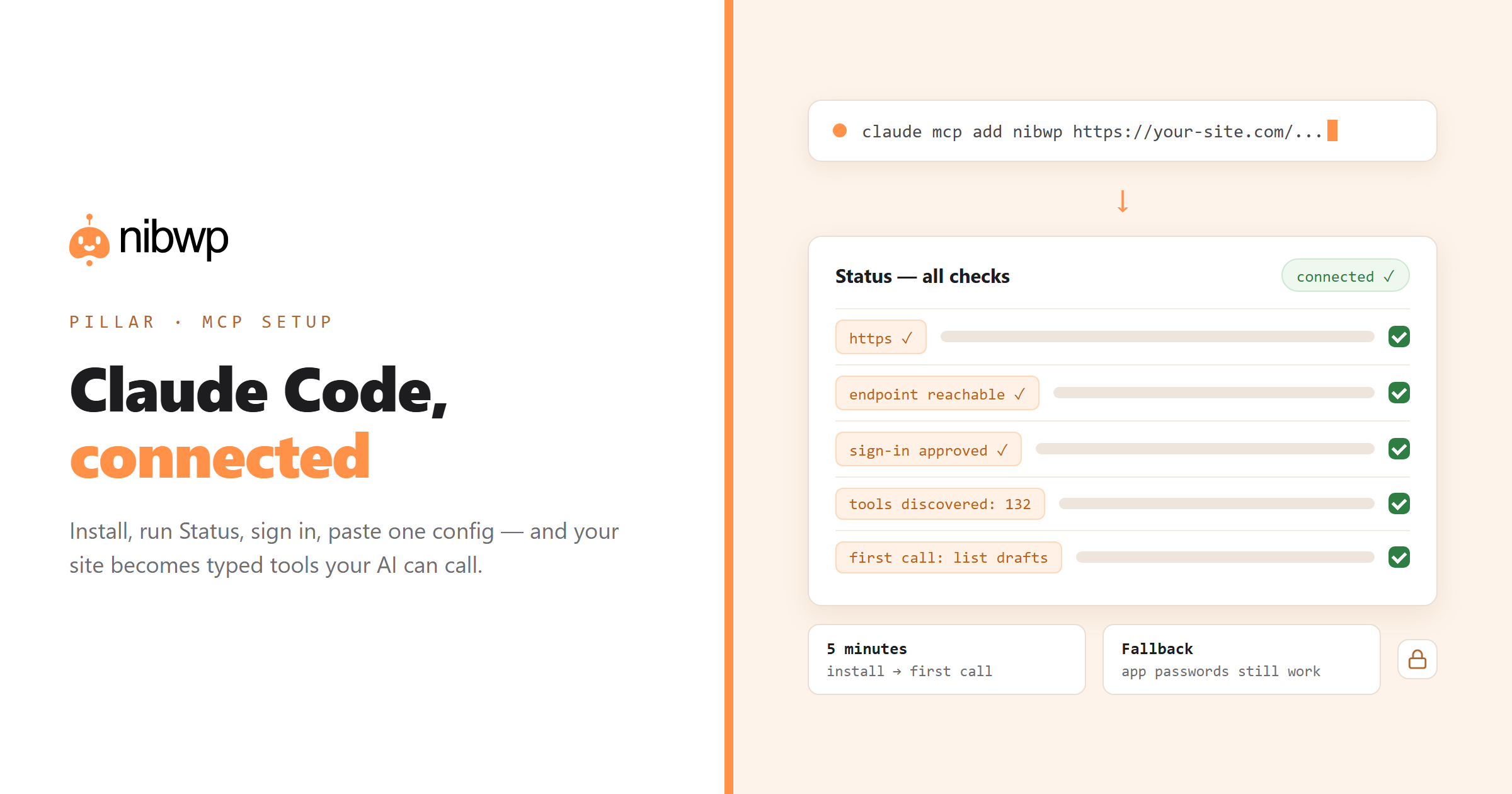
When something doesn’t connect, the hardest part is discovering why. Status runs the diagnostic checks automatically, identifies the real issue and explains exactly what needs fixing — no more hunting through documentation.
User Access
Agencies love NibWP — but their clients don’t need to know it’s there. User Access lets you hide NibWP from a client’s dashboard entirely, or pare it back to just the screens they use, so they see a clean interface instead of a tool they didn’t buy. It’s how you run NibWP quietly in the background of every client site.
Where NibWP is heading
Every feature we build follows the same philosophy. AI shouldn’t replace WordPress — it should understand it. Your builder. Your plugins. Your design system. Your workflow. And most importantly, it should always explain what it’s doing before making changes.
That’s the future we’re building toward: an AI workspace that feels like another member of your team, not another tool sitting beside it.
Thank you to everyone who tested, reported bugs, requested integrations and challenged us to make NibWP better. We’ll see you in the next release.
Install NibWP free · See the features · Read the full changelog →