GeneratePress + MCP: let AI configure your theme, colours, type and Elements
Connect GeneratePress to Claude, Cursor or ChatGPT through NibWP's MCP server. The AI reads your Customizer settings, Global Colors, typography and spacing, and GP Premium Elements with their display conditions — then changes them by description instead of by clicking through panels.
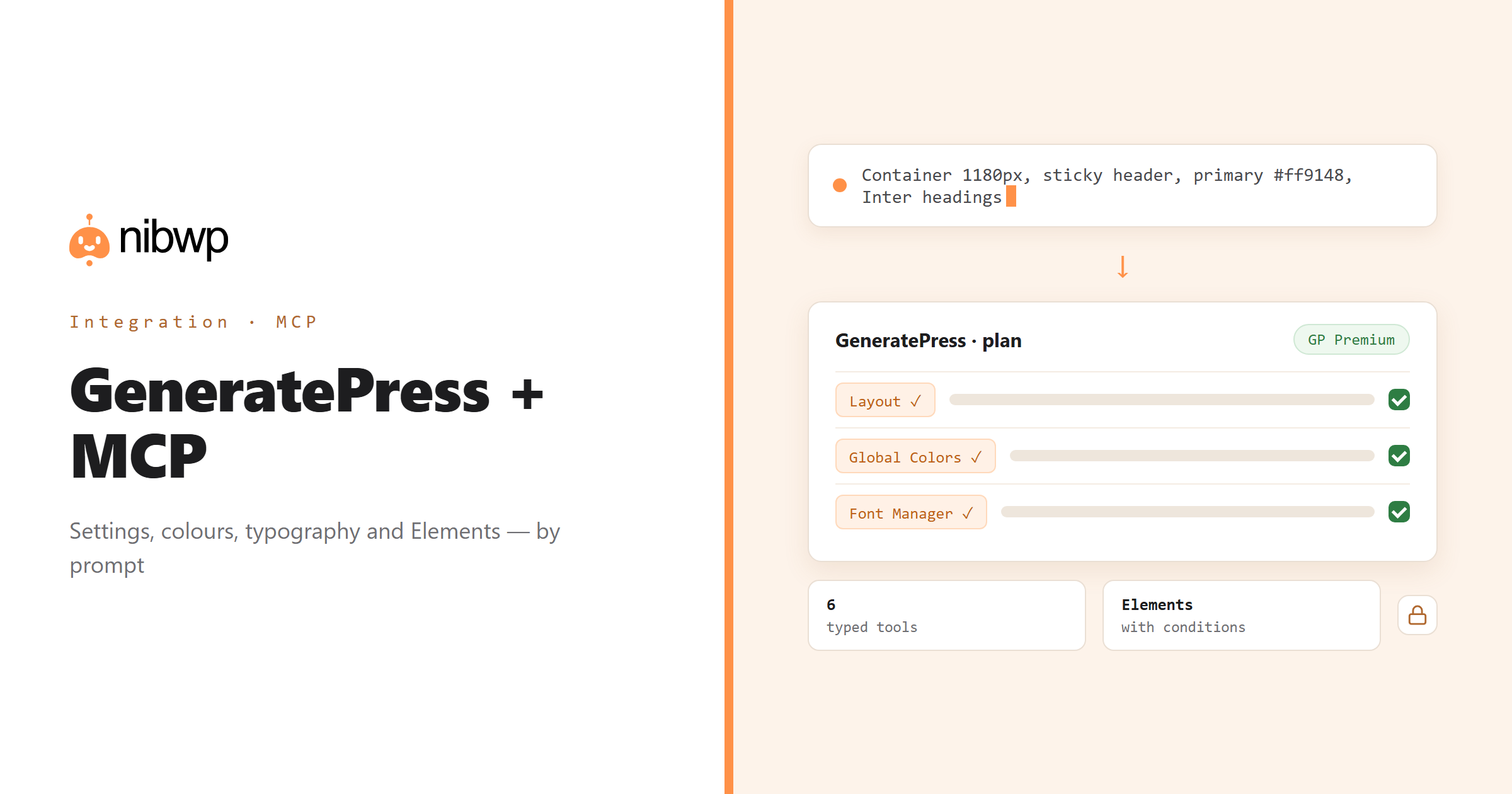
GeneratePress is lean on purpose, which means its power lives in configuration: layout and container widths, header and navigation, Global Colors, the Font Manager, spacing, and — with GP Premium — Elements that hook content, headers and layouts into the right places. That is a lot of Customizer. NibWP turns it into typed tools an agent can read and write.
So setting up a new client site becomes a conversation: the palette from the brand guide, two fonts and a type scale, container width, a sticky header, and a hook Element for the announcement bar — planned, approved, applied. Existing sites get audits: what is set, what is default, and where the brand drifted.
GeneratePress is one of the 45+ integrations inside NibWP's WordPress MCP server — 6 typed GeneratePress tools on top of 190+ WordPress tools. The full tool reference lives on the GeneratePress integration page; this page is about what those tools let you do.
What AI can do in GeneratePress
Layout and header
Container width, sidebars, header layout, navigation and branding — read and set as settings, not screenshots.
Global Colors
Read the palette, add or rename colours, and apply them where the theme expects them.
Typography
Font Manager entries and dynamic typography rules: fonts, sizes, weights and line heights per element.
Spacing
Padding and margins across the theme — content, header, widgets — changed consistently in one pass.
GP Premium Elements
Hooks, headers and layouts with display conditions: create them, assign them, and check what shows where.
Audit a site
See what is customised versus default, find colours outside the palette, and spot Elements with no conditions.
The GeneratePress tools NibWP exposes
Every GeneratePress capability is a typed MCP tool with a schema the AI client can read, so it calls the right thing with the right arguments instead of guessing at your database. Read tools are free to explore; write tools go through the approval flow.
nibwp/generatepress-info— Detect GeneratePress + Premium, modules, Global Colors and hook locations.nibwp/generatepress-settings— Read and write layout, header, navigation, structure and branding.nibwp/generatepress-colors— Manage colors and the Global Colors palette.nibwp/generatepress-typography— Font Manager and dynamic typography rules.nibwp/generatepress-spacing— Padding and margins across the theme.nibwp/generatepress-elements— GP Premium Elements — hooks, headers, layouts with display conditions.
Example prompts
Plain English is the interface. These are the kinds of requests agencies run against GeneratePress every day:
- “Set up the site: container 1180px, sticky header, primary #ff9148, headings in Inter 700 and body in Inter 400.”
- “Add a hook Element that shows an announcement bar above the header on every page except checkout.”
- “List every Global Color and where the current primary is used.”
- “Increase content padding on mobile to 20px and keep desktop as is.”
- “Which Premium Elements have no display conditions?”
How it works with GeneratePress
There is no new dashboard to learn. You describe an outcome, NibWP plans it, and you approve before anything is written.
- Connect — install NibWP, connect Claude, Cursor, ChatGPT or any MCP client. GeneratePress is detected automatically and its tools appear in the client.
- Describe — describe the setup or change — colours, fonts, layout, an Element — or ask for an audit. NibWP detects GP and GP Premium, reads current settings and hook locations first.
- Approve — NibWP shows the plan: which records it will create or change, and what will stay untouched. Nothing happens until you say yes.
- Done — it writes real GeneratePress data through the plugin's own APIs and reports back in plain English, with every change in the audit log.
Why not just a generic AI?
A general-purpose assistant can write text about GeneratePress; it cannot safely operate it. The difference is structure, context and control.
A generic assistant
- Tells you which Customizer panel to open
- Does not know your Global Colors, fonts or Elements
- Cannot create an Element or set a display condition
GeneratePress + NibWP
- Reads and writes GP settings through the theme's own option layer
- Uses your Global Colors and Font Manager entries
- Creates Premium Elements with the right hooks and conditions
Safe by default
NibWP is built for agencies running client sites, so control and traceability come first:
- Nothing is written without your approval — you see the plan first, and you can run in draft mode.
- Every action is recorded in a full audit trail, per site and per user.
- It runs on GeneratePress's own functions and APIs — your data stays on your server, nothing is copied to a third-party service.
- Elements — the only thing that can inject content — are the one destructive-capable tool, flagged as such; settings changes are logged with their previous values.
Related integrations
Most sites pair GeneratePress with other plugins NibWP already speaks: Kadence + MCP, Automatic.css + MCP, Divi + MCP, Elementor + MCP, ACF + MCP, WordPress + MCP. All of them ship in the same plugin — see pricing for what each plan includes.
Questions, answered
Everything about running GeneratePress with NibWP.
Does it need GeneratePress installed?
Does it need GP Premium?
Can it change my fonts?
Will it overwrite my customisations?
Do I need a Pro Skill?
Configure GeneratePress by describing it.
Get the Bundle and let NibWP set up and audit GeneratePress sites — colours, type, layout and Elements, with an approval step.