Divi + MCP: let AI run Divi pages, the Library and Theme Builder
Connect Divi to Claude, Cursor or ChatGPT through NibWP's MCP server. The AI reads which Divi you run — theme or Builder, D4 shortcodes or D5 — then edits page content, Theme Options, Global Colors, Library layouts, Theme Builder templates, presets and roles through Divi's own layer.
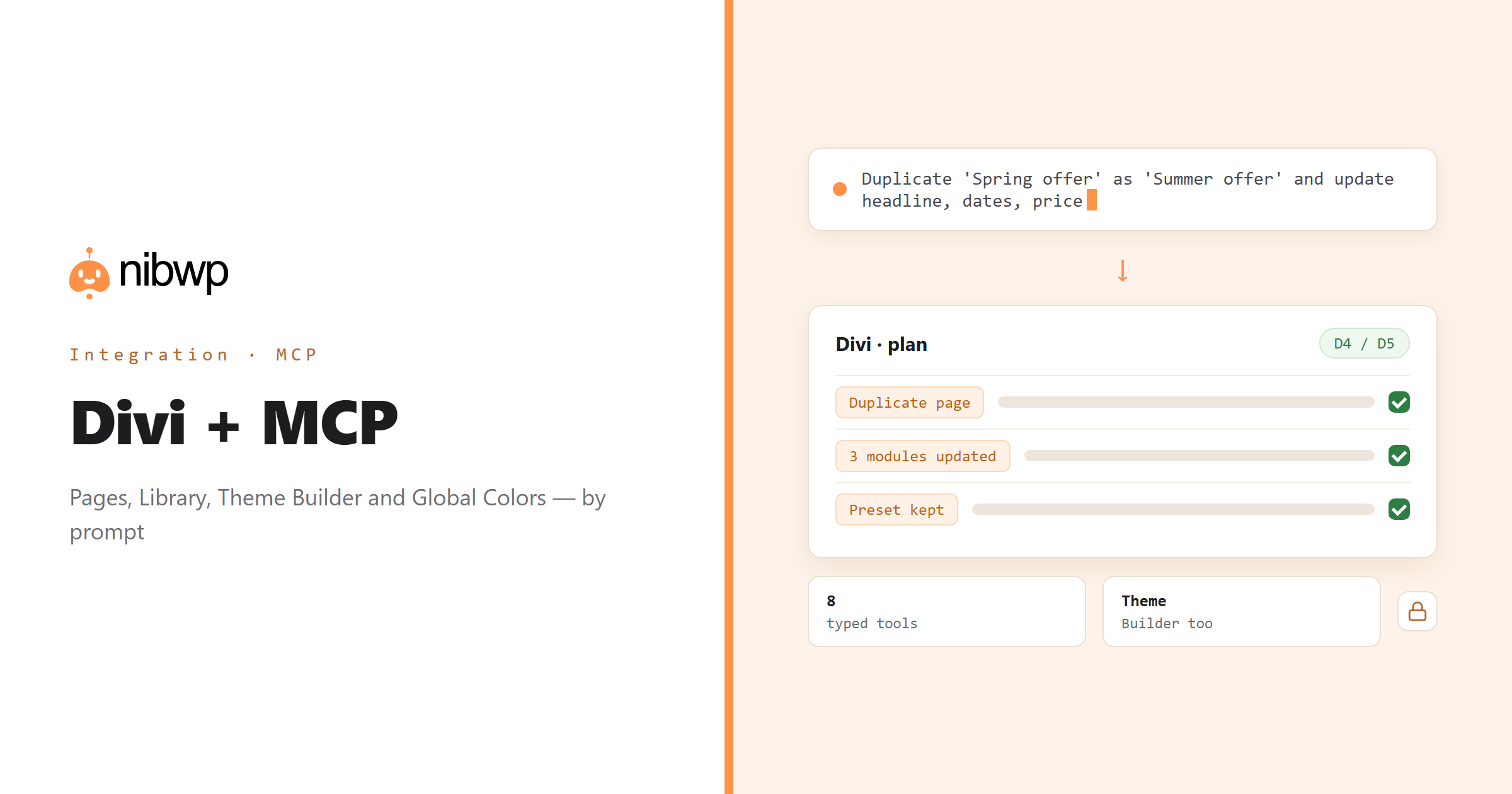
Divi sites accumulate: hundreds of pages of builder content, a Library of saved layouts, Theme Builder headers and footers, global colours and presets, ePanel options nobody has opened in a year. Every change is a screen. NibWP gives an AI agent typed access to all of it, and detects first whether the site runs Divi 4's shortcode engine or Divi 5, so it writes what your version actually reads.
That makes the slow jobs fast: duplicate a landing page and swap the offer, set a new Global Color and re-point the presets, assign a Theme Builder template to a new post type, tighten what Editors can touch in the Role Editor. Content writes are flagged as the bigger change they are and go through approval.
Divi is one of the 45+ integrations inside NibWP's WordPress MCP server — 8 typed Divi tools on top of 190+ WordPress tools. The full tool reference lives on the Divi integration page; this page is about what those tools let you do.
What AI can do in Divi
Builder content, per post
Get, set, enable and duplicate Divi content on any post or page — D4 or D5, detected automatically.
Global Colors
Read the palette, add a colour, re-point modules and presets — one change, site-wide.
The Library
Saved layouts with categories: find, create and reuse sections instead of rebuilding them.
Theme Builder
Headers, bodies and footers: create templates and assign them to the right post types and archives.
Theme Options and presets
ePanel and Builder options plus global module presets — set them by description, not by hunting.
Role Editor
Decide what Editors and Authors can change in the builder, and apply it in one pass.
The Divi tools NibWP exposes
Every Divi capability is a typed MCP tool with a schema the AI client can read, so it calls the right thing with the right arguments instead of guessing at your database. Read tools are free to explore; write tools go through the approval flow.
nibwp/divi-info— Detect Divi/Extra, version, content engine (D4/D5) and support.nibwp/divi-content— Per-post builder content — get, set, enable, duplicate.nibwp/divi-theme-options— ePanel and Builder options via the Divi option layer.nibwp/divi-colors— The Global Colors palette.nibwp/divi-library— Saved layouts (et_pb_layout) with categories.nibwp/divi-theme-builder— Header, body and footer layouts and templates.nibwp/divi-presets— Global module presets.nibwp/divi-roles— The Divi Role Editor.
Example prompts
Plain English is the interface. These are the kinds of requests agencies run against Divi every day:
- “Duplicate the 'Spring offer' landing page as 'Summer offer' and update the headline, dates and price.”
- “Add a Global Color 'Brand Orange' #ff9148 and switch the primary button preset to it.”
- “Create a Theme Builder footer template and assign it to all posts and the blog archive.”
- “Which Library layouts are not used on any page?”
- “Restrict the Editor role so they cannot change Theme Builder templates.”
How it works with Divi
There is no new dashboard to learn. You describe an outcome, NibWP plans it, and you approve before anything is written.
- Connect — install NibWP, connect Claude, Cursor, ChatGPT or any MCP client. Divi is detected automatically and its tools appear in the client.
- Describe — tell it the page, colour, layout or template you want changed, or hand it a reference page to copy. NibWP detects Divi/Extra, version and engine first, then reads what exists.
- Approve — NibWP shows the plan: which records it will create or change, and what will stay untouched. Nothing happens until you say yes.
- Done — it writes real Divi data through the plugin's own APIs and reports back in plain English, with every change in the audit log.
Why not just a generic AI?
A general-purpose assistant can write text about Divi; it cannot safely operate it. The difference is structure, context and control.
A generic assistant
- Pastes shortcodes or blocks from the wrong Divi version
- Does not know your Global Colors, presets or Library layouts
- Cannot reach Theme Builder or Theme Options at all
Divi + NibWP
- Detects D4 vs D5 and writes through Divi's own content layer
- Reads colours, presets and layouts before writing, so changes match the site
- Covers content, Library, Theme Builder, options, presets and roles
Safe by default
NibWP is built for agencies running client sites, so control and traceability come first:
- Nothing is written without your approval — you see the plan first, and you can run in draft mode.
- Every action is recorded in a full audit trail, per site and per user.
- It runs on Divi's own functions and APIs — your data stays on your server, nothing is copied to a third-party service.
- Content, Library, Theme Builder and preset writes are flagged as the heavier changes they are and always go through the approval plan; duplicates are created, never overwritten.
Related integrations
Most sites pair Divi with other plugins NibWP already speaks: Elementor + MCP, Breakdance + MCP, Kadence + MCP, GeneratePress + MCP, ACF + MCP, Automatic.css + MCP. All of them ship in the same plugin — see pricing for what each plan includes.
Questions, answered
Everything about running Divi with NibWP.
Does it need Divi installed?
Does it work with Divi 5?
Can it edit page content, not just settings?
Will it mess up my Global Colors or presets?
Do I need a Pro Skill?
Run Divi by describing it.
Get the Bundle and let NibWP operate Divi for you — content, Library, Theme Builder, colours and roles, safely and with an audit trail.