How to run WordPress maintenance plans on autopilot for client sites
A WordPress maintenance plan for agencies is supposed to be the easy money: predictable retainer in, a monthly checklist out. In practice the checklist is where the margin dies — someone senior spends billable hours clicking through updates, crawling for broken links, running the same audits and writing the same report, on every client site, every month.
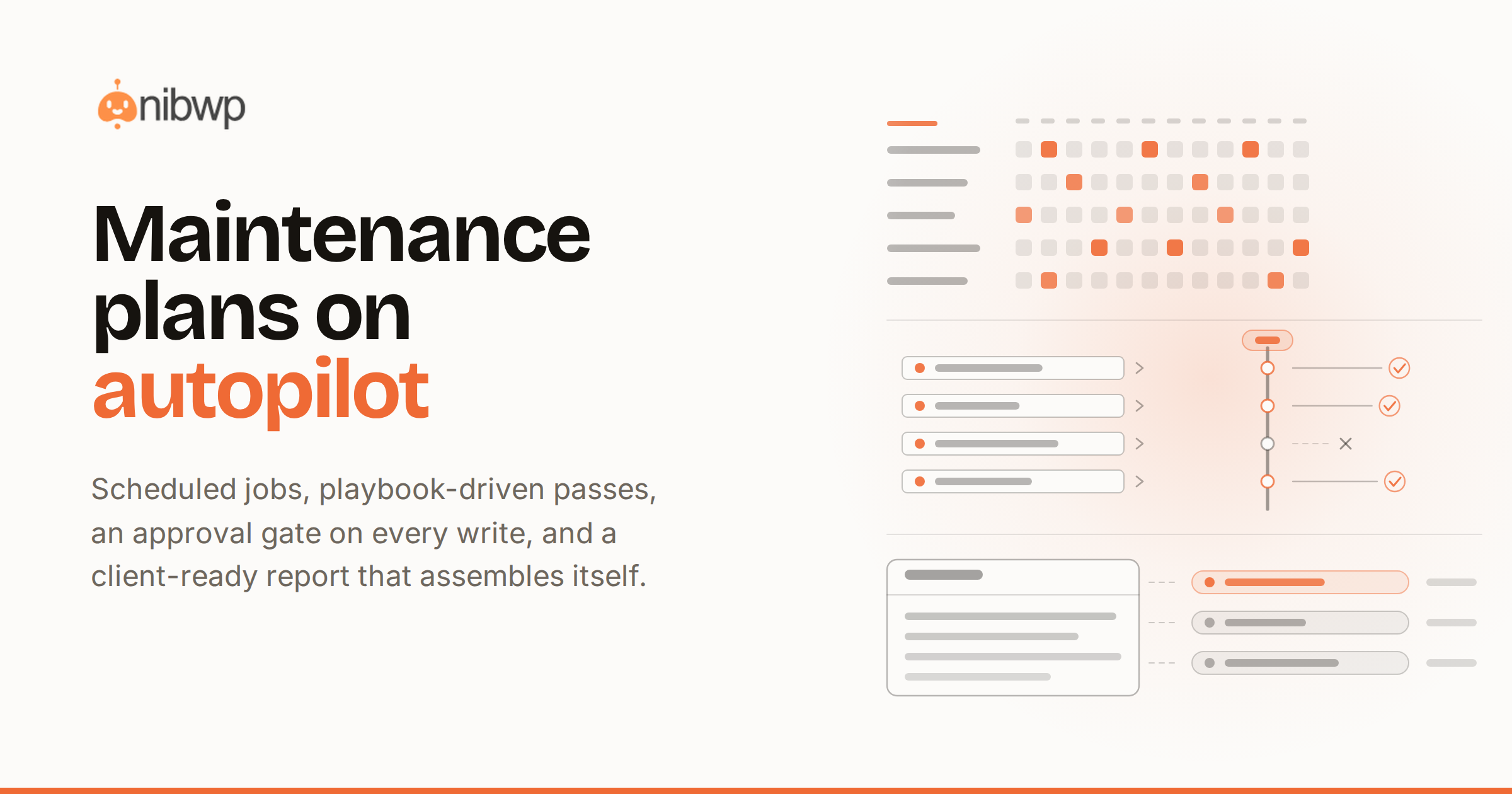
This guide shows how to put that checklist on autopilot: scheduled jobs that run the routine work and ask before they change anything, playbook-driven runs that make every site get the exact same treatment, and a client-ready report generated at the end — so the plan stays profitable at ten clients and at fifty.
Seven walkthroughs below cover the full monthly cycle: the core maintenance jobs, the safe update pass, the SEO health check, performance tuning, content cleanup, the report you send the client, and rolling the whole system across your portfolio.
Where care-plan margin actually goes
Most maintenance plans are priced on the assumption that the monthly work takes an hour or two per site. Then reality arrives:
- The checklist is manual. Updates, link checks, security scans, database cleanup — each one is a login, a wait, and a judgment call, multiplied by every site on the roster.
- The process lives in one person's head. When the person who knows the routine is on holiday, the routine doesn't happen — or happens differently.
- The report takes as long as the work. Clients don't renew for the work they can't see. Writing up what was done, per site, per month, is its own unbilled afternoon.
- Fear adds overhead. Nobody wants to be the one who broke a client's live site, so every change gets double-checked by hand — which is exactly the time the retainer was supposed to save.
Automation only fixes this if it clears two bars at once: it has to do the routine work without babysitting, and it has to be safe enough to point at a live client site. That second bar is why generic AI assistants haven't already eaten this job — an agent that might improvise on a production site is a liability, not a hire.
The WordPress maintenance plan for agencies, on autopilot
NibWP turns the maintenance cycle into three governed layers on the client's own WordPress install. Jobs run the recurring routine from wp-admin: pick an outcome, and NibWP plans it, asks before anything changes the site, and reports back in plain English — with a live timeline, an approvals inbox, run-now or schedule, pause and delete. Workflows put the bigger passes on rails: 18 default playbooks across 9 categories, each a mandatory procedure your AI must follow — principles, ordered steps, hard rules, validation, and a structured report at the end. Typed abilities are what the agent actually calls under both: 132 typed MCP tools that read and write through WordPress core and your plugins' own APIs, never by improvising against the database.
The division of labor is simple: Jobs handle the drumbeat (weekly scans, update checks, cleanup), Workflows handle the monthly and quarterly passes (SEO audit, performance tune, content cleanup, the client report), and every write in either lane stops for your approval and lands in the audit log.
What you need before you start
- The NibWP plugin on each client site — the Jobs below run with WordPress core only, no extra stack
- For the playbook passes: an AI client (Claude, Cursor or ChatGPT) connected over MCP — the five-minute MCP setup guide covers it
- The default playbook library, seeded the moment you connect — the maintenance category ships with Safe changes, Site audit report, Pre-launch checklist and Performance tune
- A list of what your care plan tiers actually promise, so you can map each promise to a job or a playbook
Walkthrough 1: Schedule the four core maintenance jobs
Start in wp-admin on any client site. Four jobs run for real using WordPress core only — no external services, nothing leaving the site:
- Broken-link crawl. Crawls the site's content for dead internal and outbound links and lists every hit with its location — the single most common thing clients notice before you do.
- Security scan. Checks the install for the core hygiene items a monthly plan promises — and gives you a finding list you can act on, not a green badge.
- Pending updates. Collects what's waiting — core, plugins, themes — so the update decision happens once, in one place, instead of login by login.
- Safe database cleanup. Identifies revisions, transients and orphaned data, and cleans them up only with your approval.
Set each one to a schedule that matches the plan tier — weekly link crawl, daily update check, monthly cleanup. Every job runs on its own, queues anything that would change the site into the approvals inbox, and writes a plain-English report when it finishes. You check the inbox with your coffee; the site never changes without a yes.
For the link-rot piece specifically, the deep-dive is finding broken links across every client site at once.
Walkthrough 2: Run the monthly update pass with the Safe-changes playbook
Updates are where autopilot usually loses agency trust, so this pass runs on rails:
- Ask your connected AI client for the monthly update pass on the site. The Safe-changes playbook auto-routes — it's the procedure for touching a live site, and the agent must follow it.
- The playbook's process runs in order: review what the pending-updates job collected, check compatibility signals, and plan the batch — riskiest last.
- Every actual update is proposed, not performed: the plan lands in front of you with what will change and why.
- Approve, and the batch runs through WordPress core APIs, validating as it goes — with the hard rules of the playbook (what must never be touched, what must be verified after) enforced on every step.
- The run ends with a structured report: what was updated, what was skipped and why, what to watch.
The point isn't that the agent updates plugins — anything can click an update button. It's that the same senior procedure governs the pass on every site, whether it's run by you, a junior, or a schedule.
Walkthrough 3: The monthly SEO health pass
Two playbooks from the SEO category cover the recurring promise in most care plans:
- Full SEO audit. One pass over titles, descriptions, heading structure, thin pages and index health — ending in a findings list ordered by impact, not a wall of scores.
- Fix 404s & redirects. Especially after a migration or content cleanup: the agent maps what's 404ing, proposes the redirect set, and writes it only on approval.
Run the audit monthly, the 404 pass whenever the audit or the broken-link job surfaces rot. Both end in reports a client can read — which means both are billable evidence, not just hygiene.
Walkthrough 4: The performance tune
- Trigger the Performance tune playbook on a schedule that matches the tier — quarterly is plenty for most brochure sites.
- The agent measures first: current weight, what's loading where, the obvious offenders. Rules in the playbook stop it from guessing.
- Fixes get proposed as a plan — image compression, cleanup of unused assets, database work — each with its expected effect.
- Approve what you want, skip what you don't. Every applied change is validated and logged.
Because the playbook is identical on every site, you can put a number in your care-plan copy — a quarterly performance pass — and know the deliverable is the same for every client who buys it.
Walkthrough 5: Quarterly content cleanup
The Content cleanup playbook handles the slow rot that accumulates on any site that publishes:
- The agent inventories the content: thin pages, orphaned posts nothing links to, near-duplicates, stale drafts.
- Findings arrive grouped with a proposed action per item — merge, redirect, update, or delete.
- Nothing is touched until you approve the list; deletions and redirects then run through core APIs and land in the audit log.
Pair it with the SEO audit — cleanup feeds the 404-and-redirect pass, and the combination is the difference between a site that ages and one that compounds.
Walkthrough 6: The report you actually send the client
Renewal is a reporting problem. The Site audit report playbook ends the monthly cycle by producing the deliverable:
- Run it last, after the month's jobs and passes have finished.
- It assembles what happened — updates applied, links fixed, scans run, cleanups done — from runs that actually occurred, not from a template.
- The output is written to be sent as-is: plain language, what was done, what it means, what's recommended next.
Behind the report sits the audit log: every action the agent took, on which site, when, and on whose approval. When a client asks what exactly did the AI do to my site, the answer is a record, not a reassurance — the full argument is in is AI write access to WordPress safe?.
Walkthrough 7: Roll it across every client site
One site on autopilot is a trick; a portfolio on autopilot is a business. The scaling move is standardization:
- Install NibWP on each care-plan site and schedule the same four core jobs. That's the baseline tier running everywhere, with each site's approvals in its own inbox.
- Pin your maintenance playbook where it should always govern, and let the rest auto-route — the agent loads the right procedure when the task matches its trigger.
- Customize once, not per site: a playbook is a portable file that follows your license to every site you own. Tighten your Safe-changes rules on Monday and every site runs the tighter version on Tuesday.
- Hand the routine to the team. The playbook is the training: a new hire triggering the monthly pass gets the same result as the founder, because the procedure — not the person — carries the standard.
Your own method can join the library too — capture a successful run as a new playbook and it becomes part of the system, private to one site, shared across your license, or given away.
Safe enough for client sites, by construction
Autopilot on production only works because every layer is governed:
- Approval before every write. Jobs and playbook runs both queue changes for a yes — the site never changes behind your back.
- A full audit trail. Every action is recorded: what ran, what changed, who approved it.
- WordPress core and plugin APIs only. The agent works through typed abilities, not raw database writes — and your content and site data stay on your server.
- Reads are read-only, writes are gated. Scans and audits can run freely; anything that mutates the site goes through the gate.
- Rules the agent can't ignore. A pinned playbook is injected into every request as mandatory instructions — not a suggestion the model can skip.
Pricing the plan: what goes in each tier
A simple three-tier structure maps cleanly onto the system above:
- Essential — the four core jobs. Weekly link crawl, security scan, update monitoring, monthly cleanup, monthly report. Nearly zero marginal hours per site.
- Standard — add the monthly passes. Safe-changes update pass, SEO audit, and the send-as-is report. Your time cost: reviewing approvals.
- Premium — add the quarterly work. Performance tune, content cleanup, 404-and-redirect pass, priority turnaround on approvals.
Price against what the checklist used to cost you in hours, not against what the tooling costs — the client is buying the outcome and the report, and the report now writes itself.
The bottom line
A maintenance plan is a promise to do the same careful work every month, on every site, forever — which is exactly the kind of work that should run on rails. Schedule the four core jobs, put the monthly and quarterly passes on playbooks, keep every write behind an approval, and let the report assemble itself from what actually ran.
The margin comes back because the hours go away and the standard doesn't: the same procedure on site one and site fifty, whoever runs it, with a paper trail a client can read.
See how Workflows put an agent on rails on the Workflows page, check pricing for what's in the Bundle, and if you're starting from zero, begin with connecting your AI client to WordPress over MCP. Worried about letting an agent near a live site at all? Read the safety deep-dive first.
The engine behind all of it is schedulable: see automated AI maintenance that runs while you sleep, and how to package it as a care plan clients renew.